My favorite app
Great app, easy to use. Helps our small business save time and money to create different marketing materials professionally. Thank you.
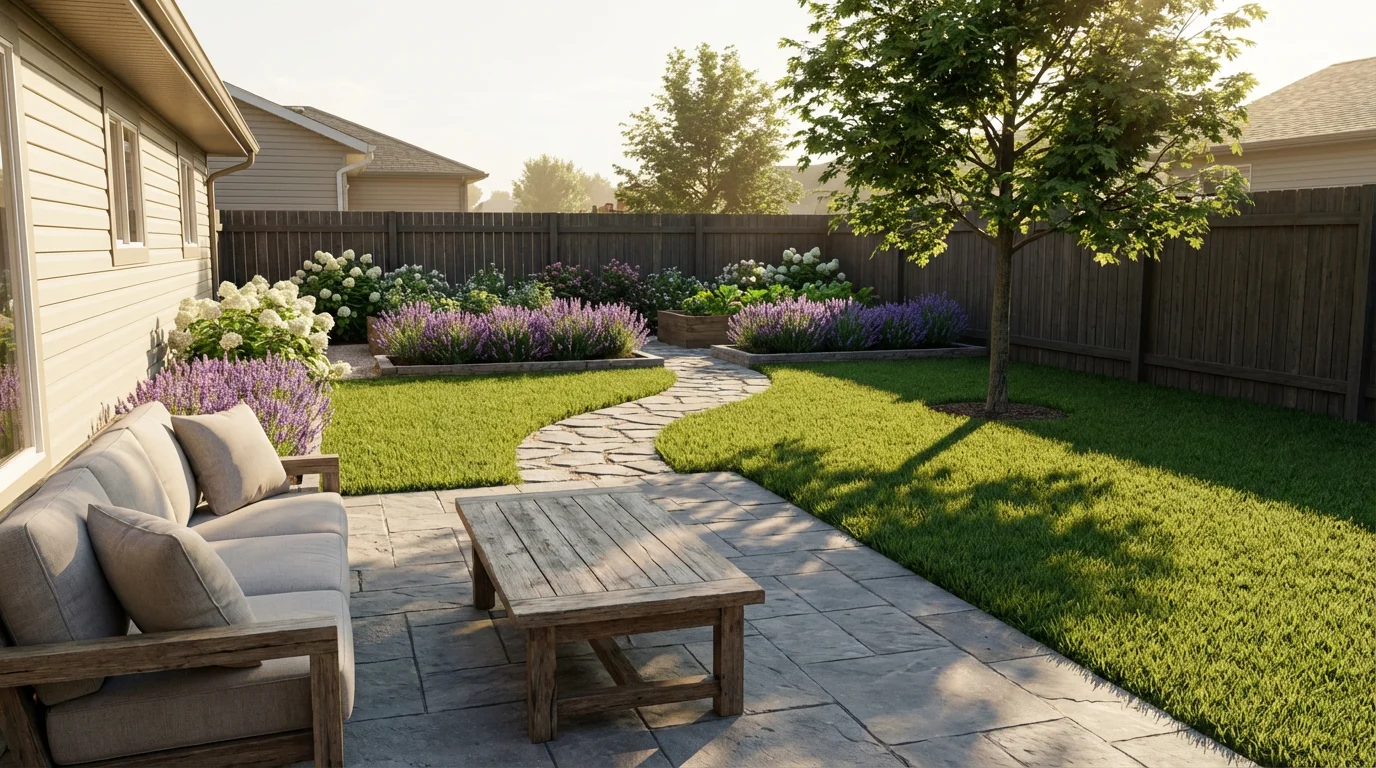
Choose a clear photo of your house. The AI will use it as the base for adding your new garden or yard design.
Describe your desired landscaping. For example: mention plants, paths, or garden features you want. More detail gives better results.
Click the generate button. Pixa’s AI will combine your description (and house photo) to create a new image of your home with the described landscape.
Your landscaped home image is ready. Download the high-resolution PNG file (watermark-free) to use in your projects or share with others.
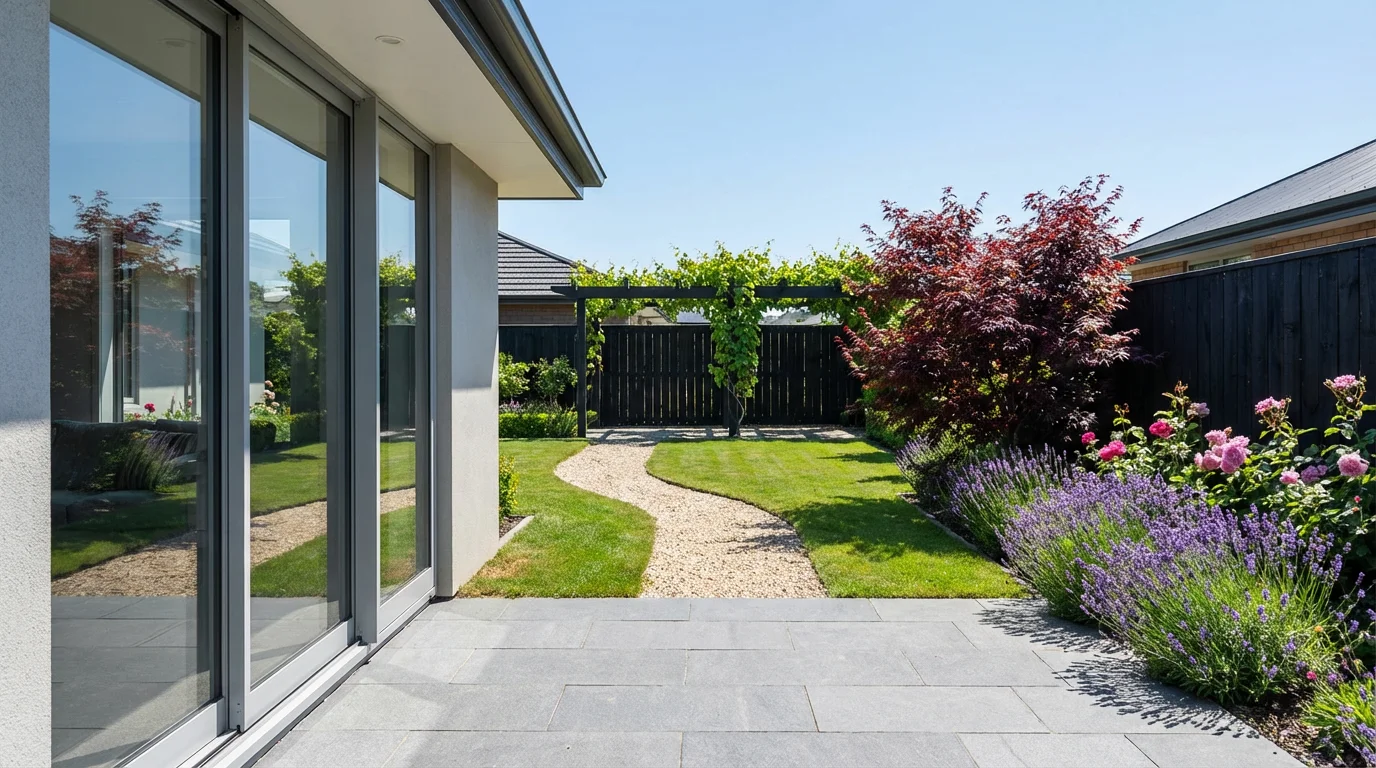
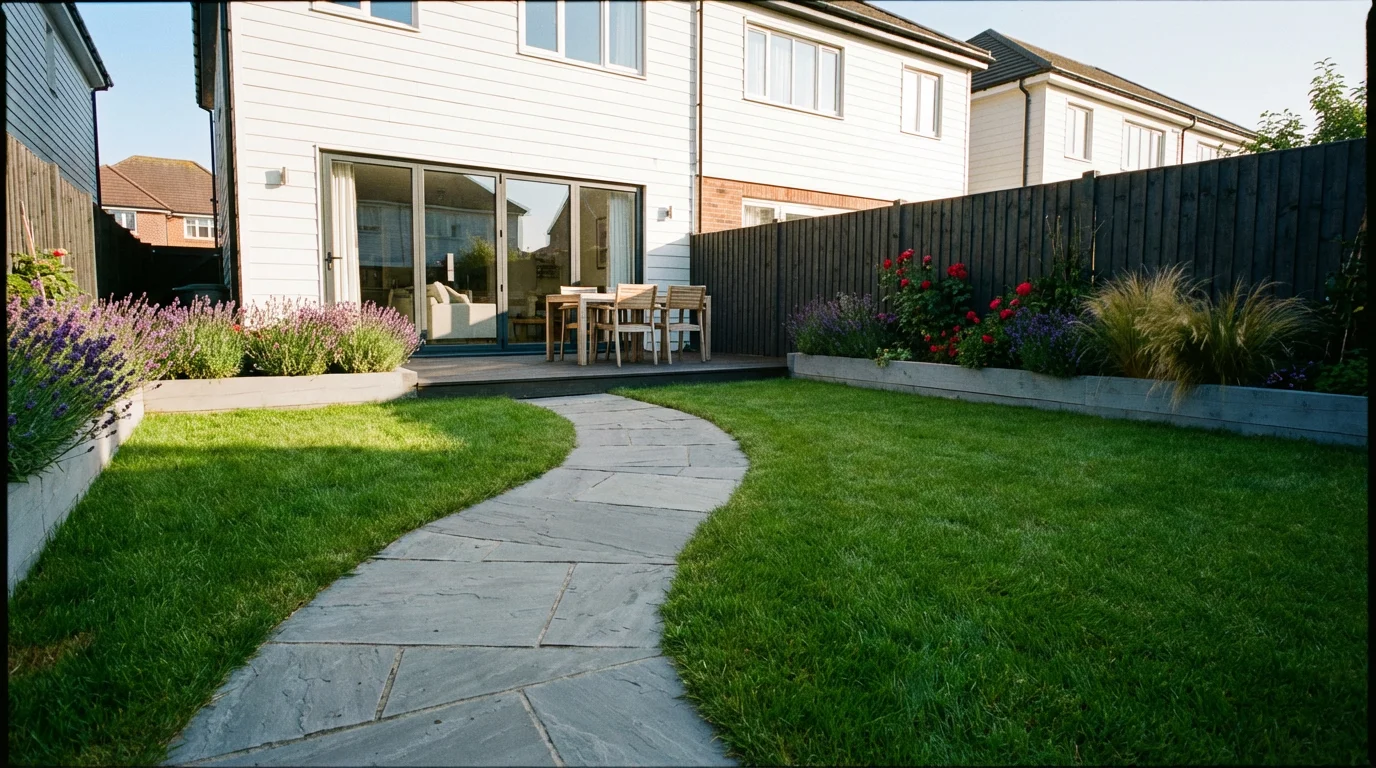
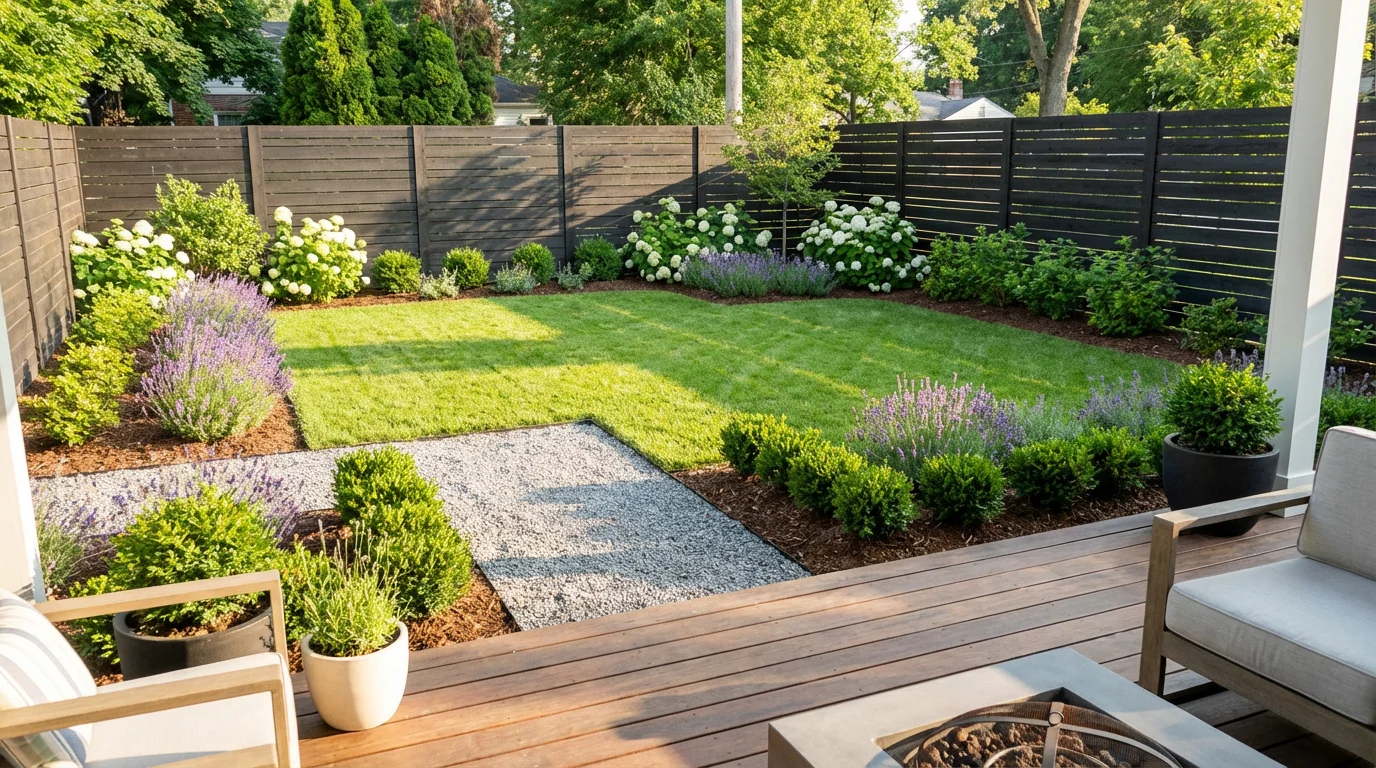
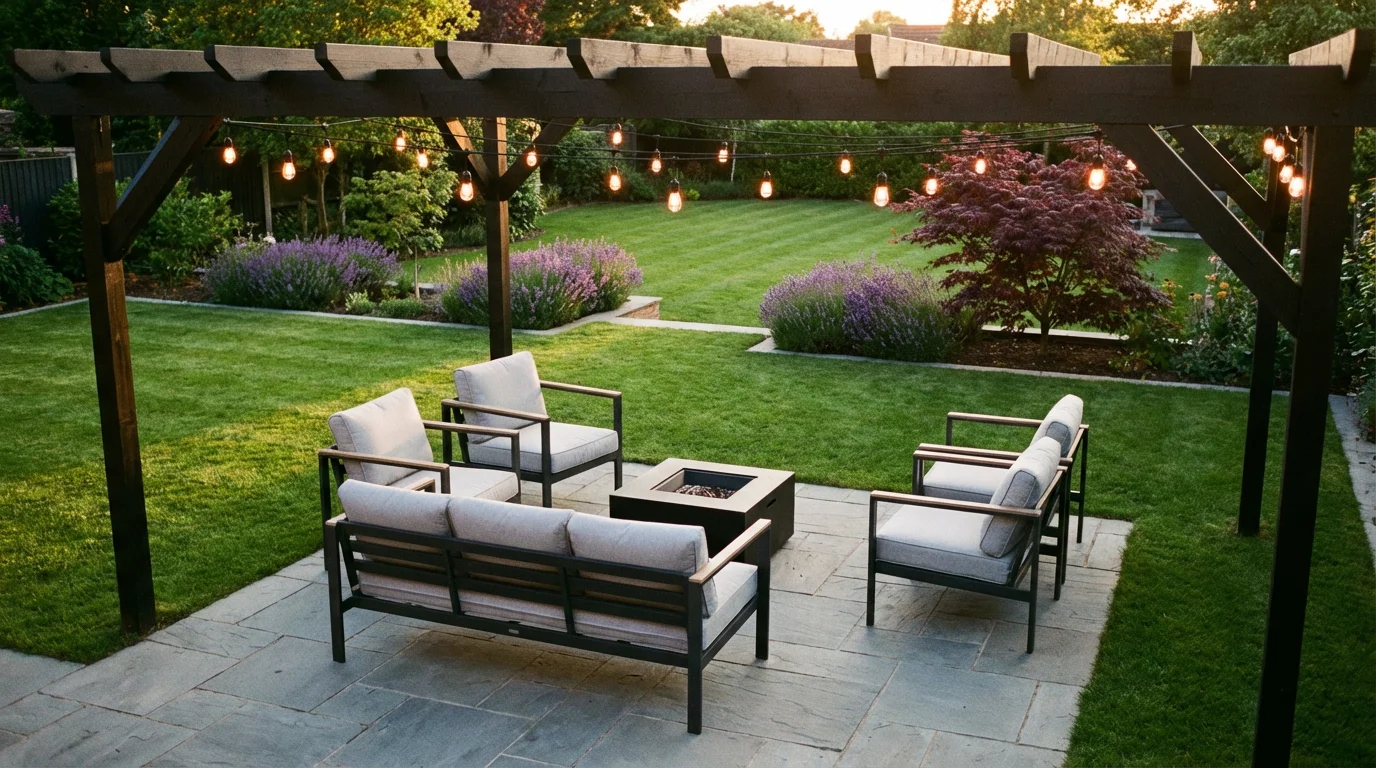
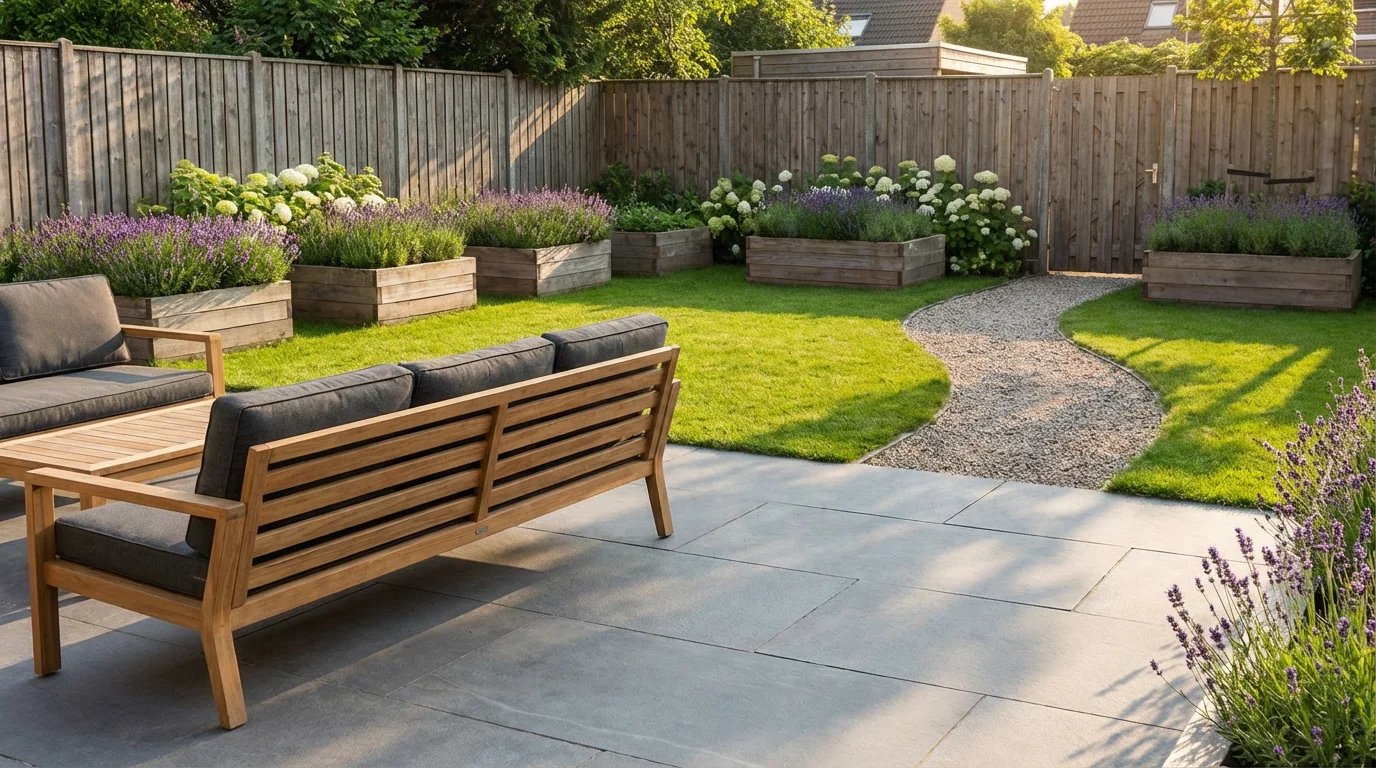
It’s an AI-powered tool that helps you plan and visualize your home’s yard or garden. You simply describe the features you want around your house (like trees, flowerbeds, or a patio), and the AI generates a custom image showing those elements. Think of it as a virtual garden planner: the AI takes your words (and an optional house photo) and turns them into a realistic yard design automatically.
Enter a detailed prompt describing your desired garden or yard layout, then click generate. Pixa’s AI will interpret your description and produce an image of your house with those features. For example, you might type "two-story house with a brick porch, rose bushes, and a stone path." If you have a house photo, upload it first so the design is applied directly to your home.
You don’t have to, but it’s recommended for best results. Uploading a clear photo of your home lets the AI design directly on your actual property. If you skip the upload, the tool will still generate a yard design around a generic house based on your description, but it may not match your home’s specific look.
Include specific elements and styles: for example, types of plants, outdoor structures (like a deck or fountain), color preferences, and any layout or theme (such as modern, tropical, or cottage style). The more detailed you are (for example "sunny backyard with lavender bushes, stone walkway, and a small pond"), the more accurately the AI can create the scene you envision.
Yes. Pixa’s AI produces high-resolution, polished images that look like real photos. Every design is downloadable as a high-quality PNG without watermarks. You can use these images anywhere—print them, share them online, or include them in contracts—without any restrictions.
Absolutely. The images you generate are free to use for any purpose, including personal and commercial projects. Feel free to use them in presentations, marketing materials, or home renovation plans without worrying about licensing.
You can download your landscaped image as a high-resolution PNG file. PNG ensures crisp detail and supports transparency, making your design easy to use for printing or editing.
Yes, you can try it for free. Pixa provides initial credits, so you can generate several designs without cost. If you use up those free generations, you may need to purchase additional credits to continue. The core feature is free to try and use.
Great app, easy to use. Helps our small business save time and money to create different marketing materials professionally. Thank you.
I need a good background remover for my work and I've been through them all it feels like. This one is the best by far. It's so easy to use and the results always look amazing. Thank you Pixa!
It's amazingly easy and gives the perfect results for my bags and accessories. It looks like it was done by a professional photographer.