My favorite app
Great app, easy to use. Helps our small business save time and money to create different marketing materials professionally. Thank you.
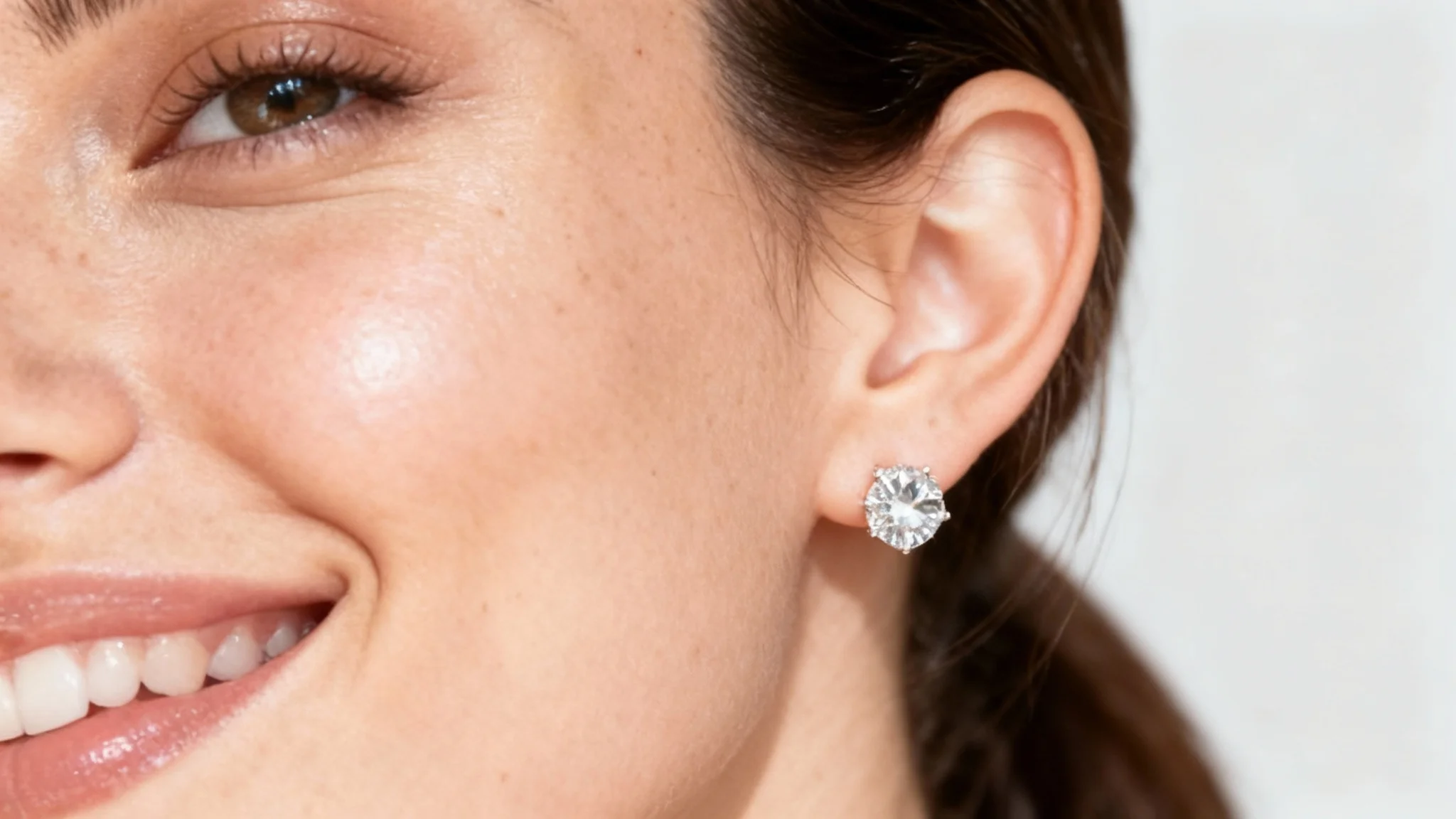
Select a clear photo of the ear you want to use (with or without existing earrings). A well-lit, focused image will give the best mockup result.
Describe the earring or jewelry design you want. Include details like material, color or style. For example: "gold hoop earrings with pearls."
Click the Generate button. Pixa’s AI will process your photo and description to create a realistic image of the ear wearing your described earring.
Once your mockup is ready, download it. The image will be a high-resolution PNG with no watermark, ready to use on websites, social media or marketing materials.
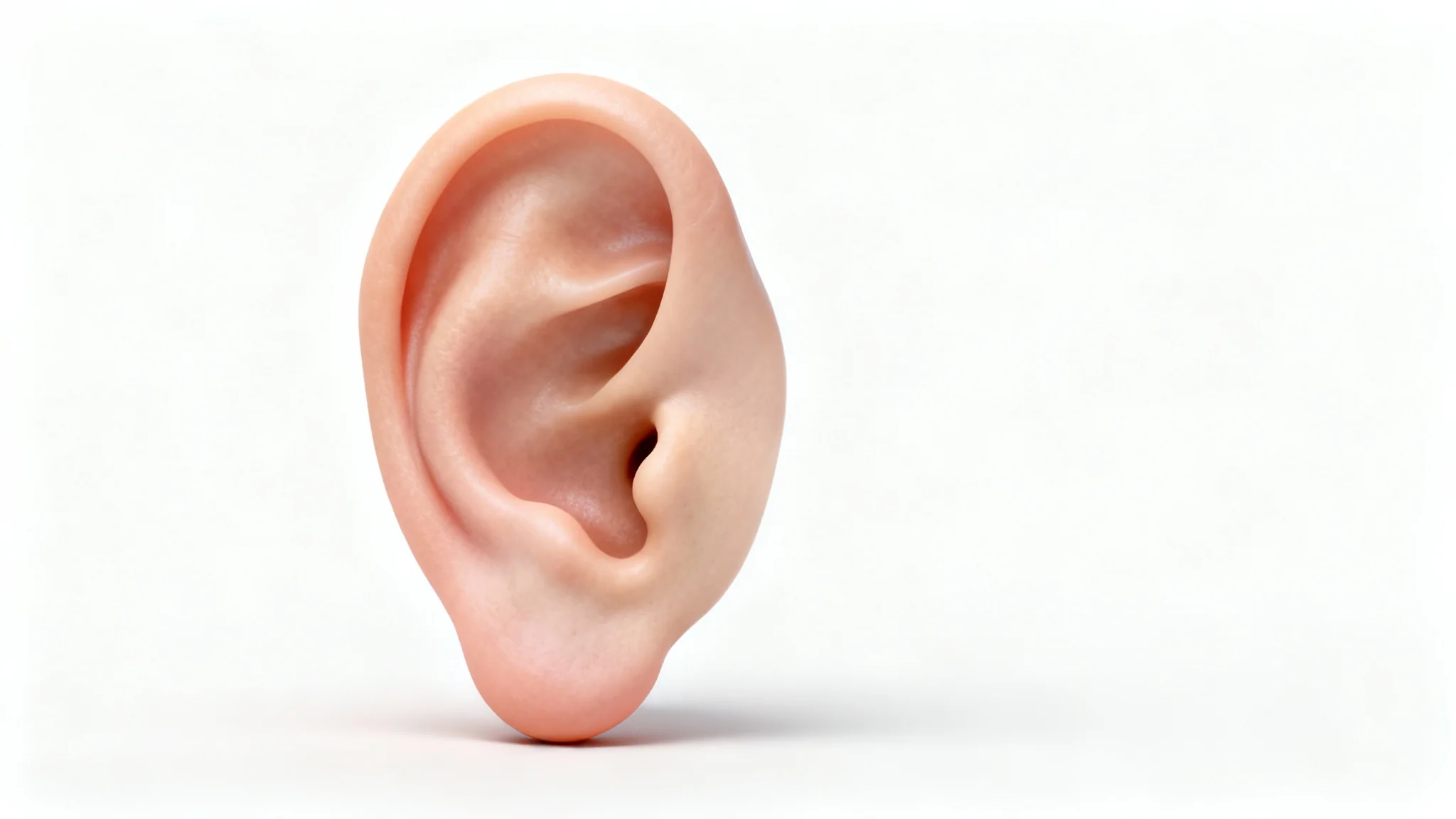
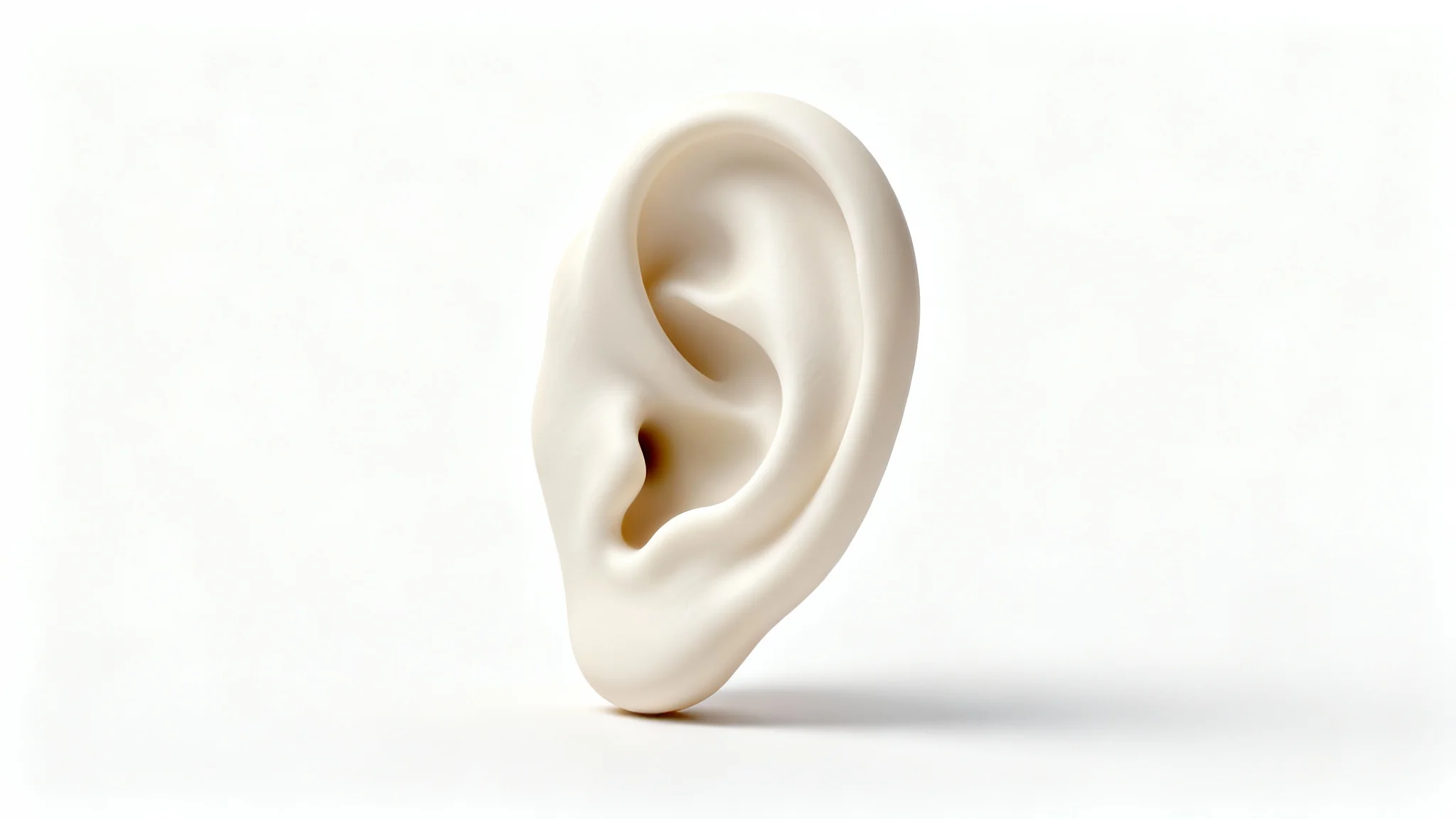
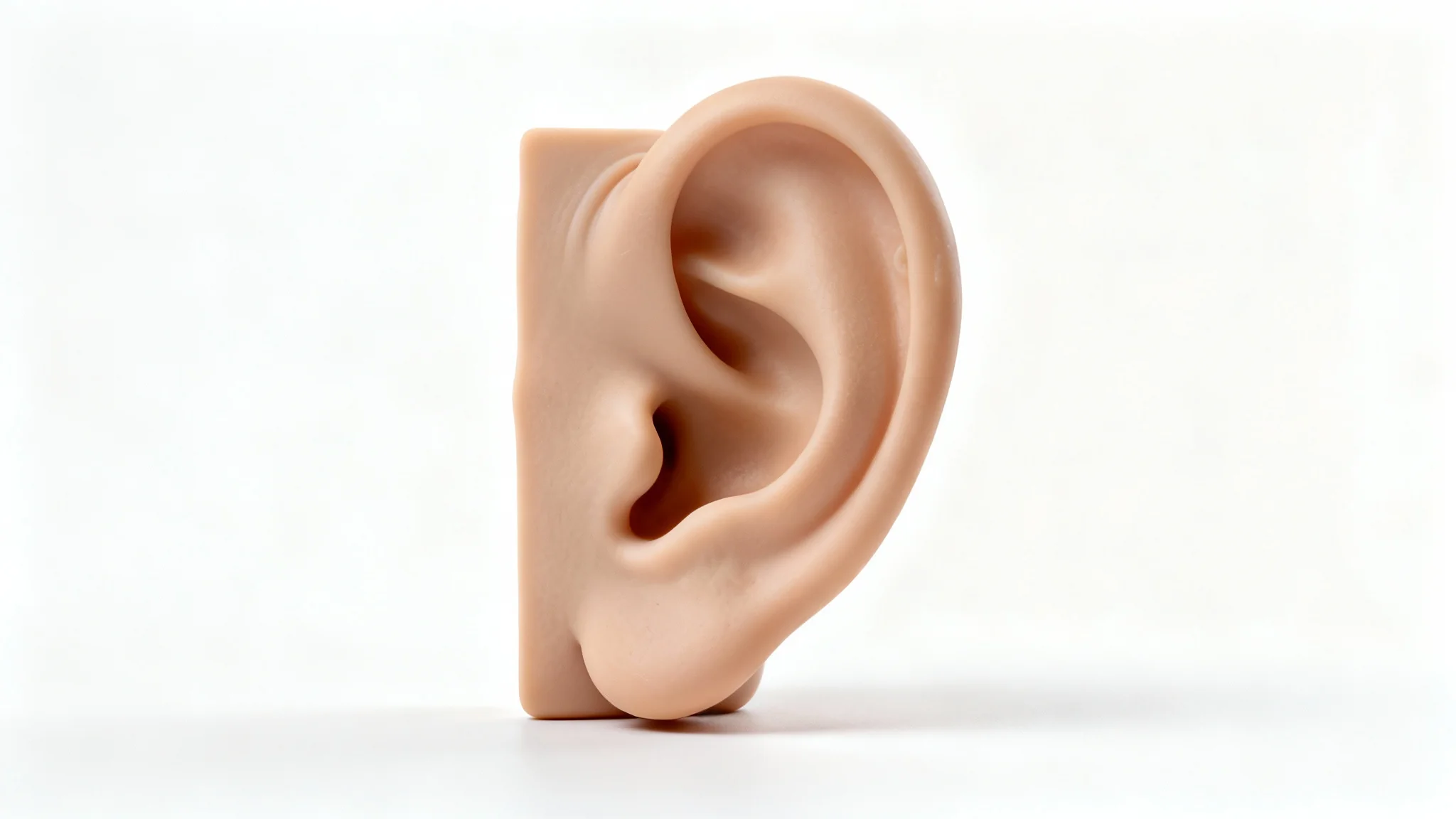
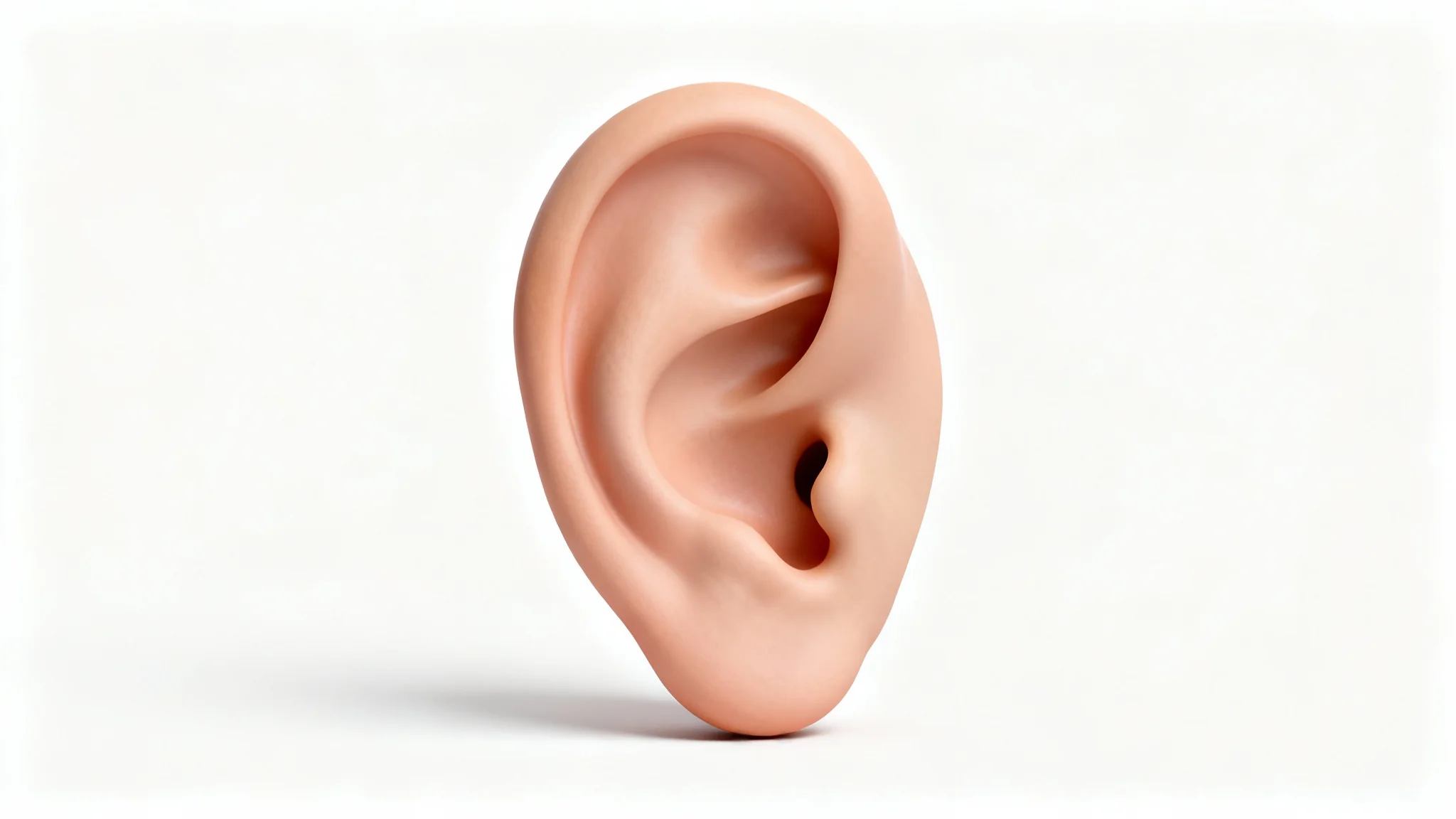
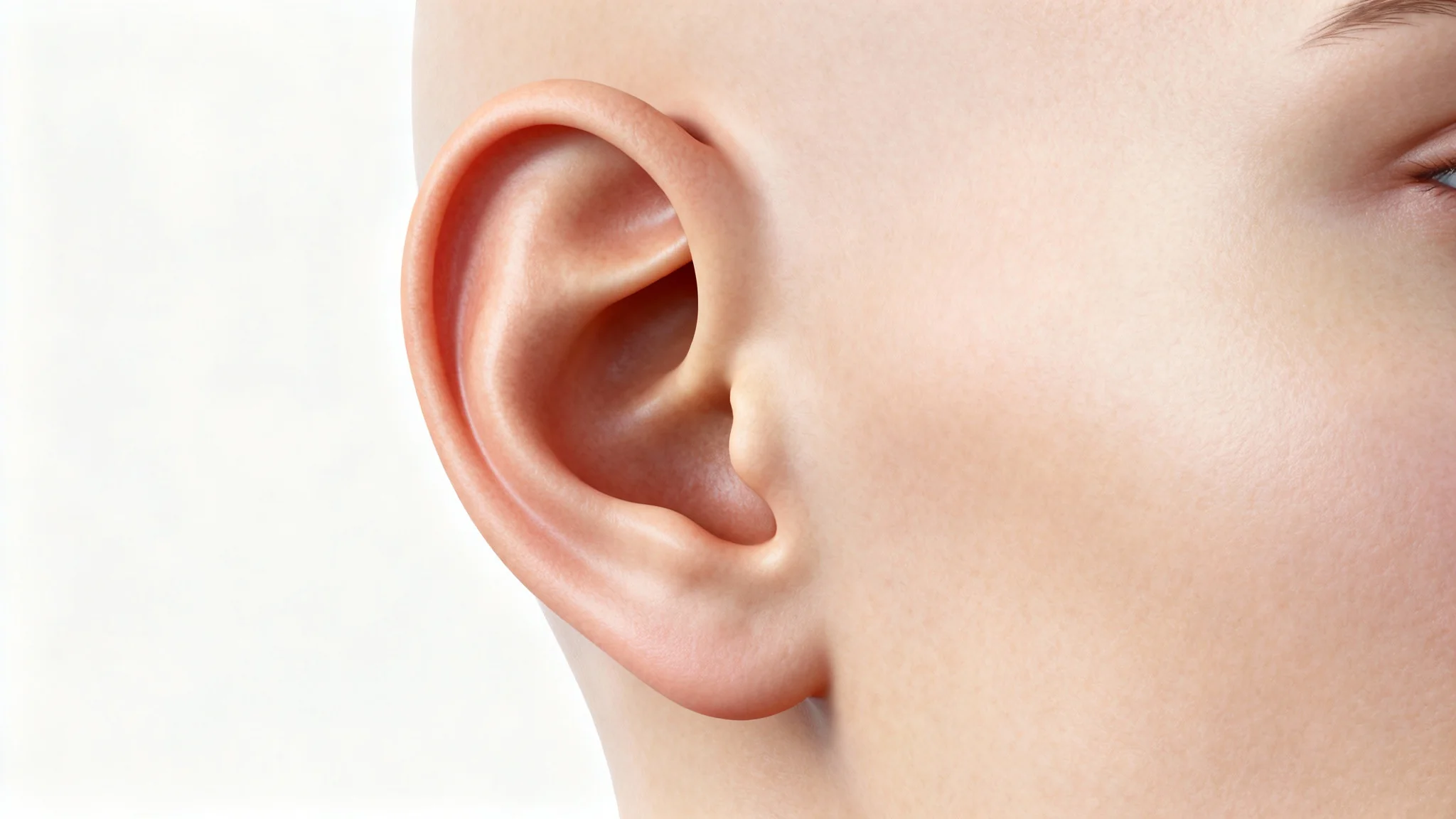
It's an AI-powered tool that creates images of earrings on an ear model. Upload a photo of an ear and describe the earring design (for example, metal, color and shape). The AI will generate a realistic ear image wearing the described jewelry, letting you visualize your design without a photo shoot.
First upload a clear photo of an ear (yours or a model's). Then enter a detailed prompt describing the earrings you want (for example, "gold hoop earrings with pearls"). Click generate and Pixa’s AI will create the mockup. Once it’s ready, download the high-resolution image of the ear wearing your earring design.
You can create nearly any ear jewelry style: studs, hoops, drop earrings, ear cuffs, multiple piercings and more. Just describe the style details (material, stones, shape) in your prompt. The AI will incorporate those details, so you can visualize any earring design on an ear.
No design skills are required. Simply provide a photo of an ear and type a text description of the earring you want. Pixa’s AI handles the rest, generating a professional-looking image. The interface is easy for anyone to use, even without Photoshop or editing experience.
All generated mockups download as high-resolution PNG images. They are crisp and detailed, suitable for print or web. The images have no watermarks, so they’re ready to use immediately on your website, in catalogs or on social media.
Yes. Pixa offers free credits when you start, which you can use to create and download mockups. All downloads (free or paid) are watermark-free, high-resolution PNGs. You can use these images freely, including for commercial projects.
Absolutely. The downloaded ear jewelry mockups have no watermarks and are cleared for any use, including commercial. You can add them to product listings, advertisements, social media posts or any other project.
Great app, easy to use. Helps our small business save time and money to create different marketing materials professionally. Thank you.
I need a good background remover for my work and I've been through them all it feels like. This one is the best by far. It's so easy to use and the results always look amazing. Thank you Pixa!
It's amazingly easy and gives the perfect results for my bags and accessories. It looks like it was done by a professional photographer.