My favorite app
Great app, easy to use. Helps our small business save time and money to create different marketing materials professionally. Thank you.
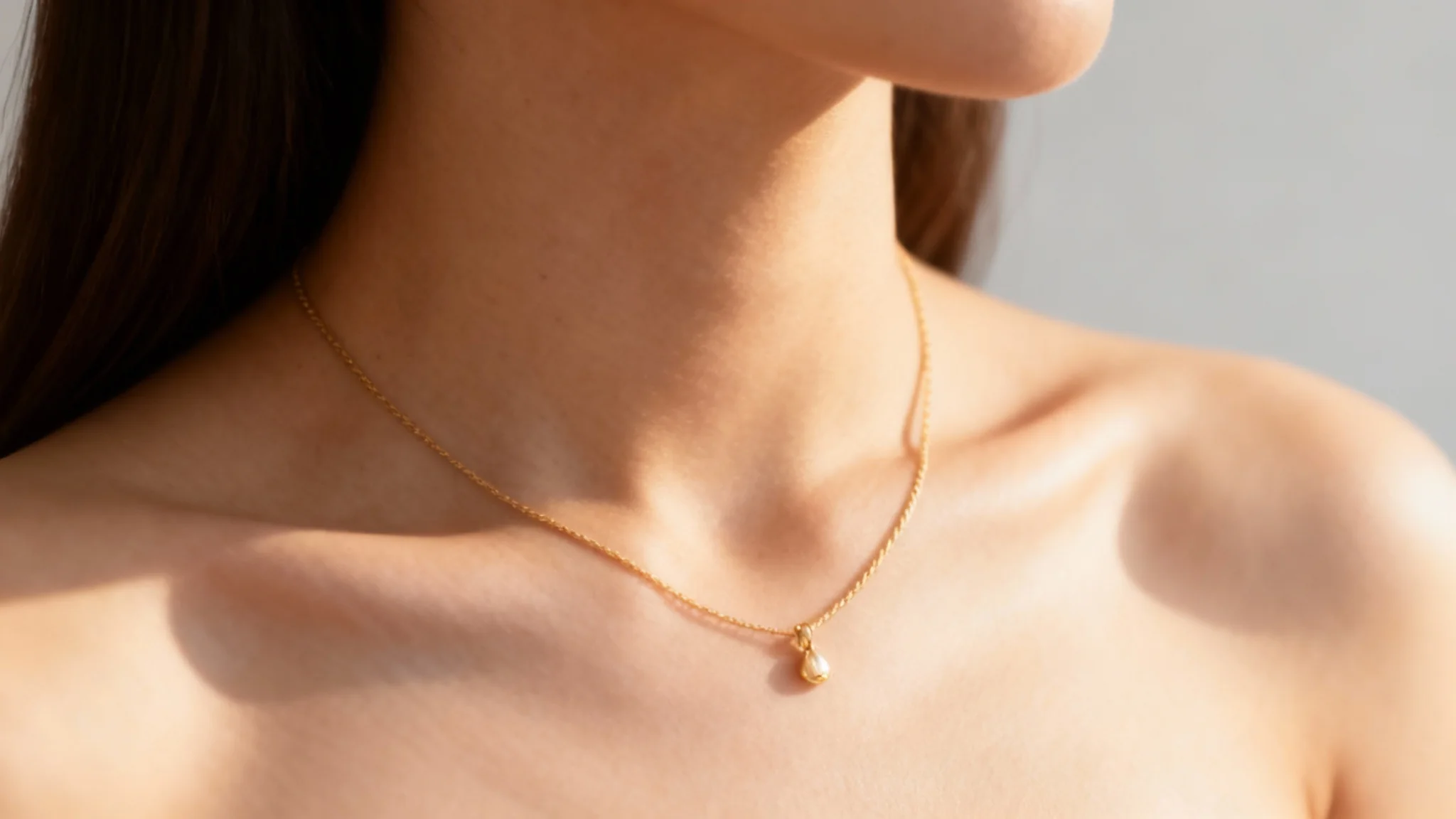
Begin by uploading a clear, well-lit photo showing a model’s neck. The better the photo quality and lighting, the more realistic the result will be.
Describe the jewelry design you want to see. Include details like chain type, pendant shape, and gemstone or material (for example, "delicate silver chain with a pearl pendant"). The more detail you give, the more accurate the mockup.
Click the generate button and wait a few seconds. Pixa's AI will apply your description to the photo, creating an image of the model wearing your necklace design.
Your high-resolution necklace mockup is ready. Download the PNG file (it’s watermark-free) and use it in your catalog, ad, or social media promotion.
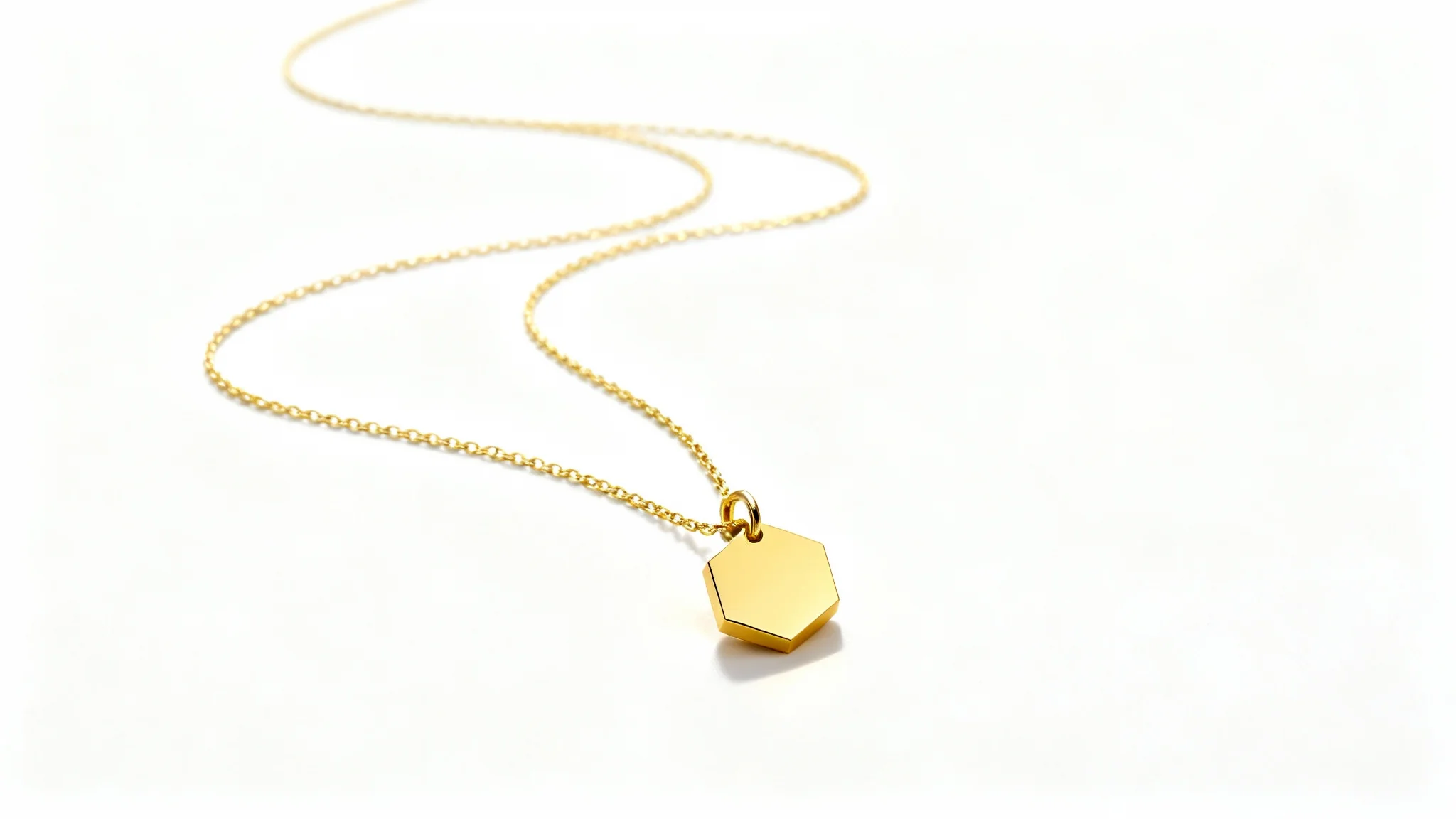
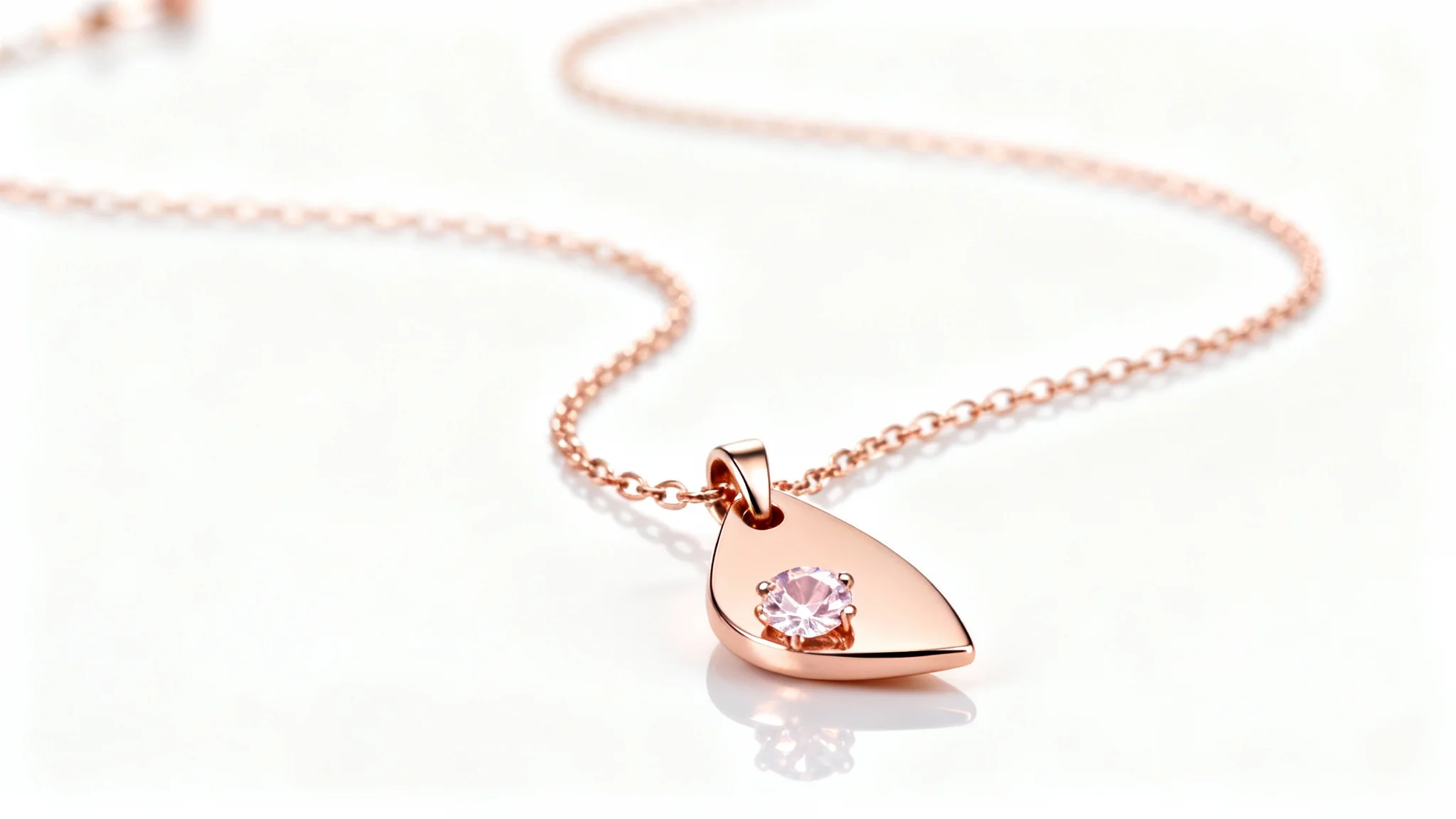
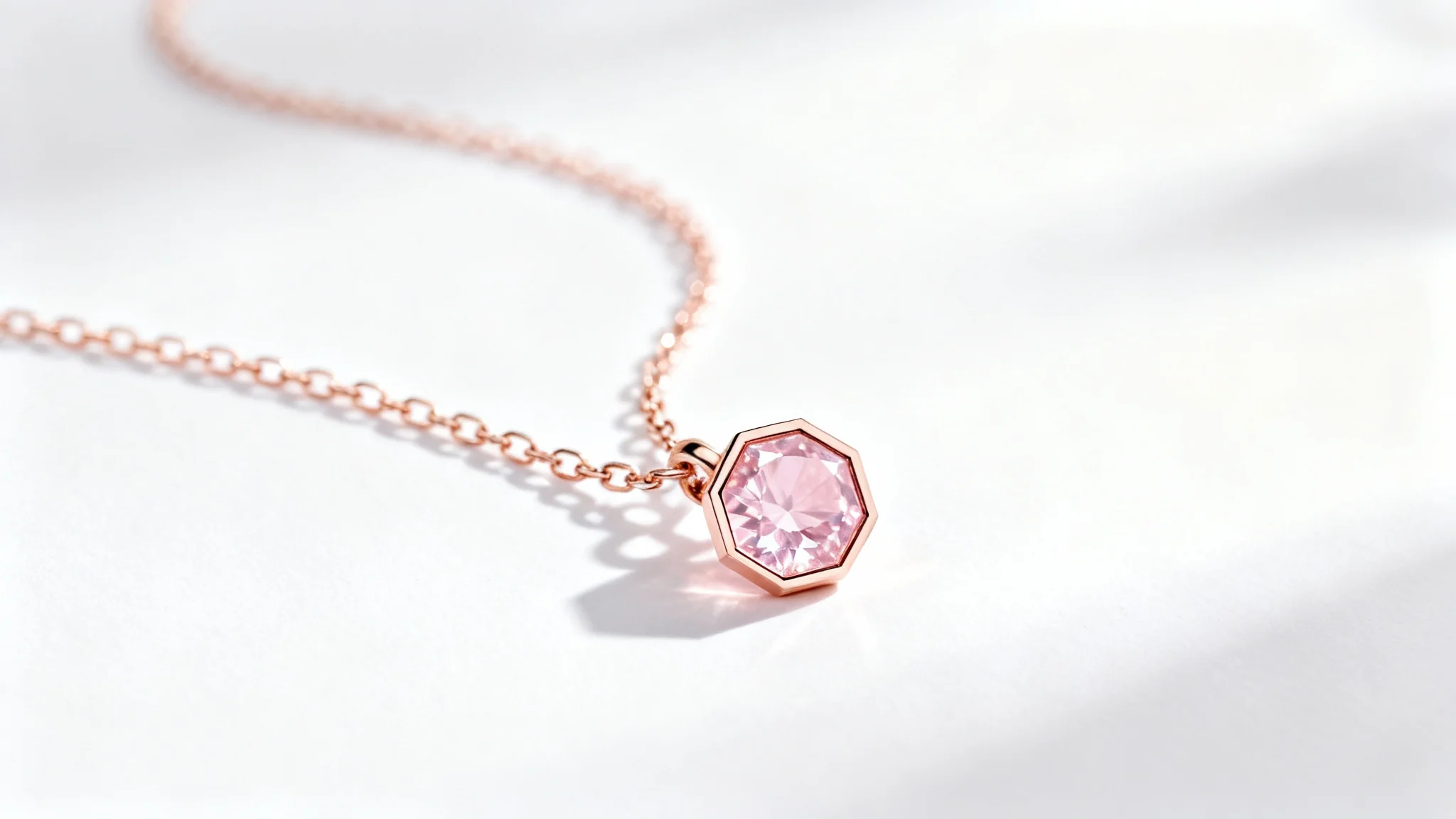
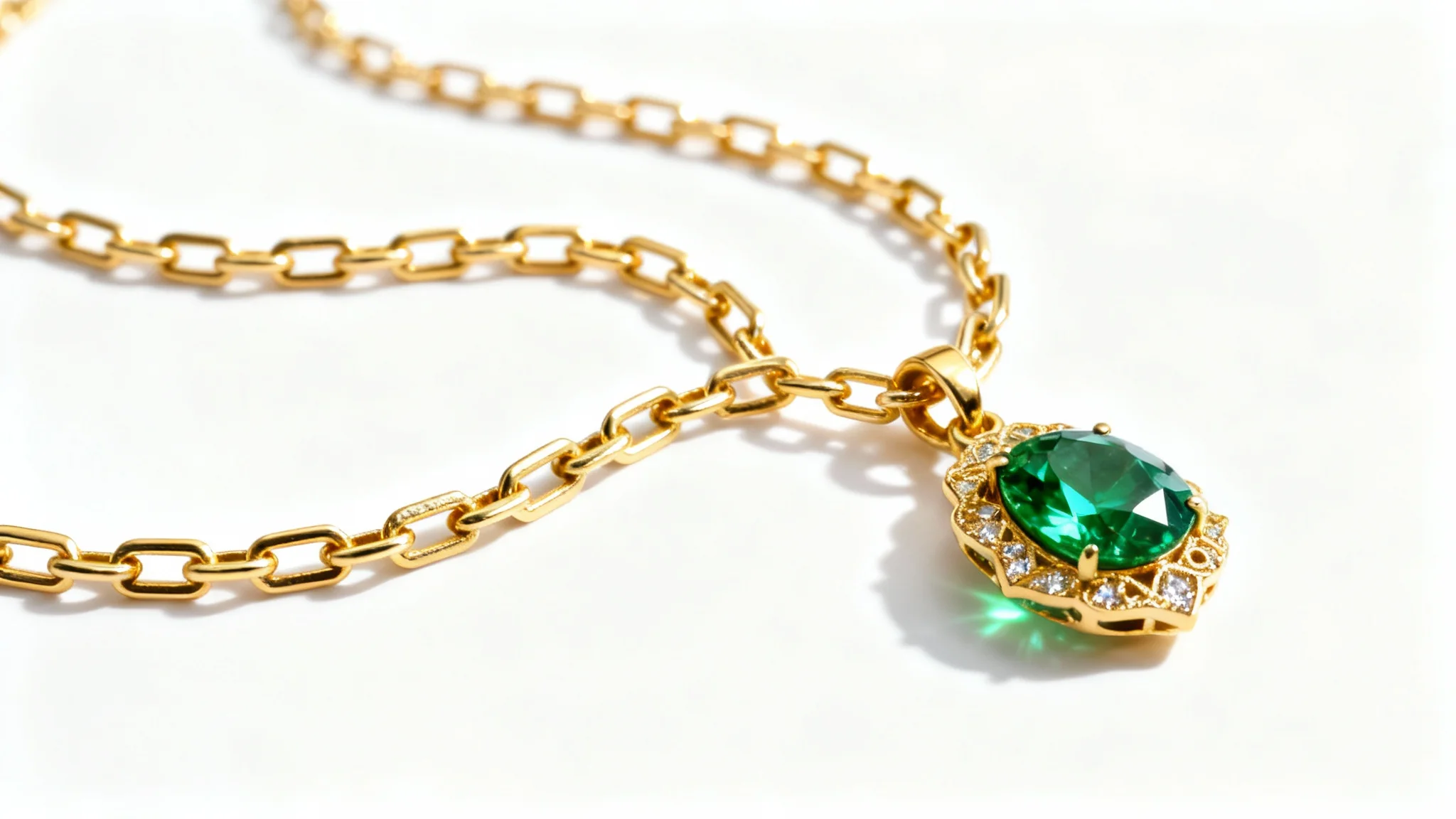
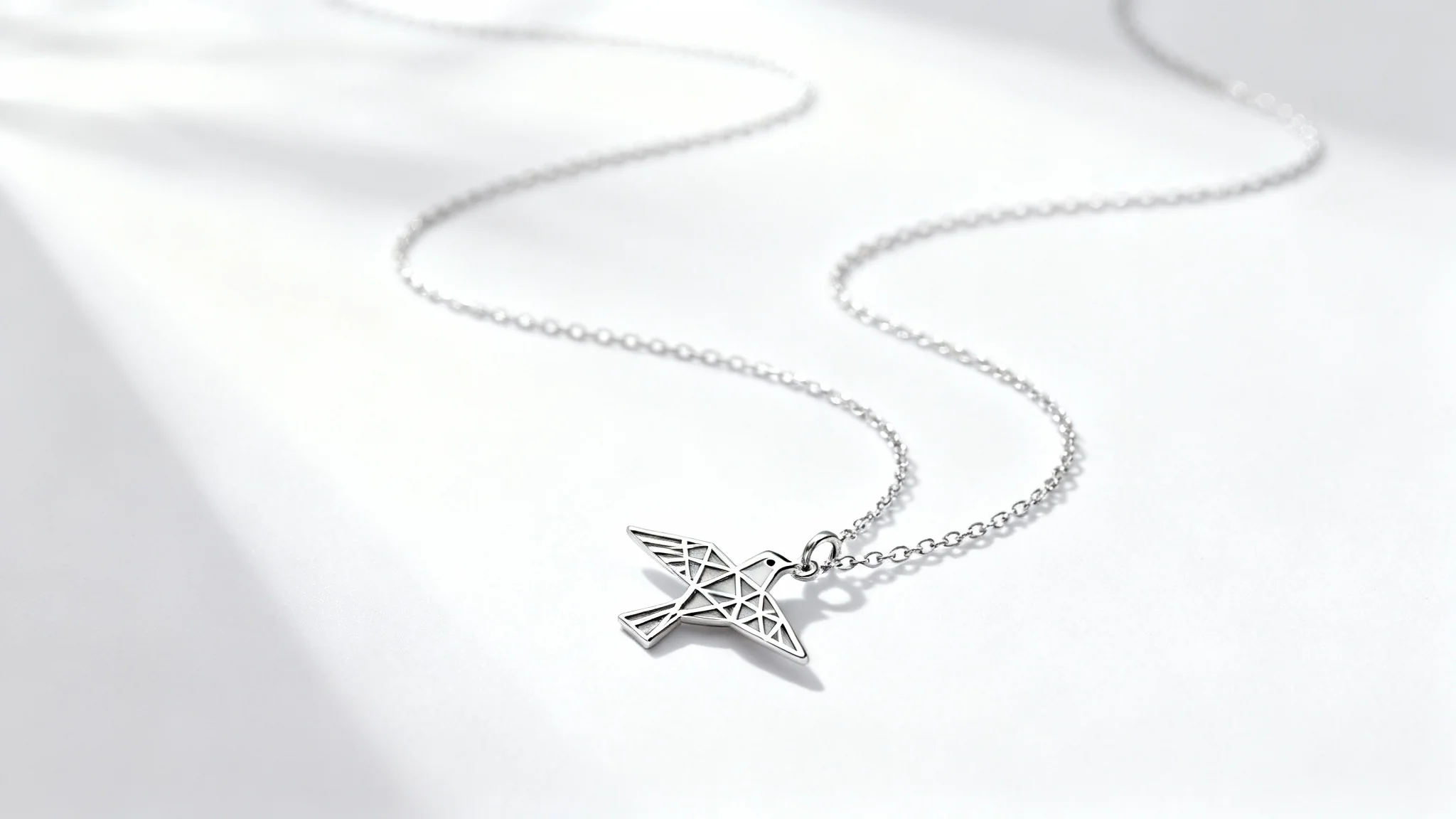
It’s an AI-powered tool that creates realistic images of necklaces on a model’s neck. You upload a photo of someone’s neck and describe the necklace design you want. The AI then produces a new image showing the model wearing that necklace, so you can visualize the jewelry without a real photoshoot.
Start by uploading a clear photo of a model’s neck. Then type in a detailed prompt describing the jewelry (for example: "thin gold chain with a sapphire pendant"). Click generate and wait a moment. The AI will create the mockup image with the described necklace. Finally, download the high-res PNG mockup to use.
Upload a sharp, well-lit photo focusing on a person’s neck and upper chest. The better the image quality and lighting, the more realistic the mockup. A simple background and visible neckline help the AI seamlessly add the described necklace to the image.
You can generate virtually any necklace style you can describe. Specify the chain type, pendant shape, gemstone or material, and even style details (like vintage or modern). The AI will render a mockup matching those details, from minimalist chains to elaborate gemstone necklaces.
Pixa offers free credits to start. You can create mockups for free until these credits are used up. After that, you can purchase additional credits or a plan to continue generating images. There is no subscription needed to try the tool for free.
All mockups are downloaded as high-resolution PNG images. They have no watermarks and maintain full detail. This means you get a ready-to-use image file for any project, without needing further conversion.
Yes. All generated images are watermark-free PNG files that you can freely use in personal or commercial projects. You can include them in your online store, marketing materials, social media, or anywhere else you need product images.
Great app, easy to use. Helps our small business save time and money to create different marketing materials professionally. Thank you.
I need a good background remover for my work and I've been through them all it feels like. This one is the best by far. It's so easy to use and the results always look amazing. Thank you Pixa!
It's amazingly easy and gives the perfect results for my bags and accessories. It looks like it was done by a professional photographer.