Pixa
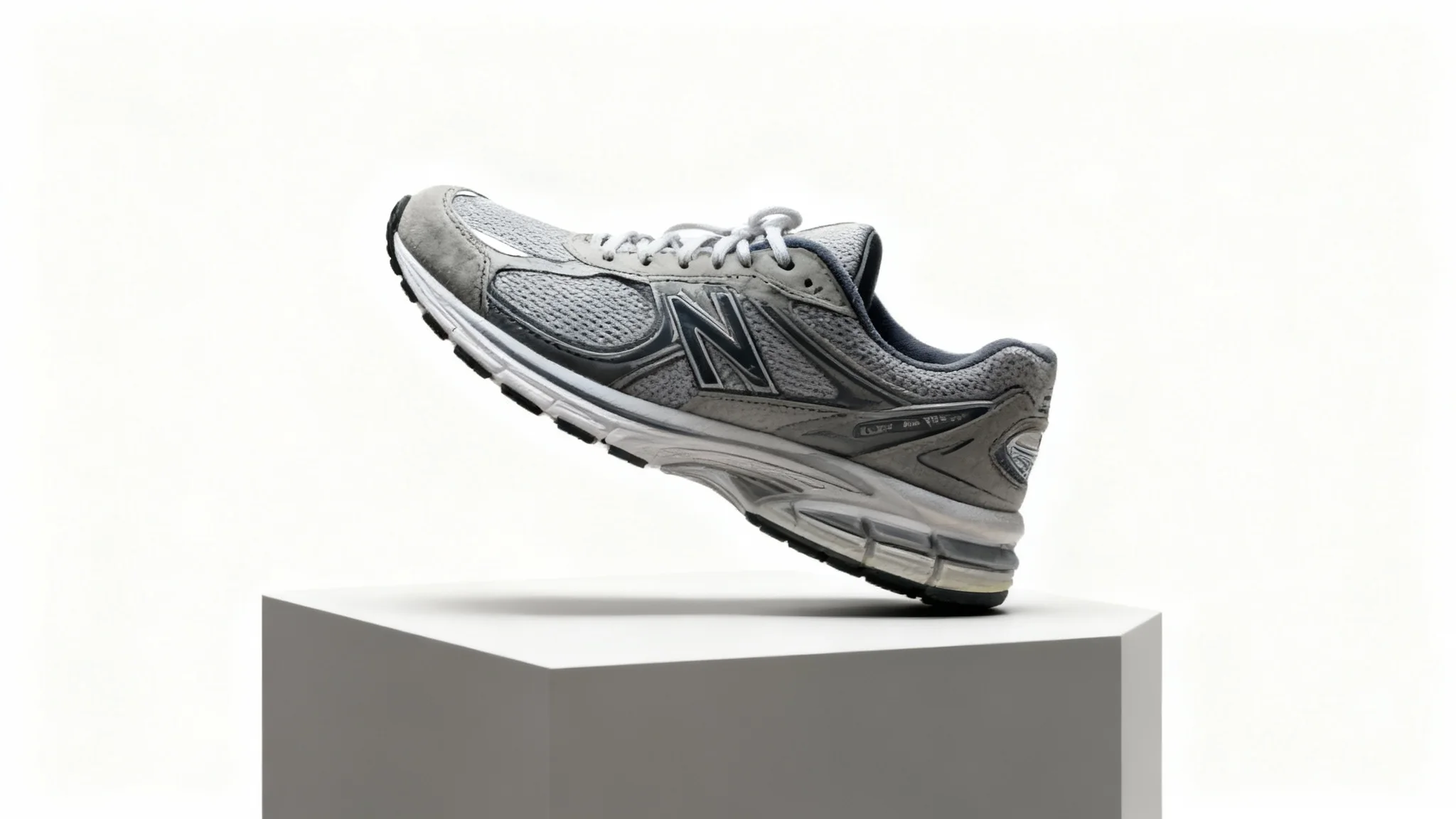
A high-end, professional product photograph showing a pair of stylish sneakers on a pedestal in a studio setting, representing the final output of a product photography tool.

Free AI Product In-Context Photo Generator

Generate realistic product photos in seconds. Upload your product photo and describe a scene; our AI will create high-resolution, in-context images instantly.
Easy to use - just write a prompt
Trusted by 70 million people
Powered by Pixa AI Agent
171,800 Reviews

How to create product photos

  1. 1

    Upload your image

    Select a clear photo of your product. Make sure the product is centered and well-lit in the image.

  2. 2

    Enter your prompt

    Type a detailed description of the scene you want. For example, say "a pair of sneakers on a sunny beach at sunrise". The more specific, the better.

  3. 3

    Generate product photo

    Click the generate button. Pixa’s AI will combine your product photo with your described scene to create a new, realistic image.

  4. 4

    Download image

    Your high-resolution product photo is ready. Download the PNG file (watermark-free) to use it in your store, marketing, or social media.

Give life to your product images by transporting them into any environment you imagine. With our AI photo generator, just upload a photo of your item (for example, the sneakers from your snapshot) and describe a scene like a park path or studio setting. The AI will seamlessly blend the product into that setting, creating realistic lifestyle shots in seconds. No professional photoshoot needed; you get ready-to-use visuals that look authentic and compelling to customers.

Instantly Create Realistic Product Photos

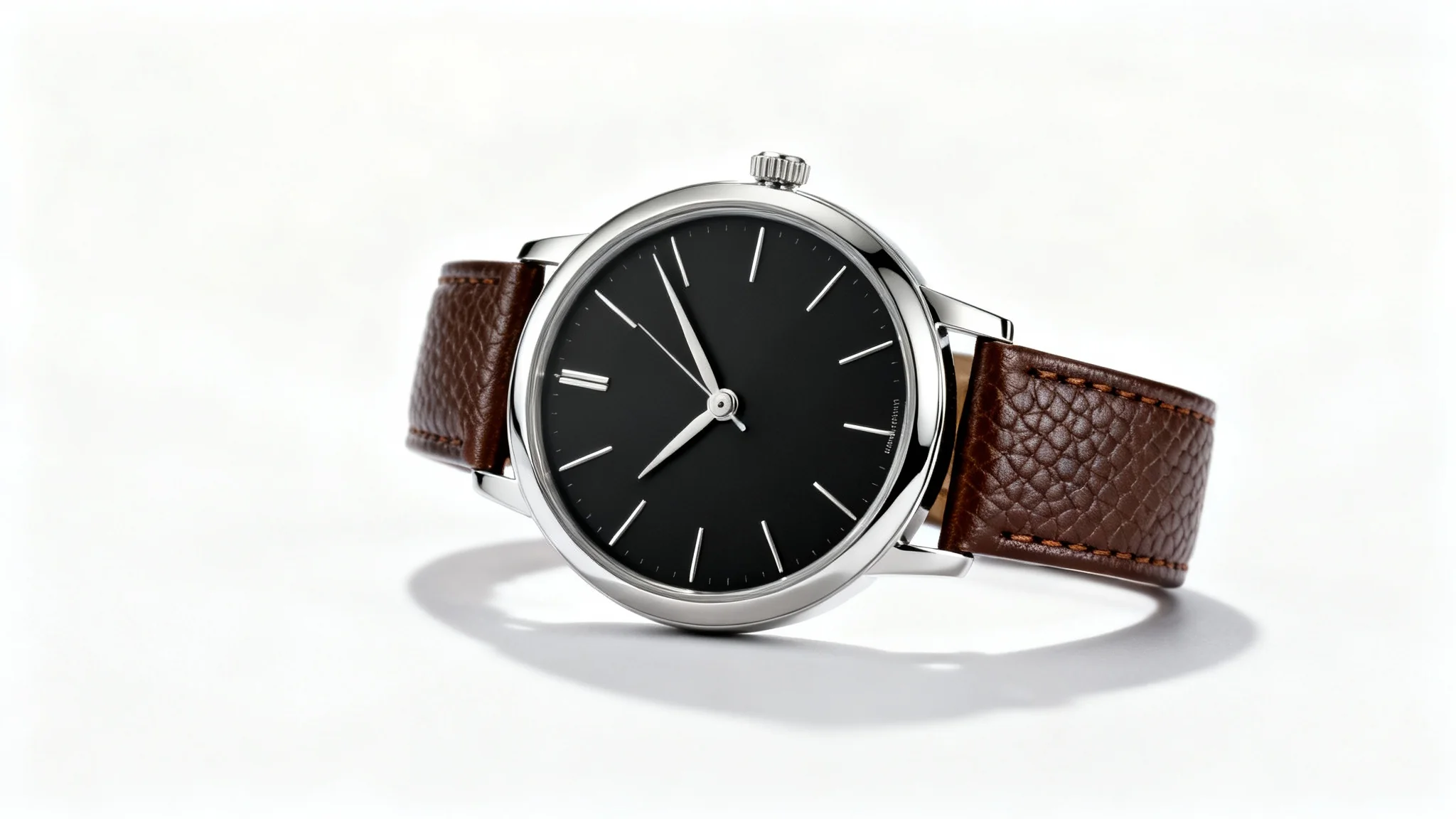
A professional product photograph of a luxury watch with a black dial and brown leather strap, angled on a clean white background to showcase its design and materials.
You can customize every detail of your product’s background to match your brand’s aesthetic. Whether you want a clean, minimal look or a festive theme, just describe the scene. The AI lets you specify setting elements (like colors, props, or environment) so your product fits naturally. For example, place shoes on a sunny beach, on a cozy living room couch, or in a stylish studio backdrop. It creates on-brand lifestyle images based on your descriptions, giving you full creative control. Use creative prompts to highlight product details or create seasonal promotions effortlessly.

Custom Scenes to Match Your Brand

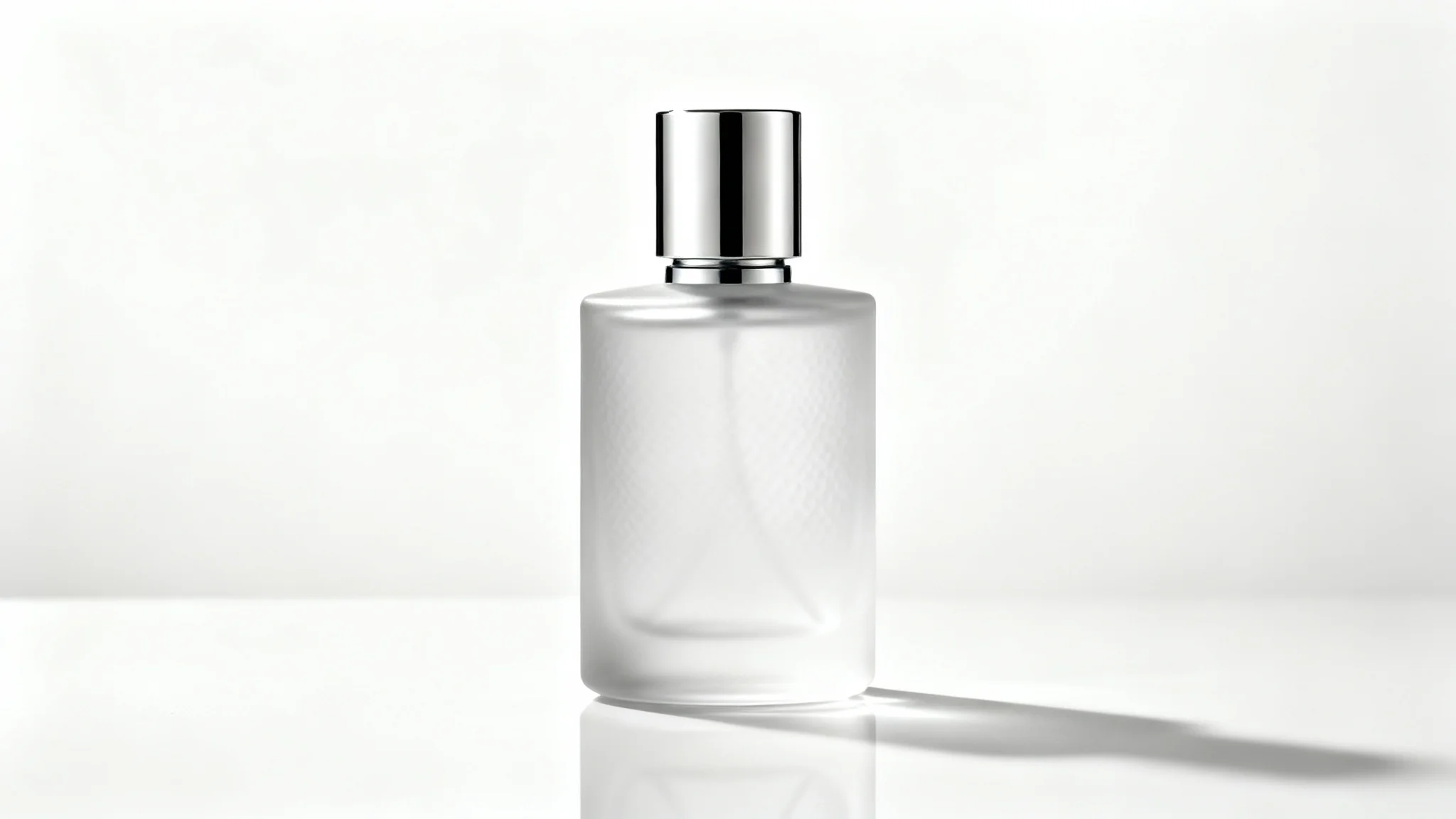
A professional product photograph of a luxury perfume bottle with a silver cap, set against a seamless white studio background, showcasing clean lighting and reflections.
No need for expensive equipment or editing skills. Our AI ensures professional-quality results from any input photo, even a smartphone snapshot. The tool automatically adjusts lighting, scale, and perspective so the product looks like it was shot in a studio. You’ll get high-resolution images (PNG format, watermark-free) ready for online stores, catalogs, or social media. Save time and money by skipping a photo shoot, while still creating polished, consistent product visuals that look like professional product photos.

Professional Product Photos Without a Photoshoot

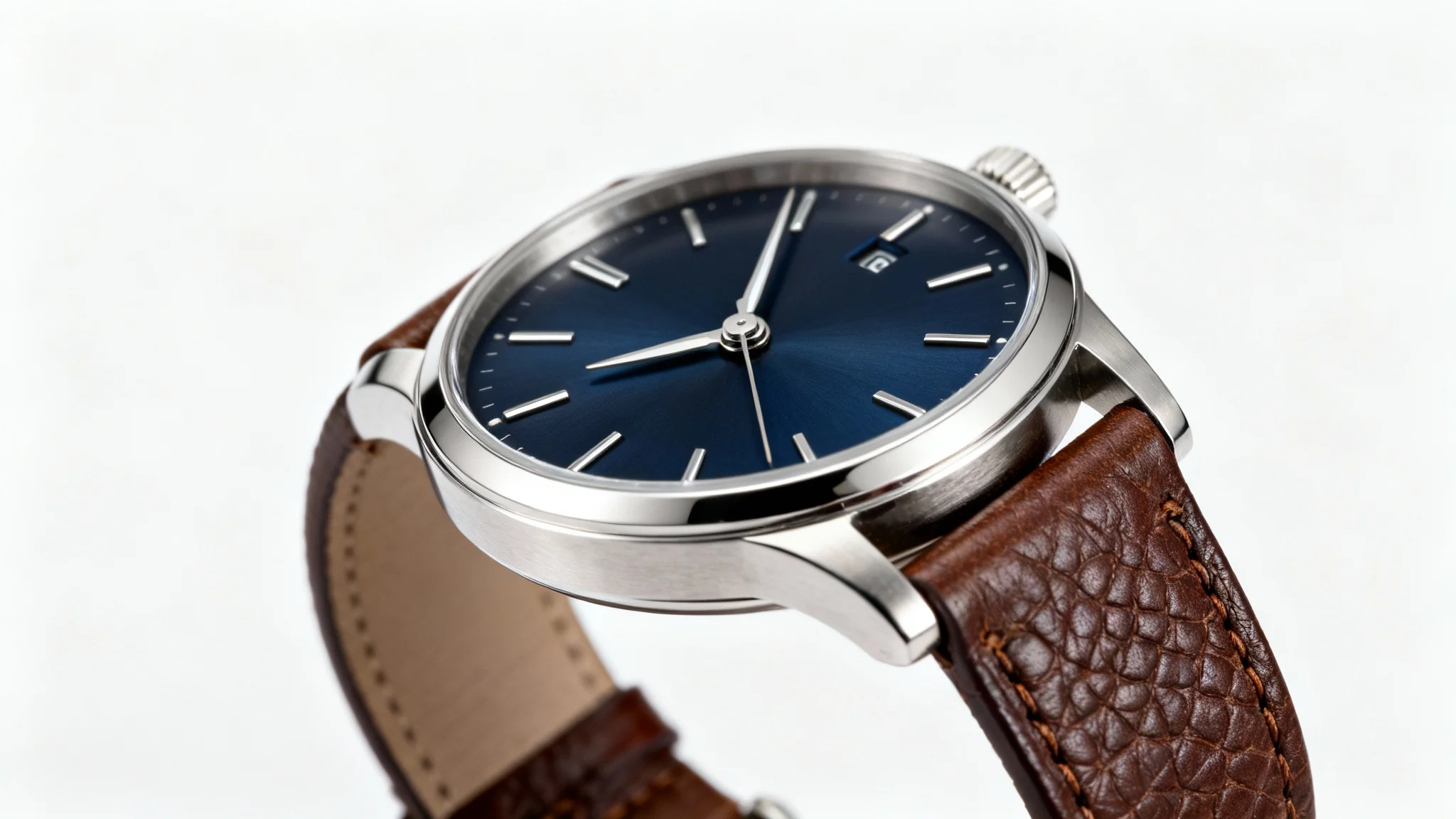
A professional product photograph of a luxury wristwatch with a navy blue face and brown leather strap, shot in a studio against a clean white background.
It's Fast: Turn your product ideas into high-quality images in seconds. No lengthy photoshoots or editing required. It's Flexible: Just describe any scene (indoors or outdoors, any setting) and the AI will place your product there. You control the style and mood. AI-Powered: Pixa's advanced AI blends your product naturally into the scene, handling lighting and scale so every image looks professional. Easy to Use: No design skills needed. Simply upload a photo and type your prompt. Pixa's AI handles the rest and delivers a polished image. Use Anywhere: Download high-resolution PNGs (watermark-free) ready for your website, online store, social media or ads.

Why use Pixa's AI Product In-Context Photo Generator?

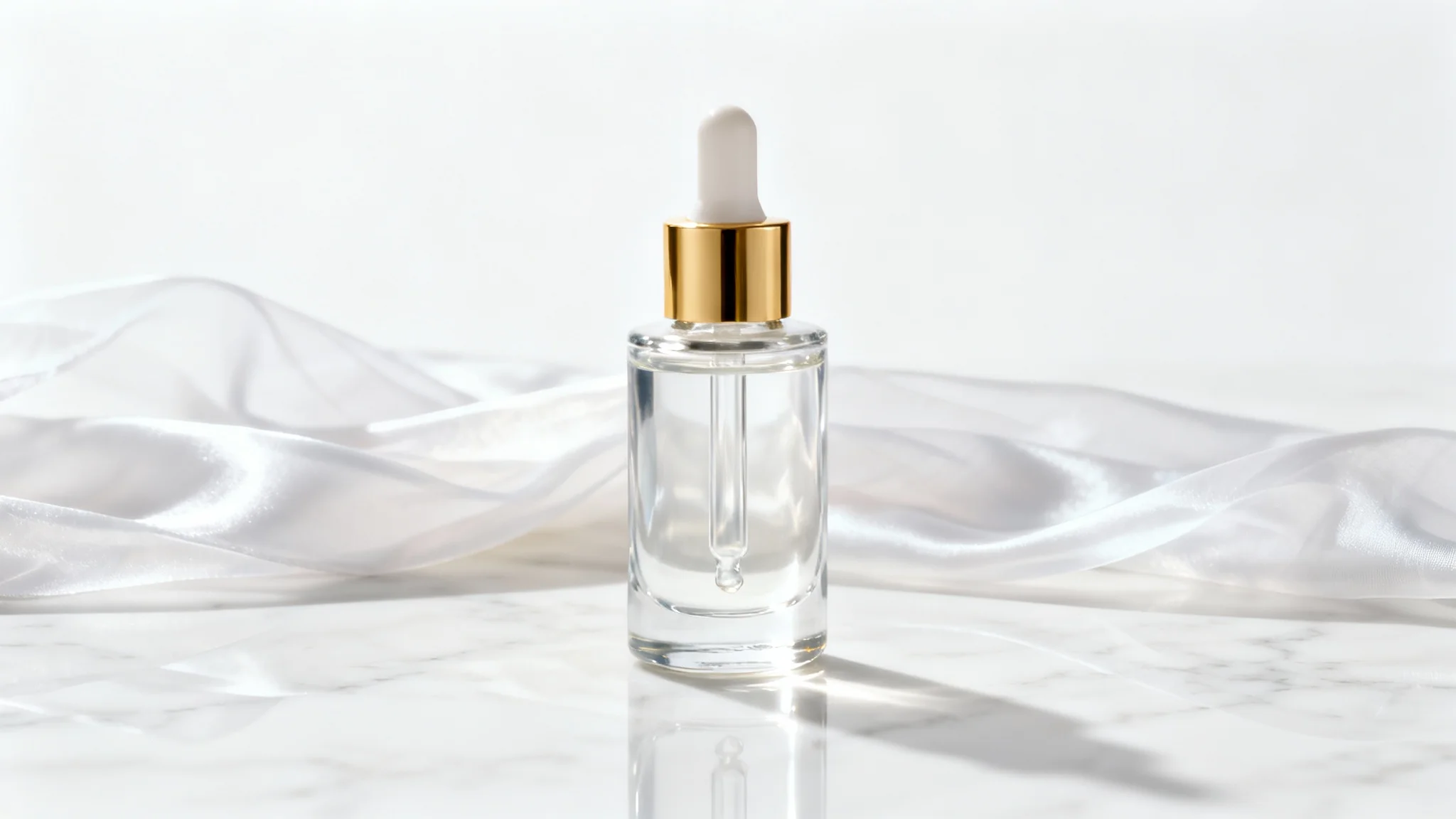
A professional product photograph of a luxury skincare serum bottle displayed elegantly on a white marble surface against a clean white background, showcasing a high-end and minimalist aesthetic.
Online Store Images: Generate polished photos for your e-commerce site. Show products like fashion, electronics or home goods in lifestyle or studio scenes to attract customers. Social Media Ads: Create engaging content for Instagram, Facebook or ads by placing your product in real-life scenes (e.g., sneakers on a vibrant city street) to grab attention. Marketing Campaigns: Produce visuals for newsletters, catalogs or promotions. Use AI to place products in thematic settings (summer, holiday, modern office) that match your campaign message. Lookbooks & Presentations: Build stylish marketing materials or portfolios. Showcase products in context to tell a story, making it easy to pitch concepts or impress clients.

Product In-Context Photo Generator Use Cases

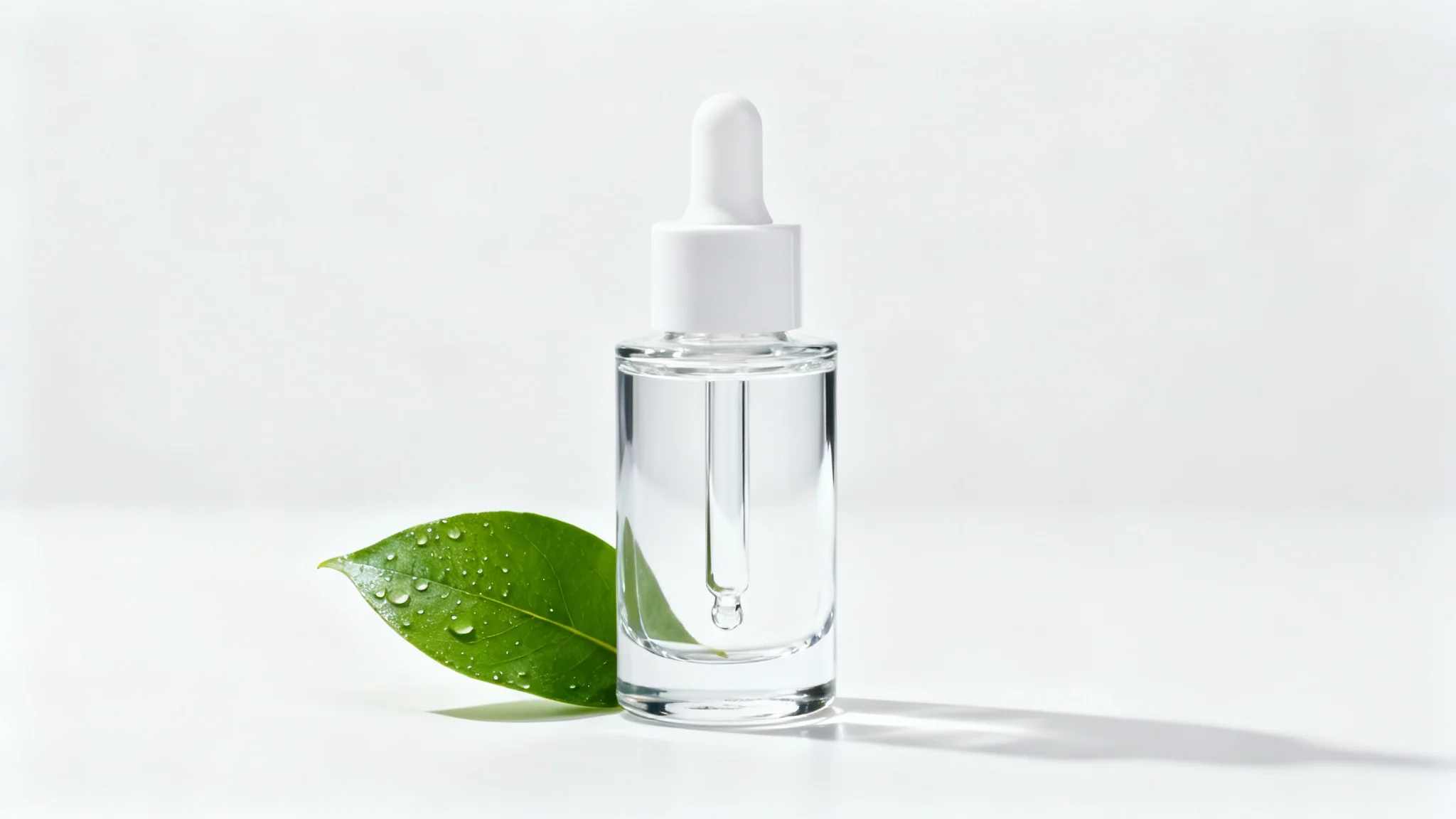
A professional product photograph of a glass serum bottle with a white dropper, placed next to a single green leaf on a clean white background, showcasing high-end commercial photography.

Frequently Asked Questions

Pixa is loved by over 2 million people

  • My favorite app

    Great app, easy to use. Helps our small business save time and money to create different marketing materials professionally. Thank you.
    Shaelyn D.
  • Best background remover

    I need a good background remover for my work and I've been through them all it feels like. This one is the best by far. It's so easy to use and the results always look amazing. Thank you Pixa!
    Kira H.
  • Love it

    It's amazingly easy and gives the perfect results for my bags and accessories. It looks like it was done by a professional photographer.
    Mary J.