My favorite app
Great app, easy to use. Helps our small business save time and money to create different marketing materials professionally. Thank you.
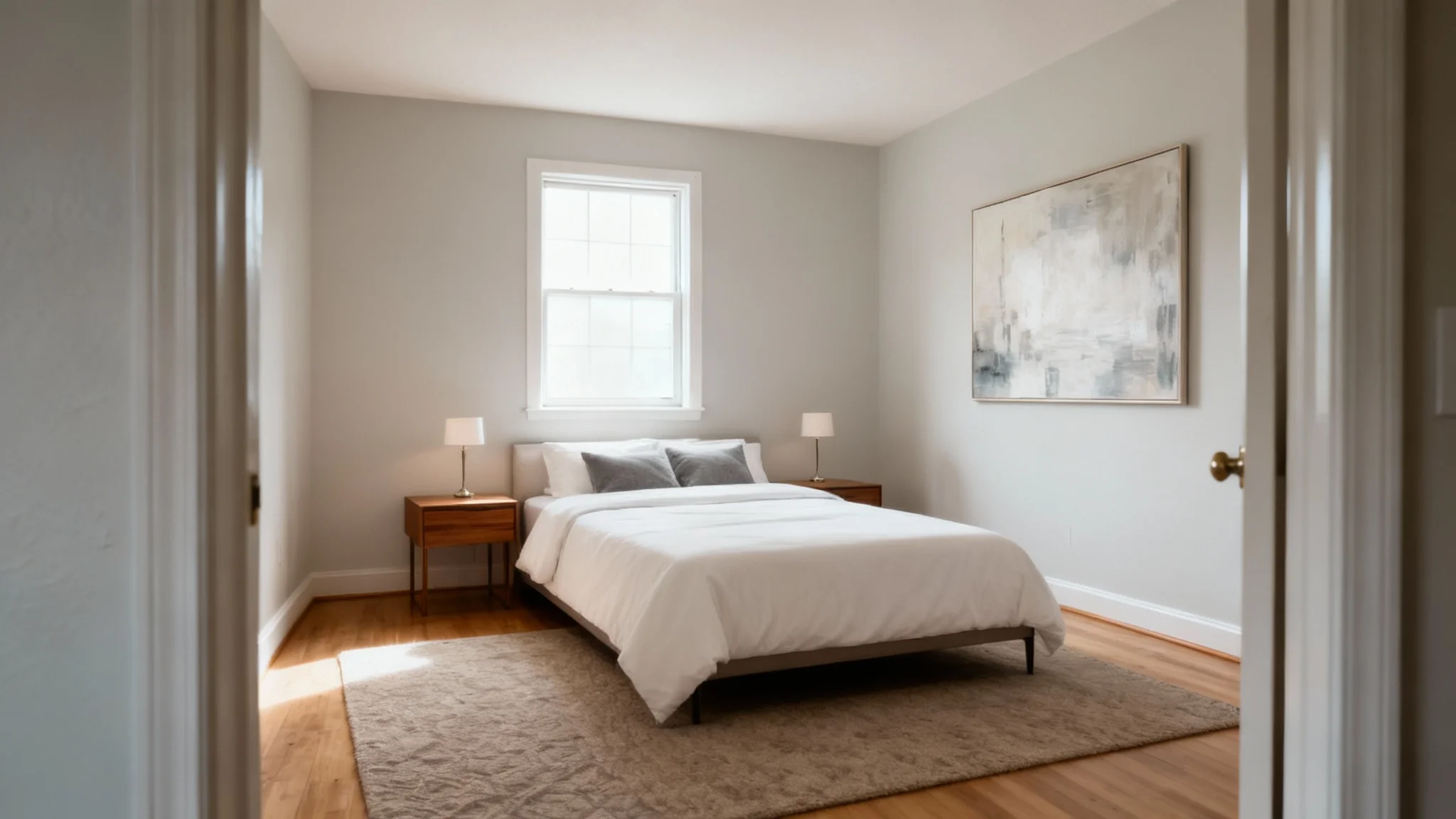
Choose a clear photo of the empty room you want to stage. For example, select the photo of your bare bedroom.
Type a description of the furniture and style you want. For example, "cozy bedroom with a bed and lamps."
Click "Generate" to let the AI stage your room. In seconds, you’ll see your room furnished with the elements you described.
Your high-res staged room image is ready. Download the PNG file (it’s watermark-free) and use it in your real estate listing, design presentation or personal project.
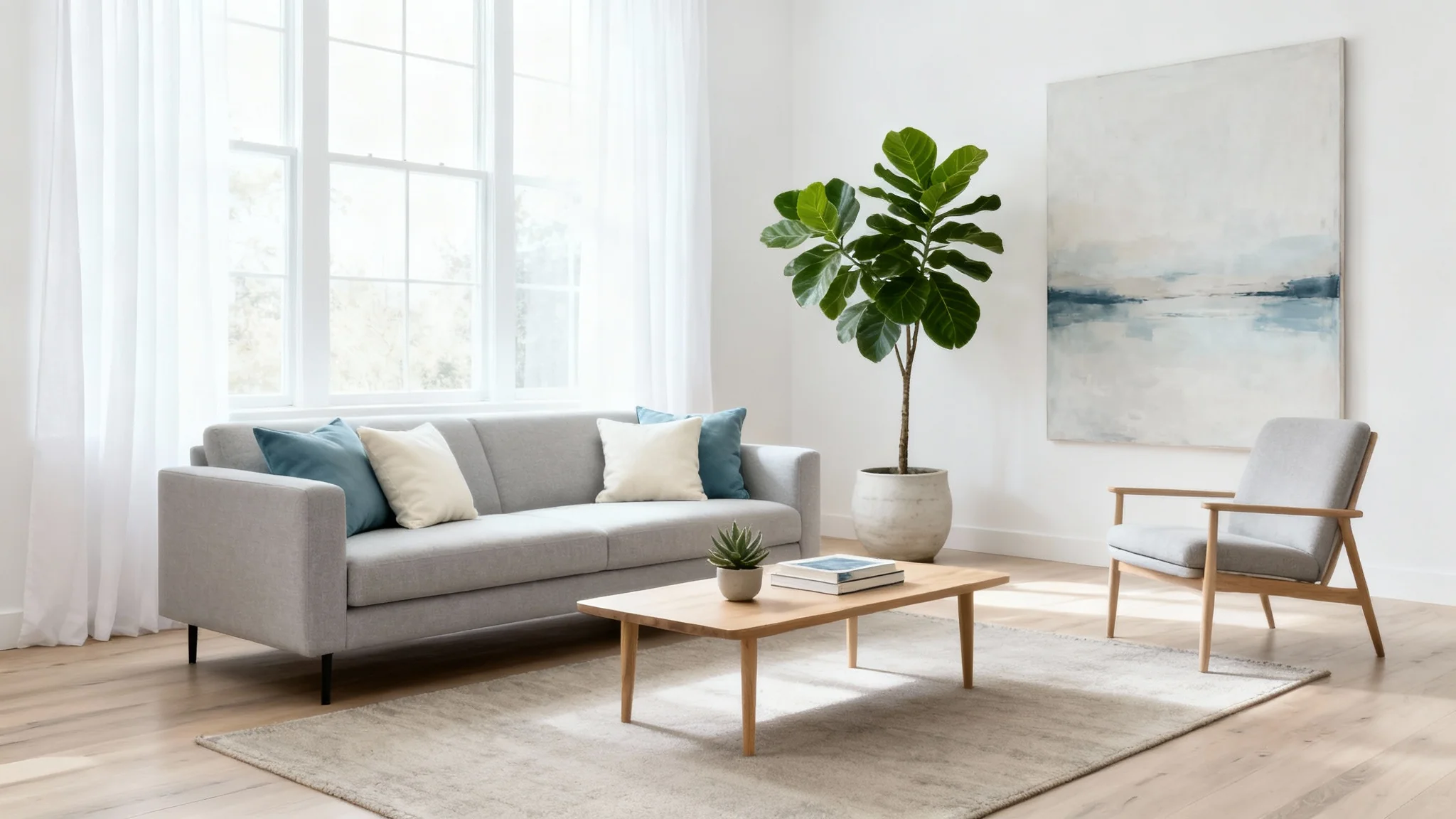
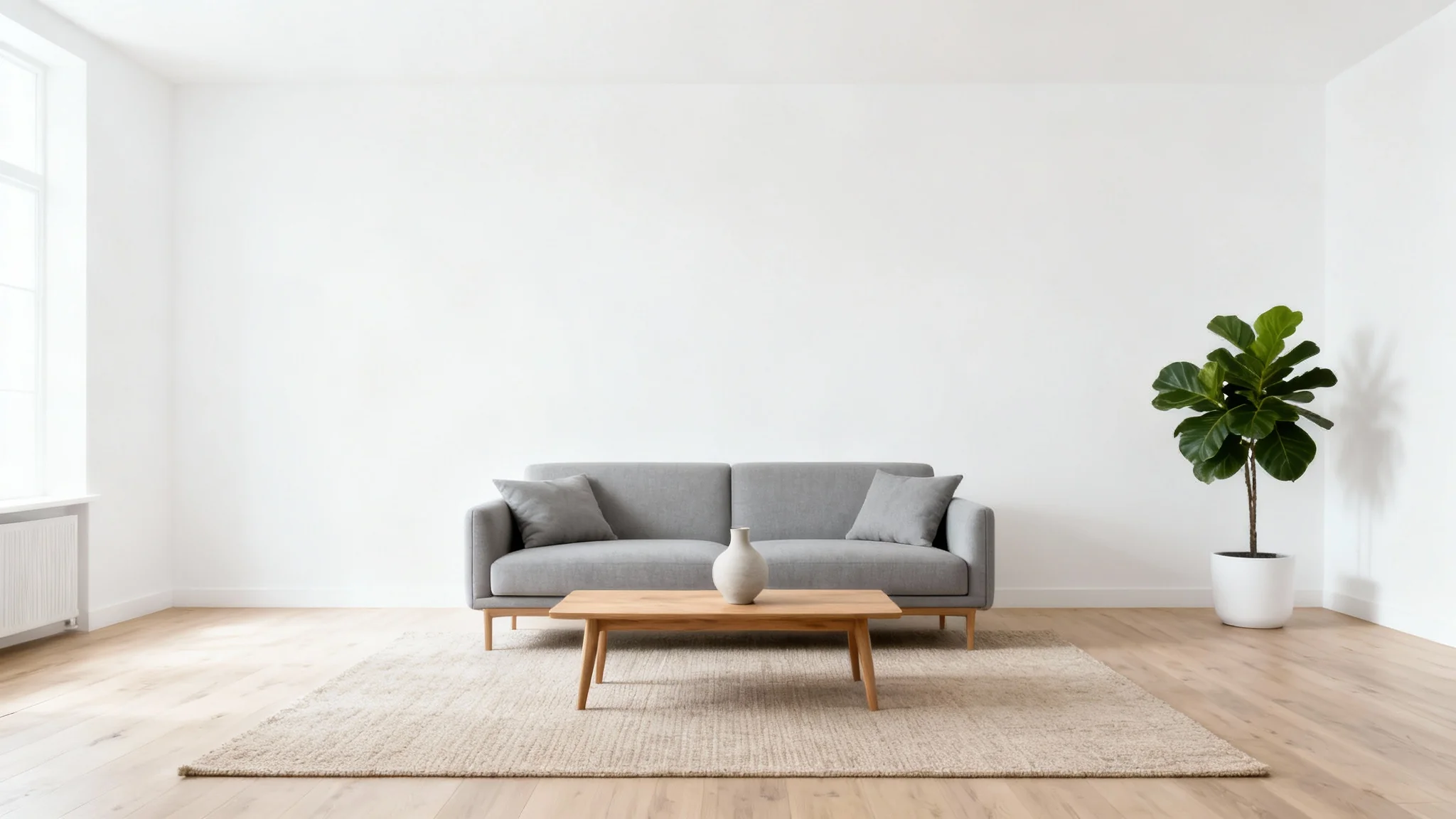
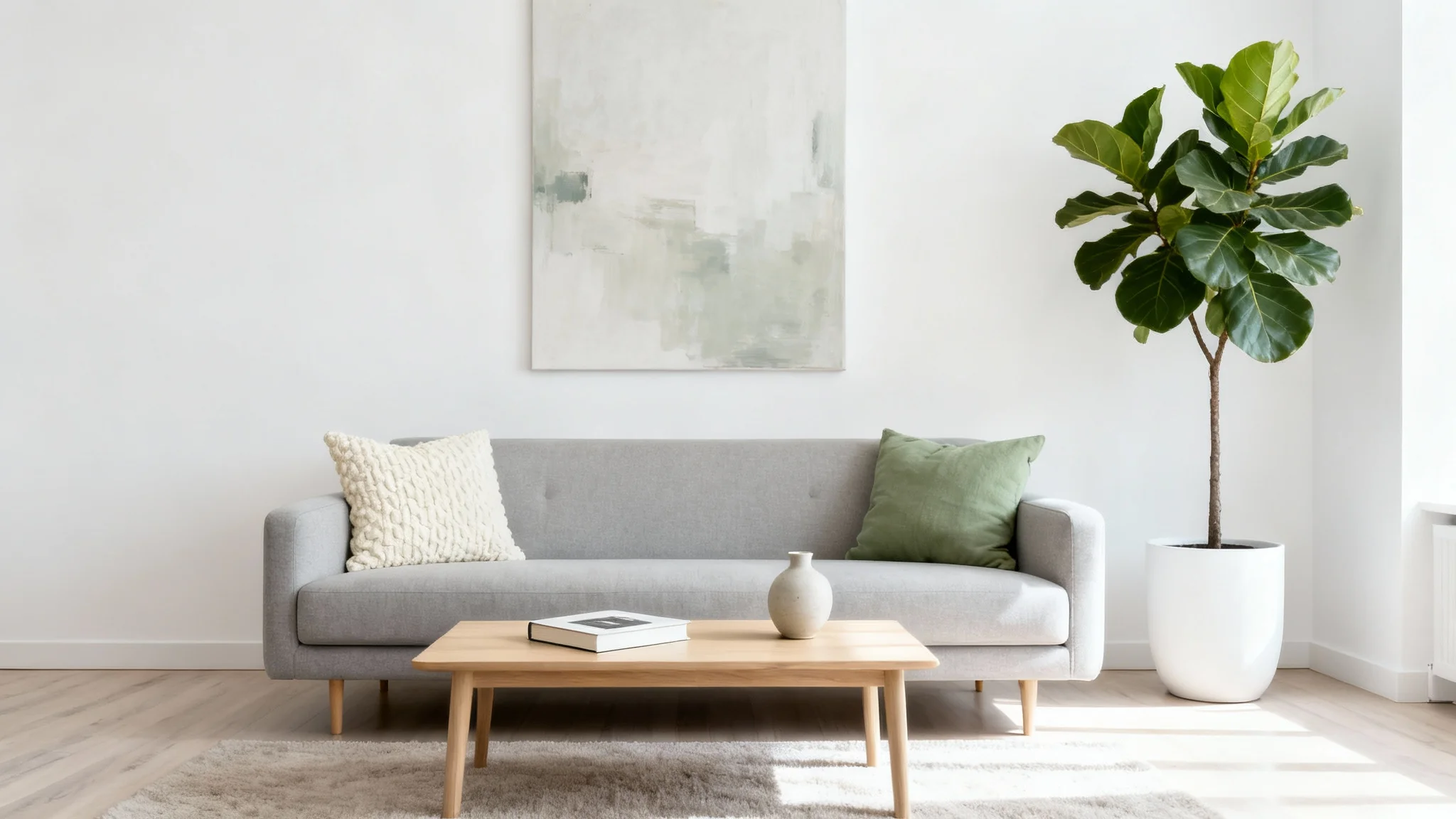

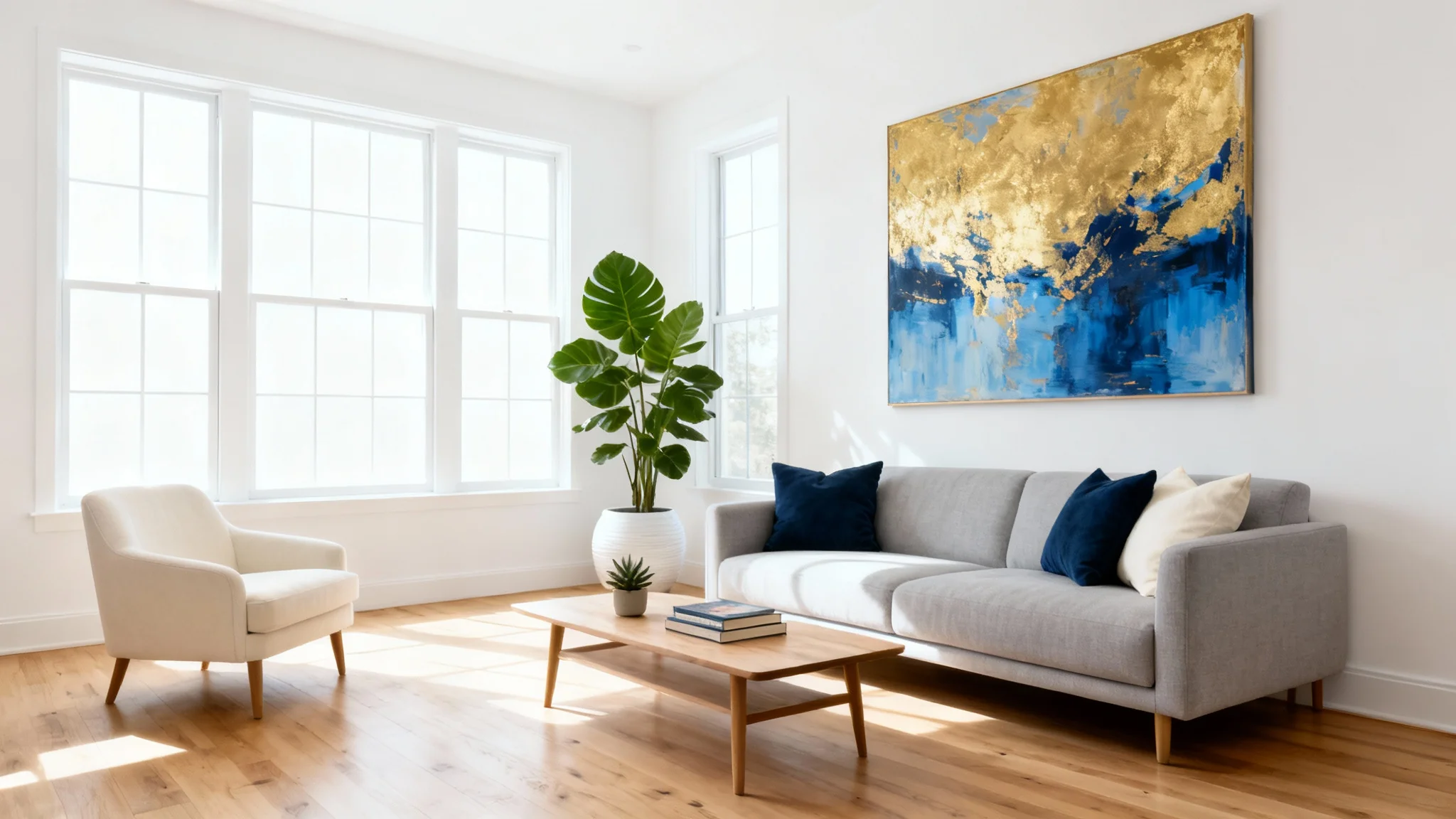
Virtual home staging is a process that uses AI to add furniture and decor to photos of empty rooms. Pixa’s tool analyzes your photo and placement instructions, then generates an image that looks like the room has been professionally furnished. It’s a quick, digital alternative to physically staging a home, helping potential buyers or designers visualize the space.
Upload a photo of the room you want to stage (for example, an empty bedroom or living room). Then enter a prompt describing how you’d like it furnished (for example, "cozy bedroom with a bed and lamps"). Click Generate, and the AI will create the staged image. Once it’s done, you can download the final PNG image for your use.
For best results, use a clear, well-lit photo of an empty or nearly empty room shot at a straight angle. Bedrooms, living rooms, kitchens and offices all work. The more space and light visible in the photo, the better the AI can place furniture realistically. Avoid dark or blurry images for optimal results.
Yes! You can describe any style or theme in your prompt (modern, rustic, minimalist, etc.) and the AI will stage accordingly. Mention specific items (like a leather sofa or a teak dining table) and the AI will include them. You can regenerate images with new prompts to try out different decor ideas easily.
Pixa’s AI creates highly realistic interior images by simulating lighting, shadows and perspective. Furniture and decor look well-integrated with the room. The final image is computer-generated, but often looks like a professional photograph. It provides a convincing view of the decorated space (though remember it’s an AI rendering, not an actual photo).
Staged images download as high-resolution PNG files with no watermark. The PNG format ensures maximum image quality with crisp details. You’ll get a ready-to-use interior scene that’s suitable for web or print, whether it’s for a listing, presentation or personal project.
Pixa offers free credits to try the staging tool. You can generate and download a number of images at no cost. Any images you create and download are watermark-free. If you use up your free credits, you can purchase more to continue. But all images produced (including with free credits) are high-quality.
Great app, easy to use. Helps our small business save time and money to create different marketing materials professionally. Thank you.
I need a good background remover for my work and I've been through them all it feels like. This one is the best by far. It's so easy to use and the results always look amazing. Thank you Pixa!
It's amazingly easy and gives the perfect results for my bags and accessories. It looks like it was done by a professional photographer.