My favorite app
Great app, easy to use. Helps our small business save time and money to create different marketing materials professionally. Thank you.
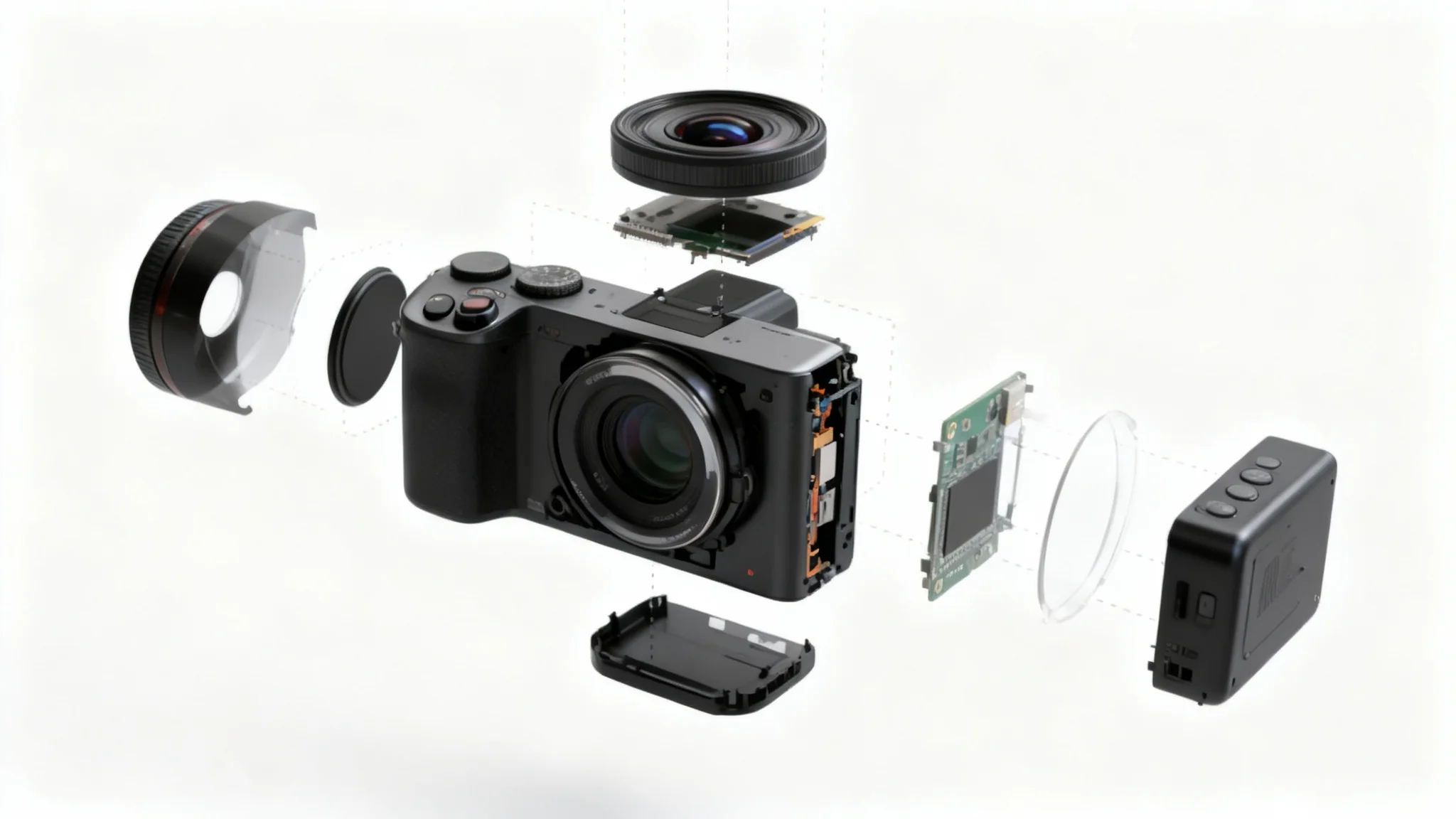
Add a photo of your product or gadget (for example, a smartphone or its disassembled parts). This helps the AI arrange each component correctly in the output.
Type a description of the exploded view you want. For example: "Exploded view of a smartphone with its battery, screen, and circuit board separated on a white background." The more detail, the better.
Click the generate button. Pixa's AI will interpret your prompt and create an exploded-view image with all components separated in a clear layout.
Your high-resolution exploded-view image is ready. Download the PNG file (no watermark) and use it in product manuals, presentations, marketing materials, or anywhere you need a detailed product breakdown.
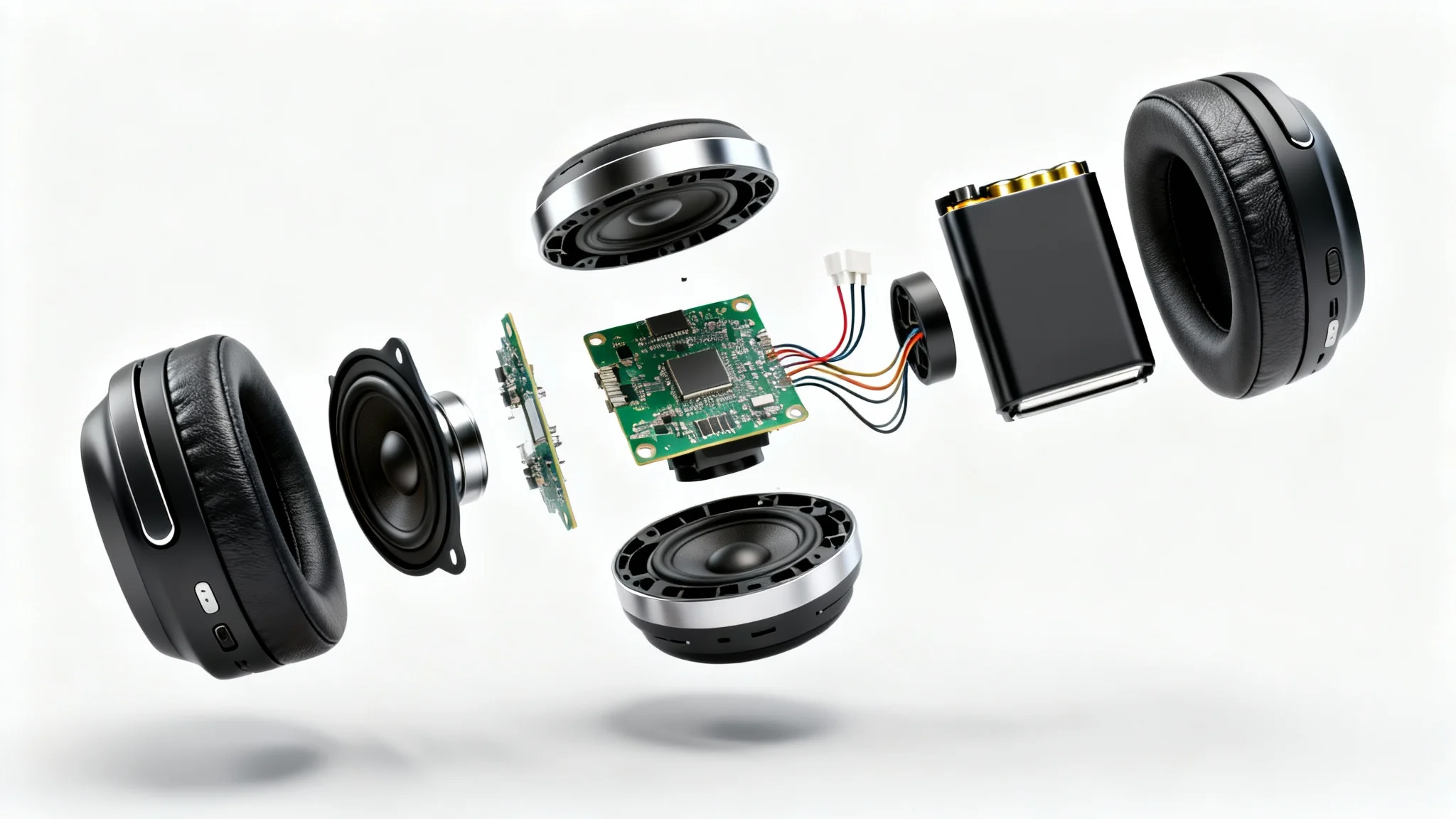
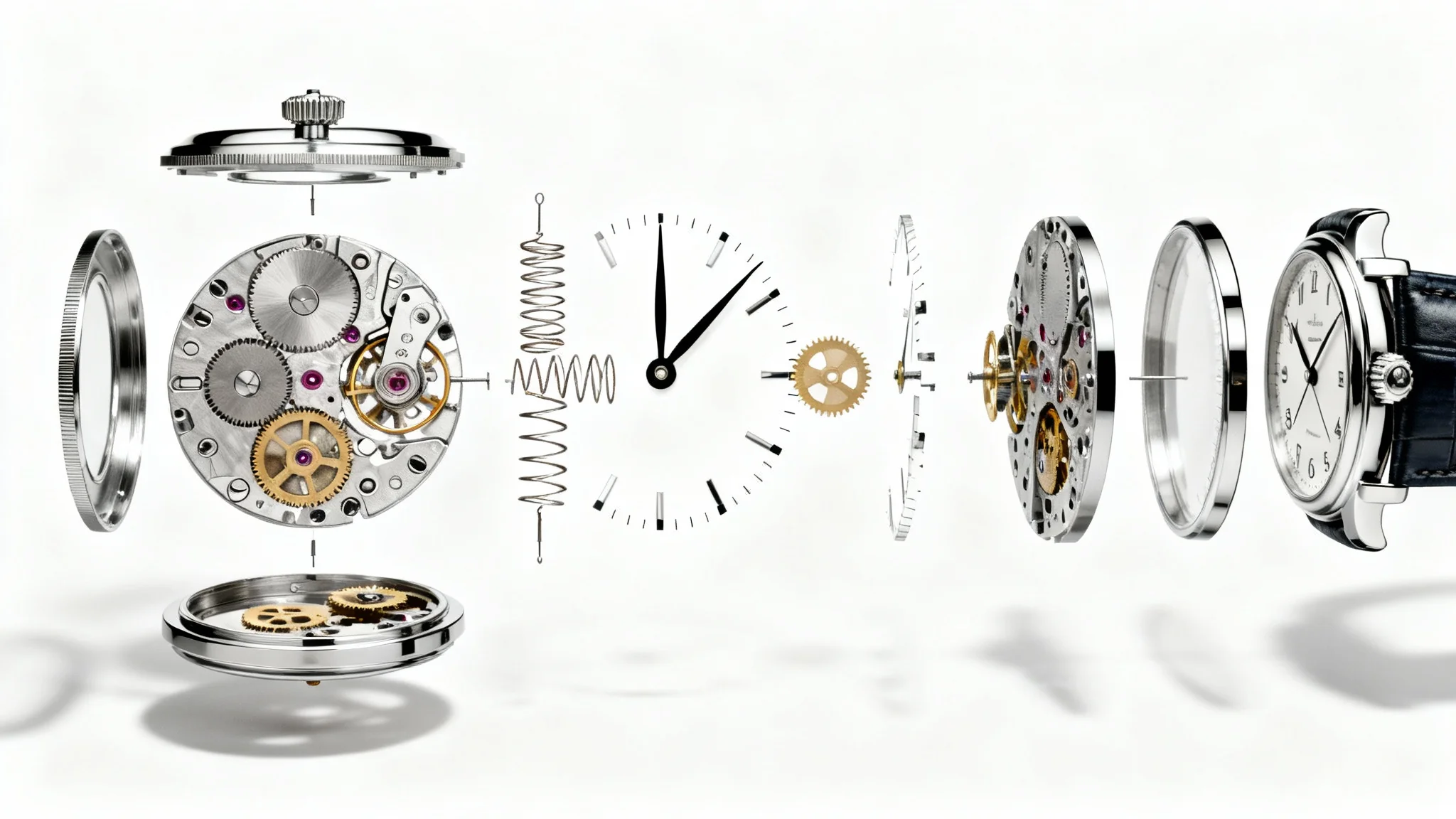
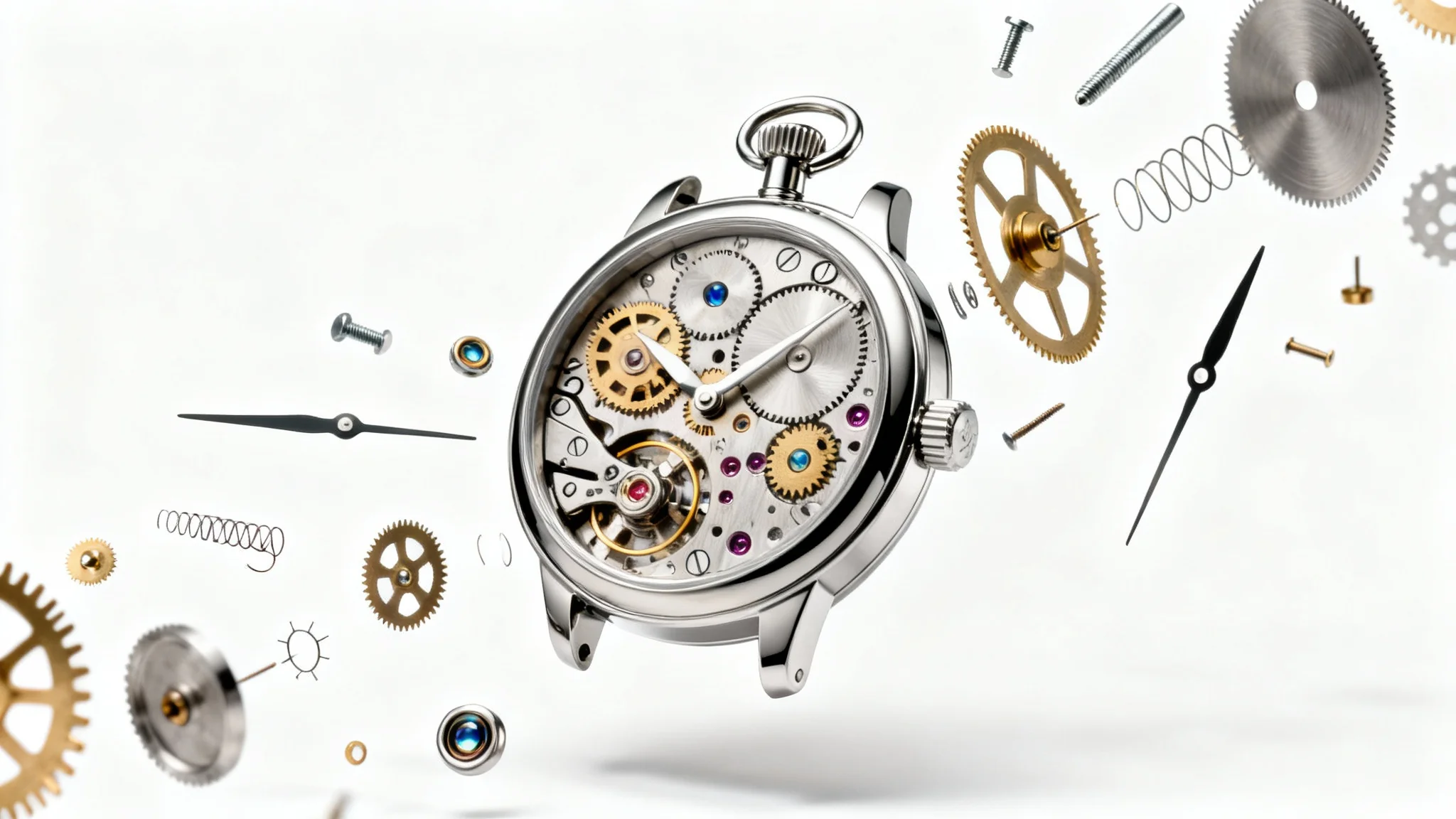
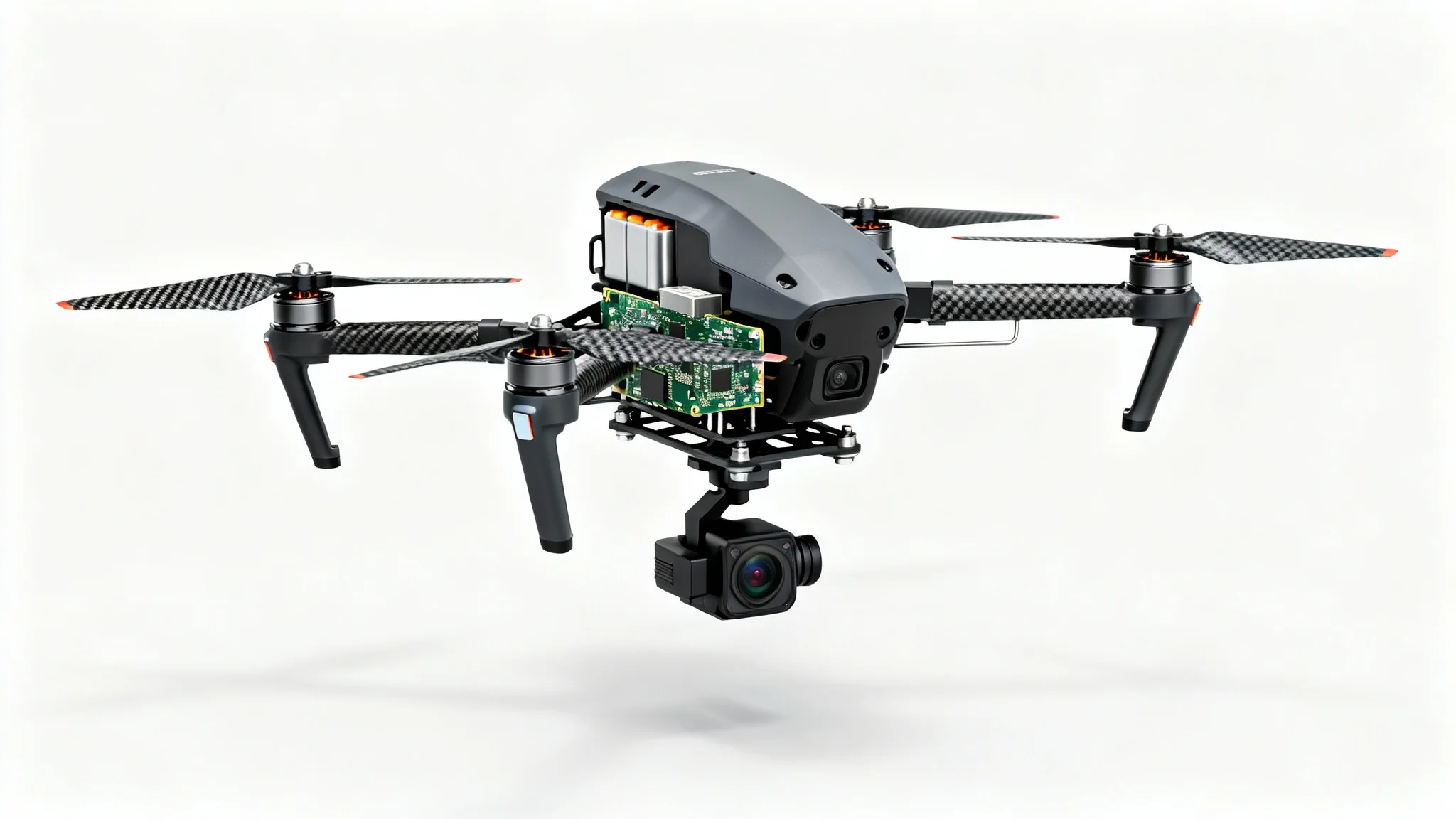
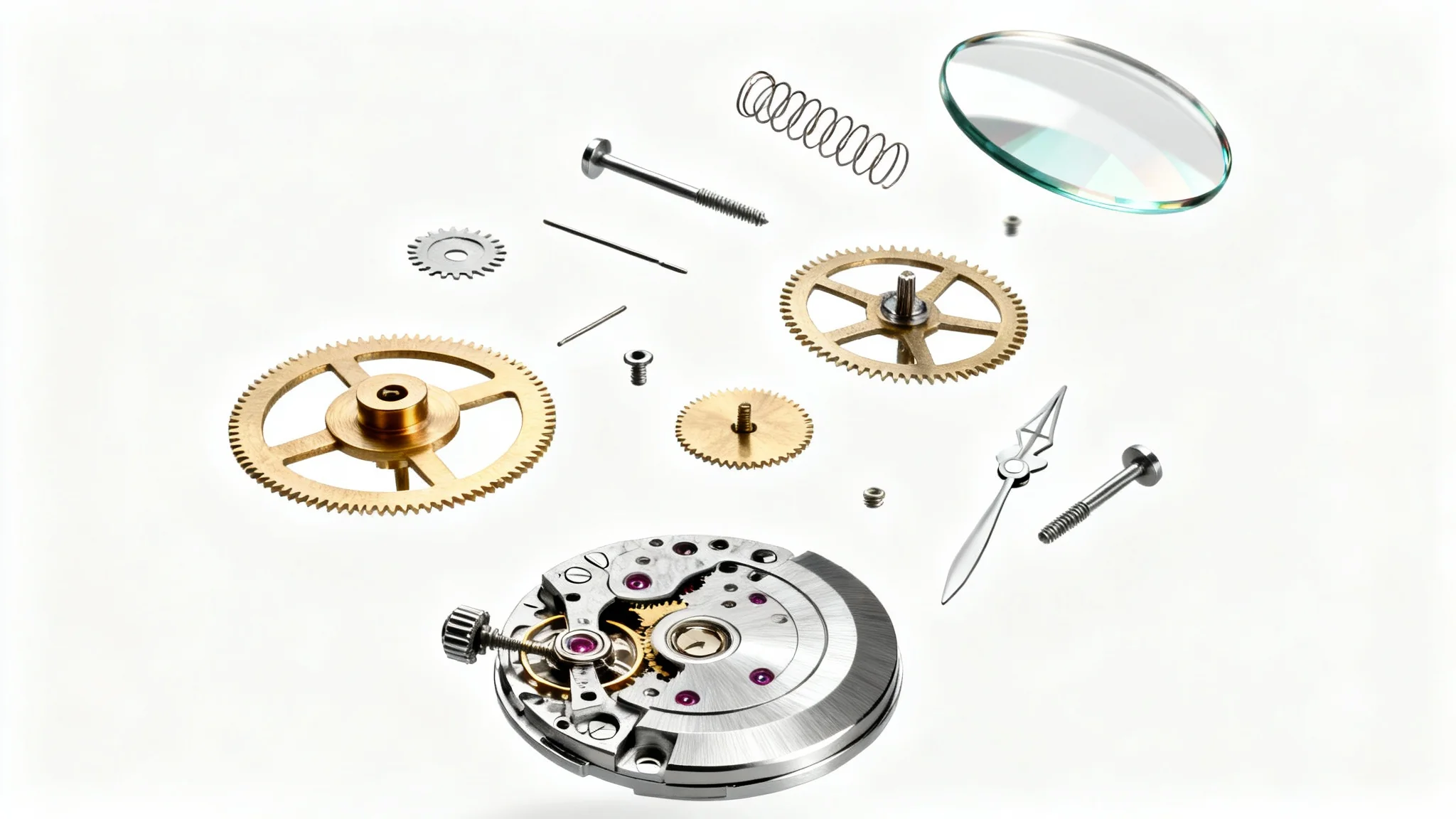
It's a tool that uses AI to create an image showing each part of a product separated. Provide a description or upload a photo of your gadget, and Pixa will generate a detailed exploded-view diagram that reveals how the components fit together.
Just enter a detailed prompt describing your product and click generate. You can also upload a photo of the device. Pixa's AI will interpret your input and quickly produce an exploded-view image. Refine your prompt and regenerate if you want adjustments.
Yes. Uploading a photo is supported and recommended. Choose a clear picture of your real product or its parts to guide the AI. The generator will use your image to accurately place and render each component in the exploded diagram.
Yes. Every image you generate is a high-resolution PNG with no watermark, even on the free plan. You can download and use these images directly in product manuals, catalogs, websites, or presentations without any added branding.
These images are great for product documentation, marketing, and learning. Use them in assembly guides or user manuals to show how parts fit together, in marketing materials or e-commerce listings to highlight product details, or in educational content to explain engineering concepts.
No design skills are needed. Pixa's AI does all the layout and styling for you. Simply describe the exploded view you want or upload your photo, and the tool will automatically create a professional-looking exploded diagram.
Great app, easy to use. Helps our small business save time and money to create different marketing materials professionally. Thank you.
I need a good background remover for my work and I've been through them all it feels like. This one is the best by far. It's so easy to use and the results always look amazing. Thank you Pixa!
It's amazingly easy and gives the perfect results for my bags and accessories. It looks like it was done by a professional photographer.