My favorite app
Great app, easy to use. Helps our small business save time and money to create different marketing materials professionally. Thank you.
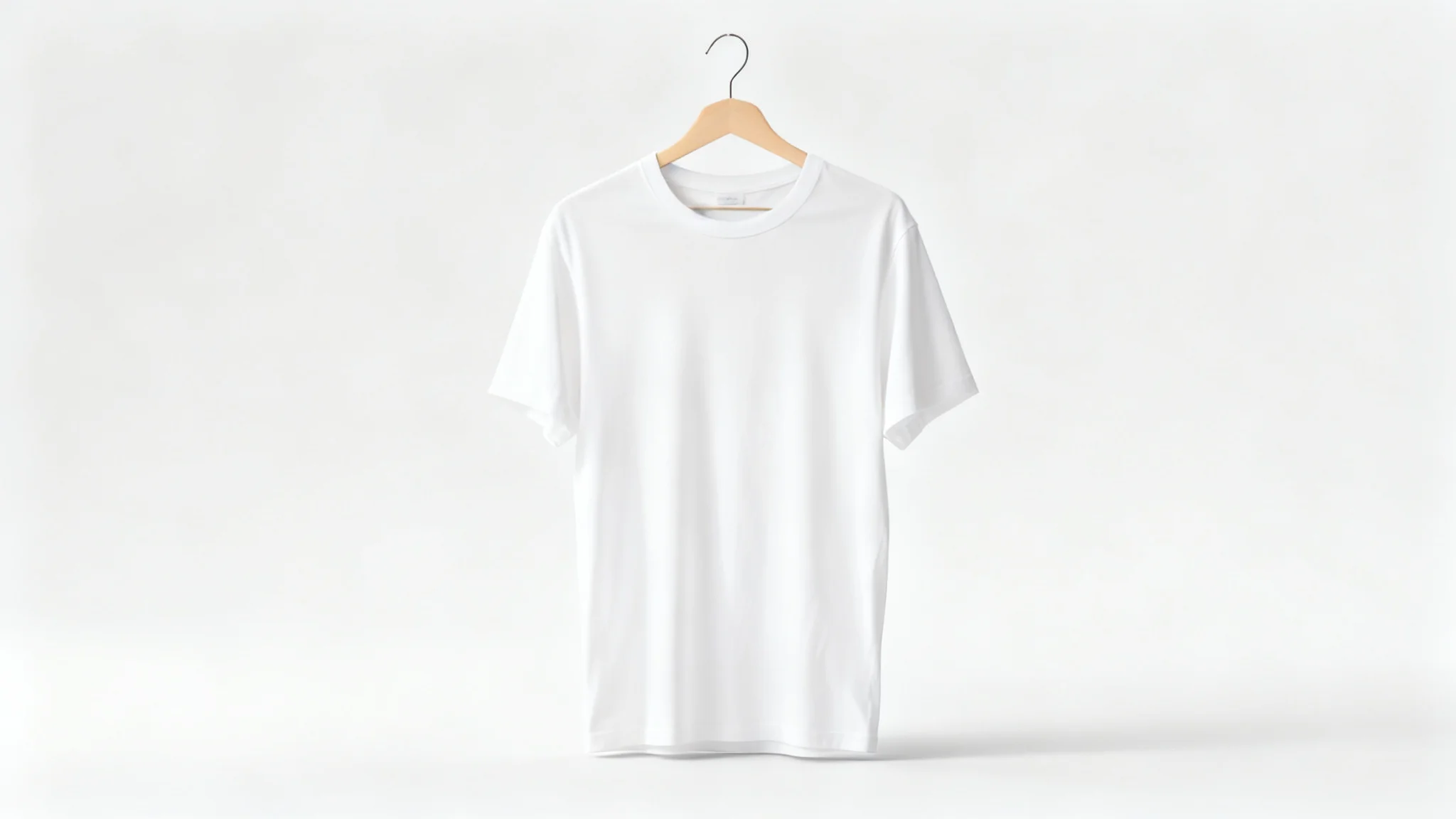
Select a clear photo of the garment (shirt, dress, etc.) you want to use. Make sure the clothing is well-lit and fully visible. This image will be used as the reference for the AI-generated hanger shot.
Describe exactly how you want the hanger shot to look. Include details about the clothing, hanger type, background, and lighting. For example: "A red dress on a wooden hanger with soft studio lighting."
Click the generate button to create your image. Pixa’s AI will use your photo and prompt to render the hanger shot. The image should appear within seconds based on your input.
Download the final hanger shot as a high-resolution PNG file. The image is watermark-free and ready to use. If you want a different style, adjust your prompt or photo and generate again.
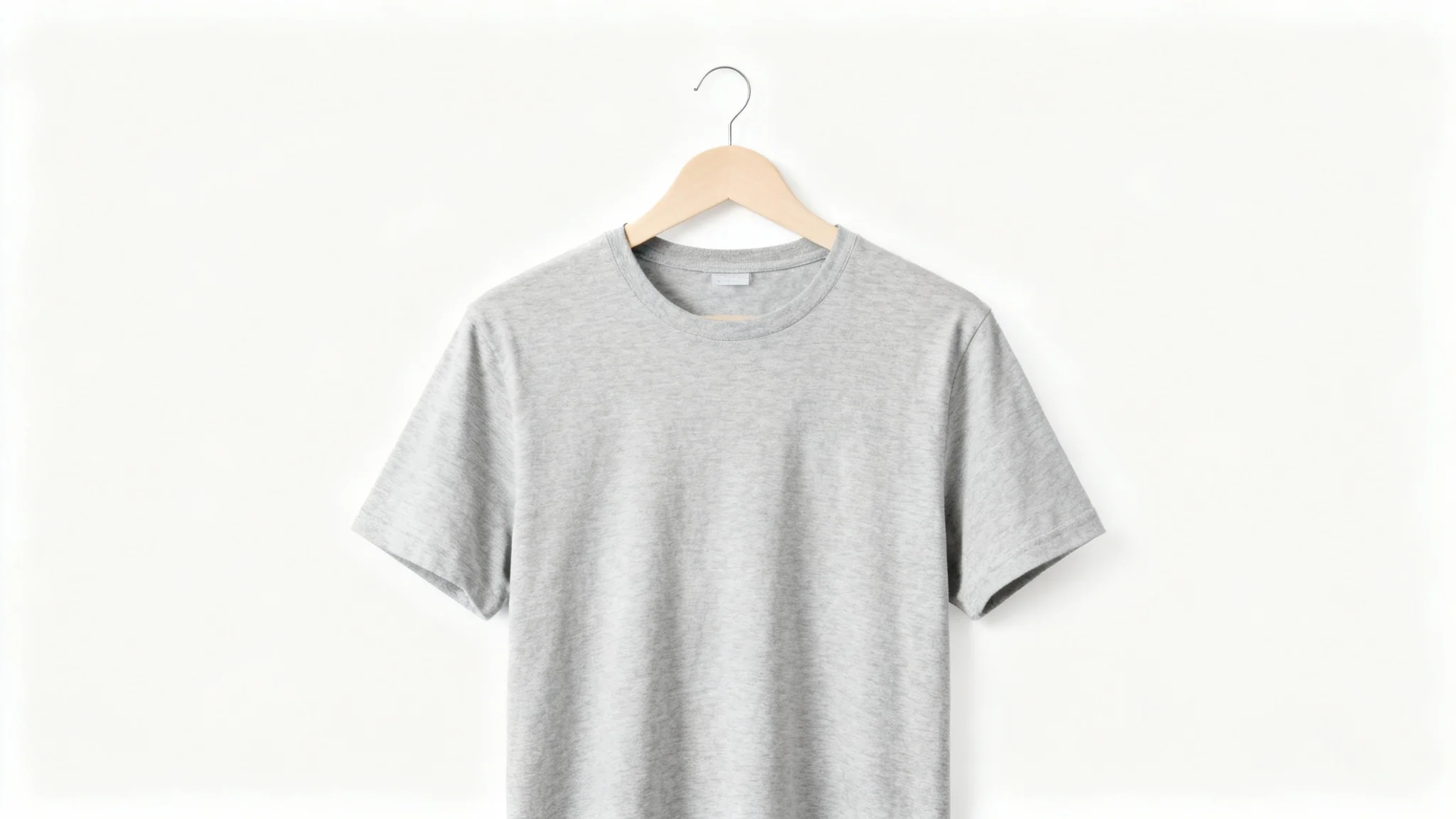
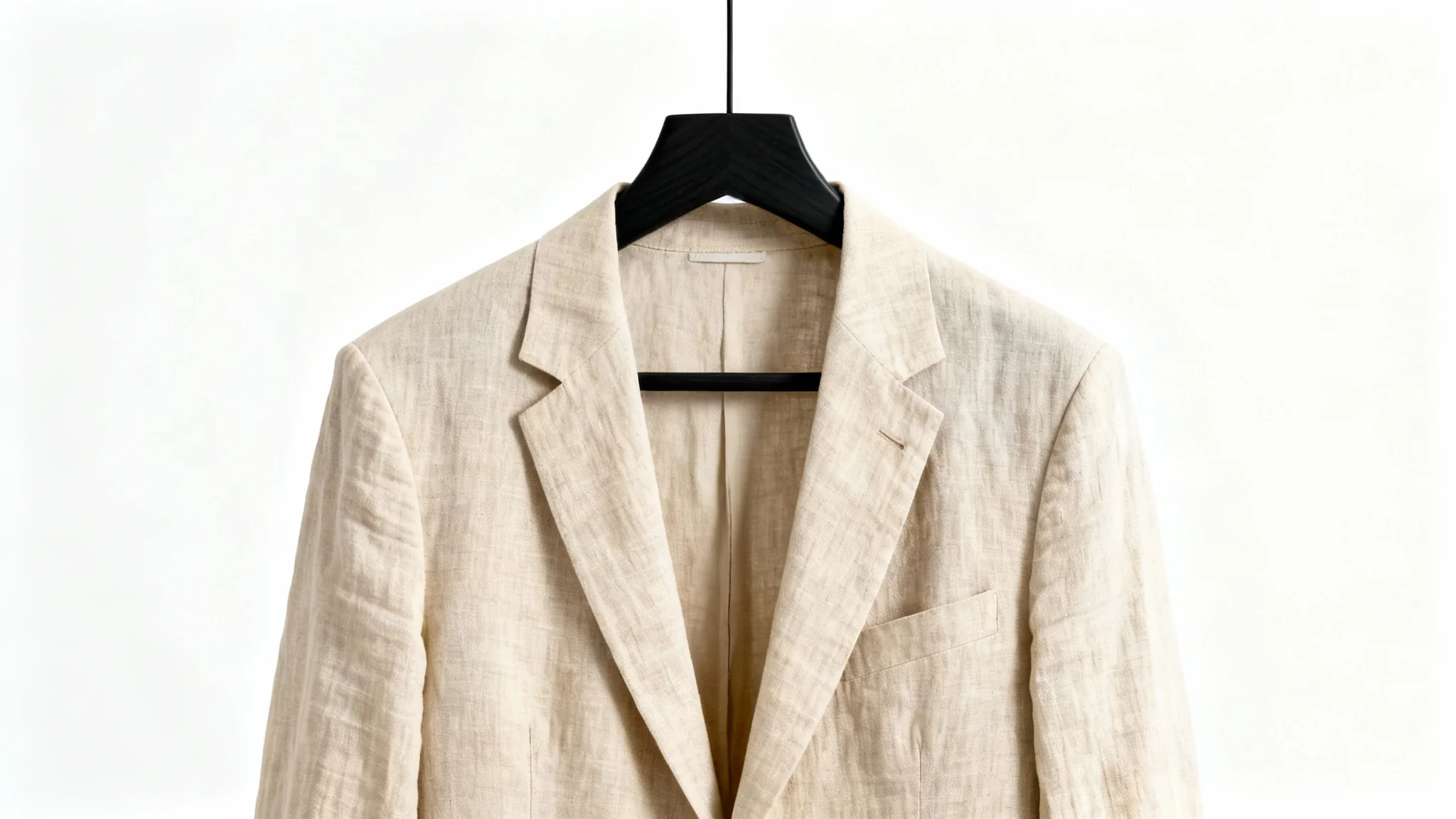
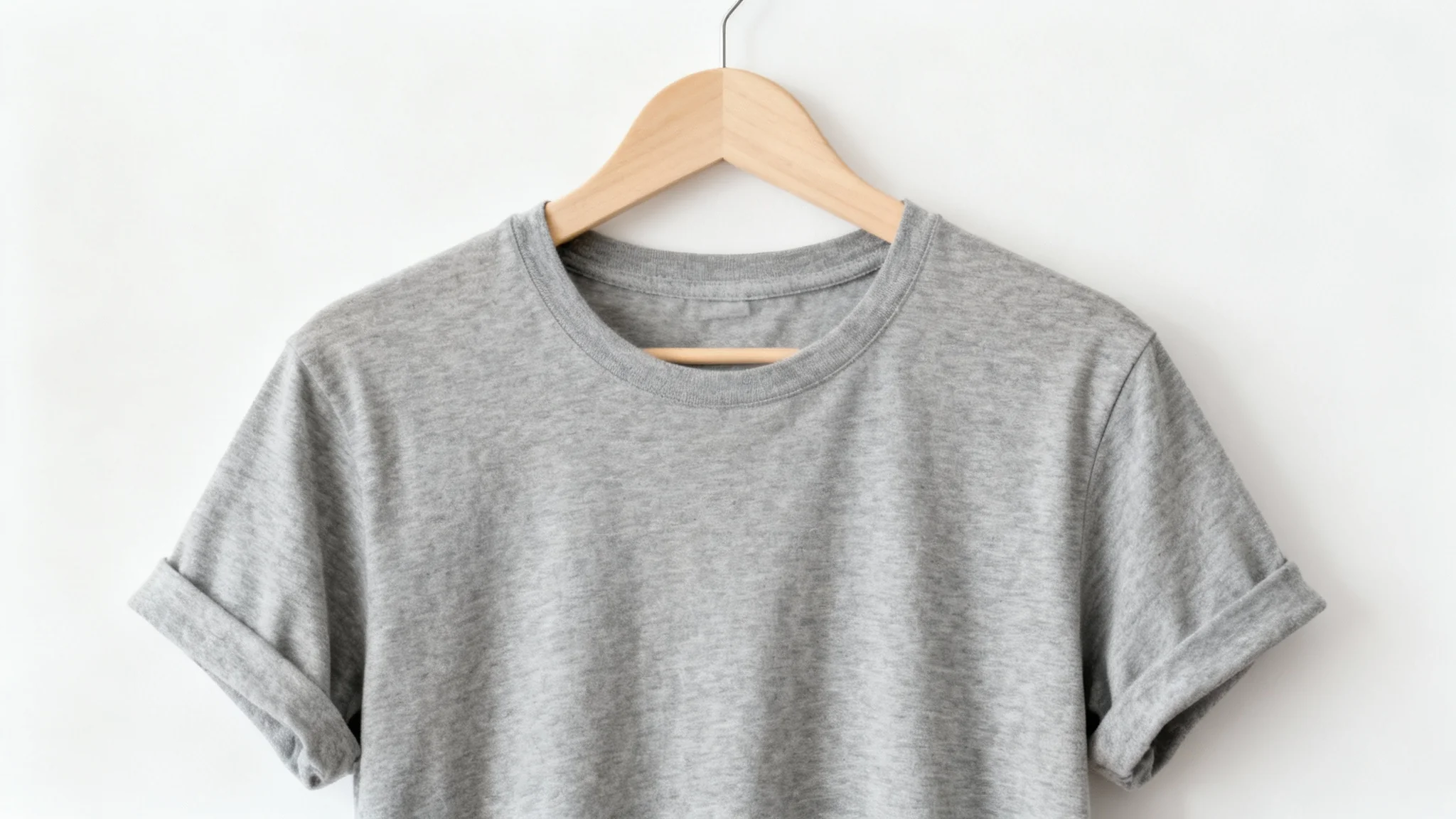
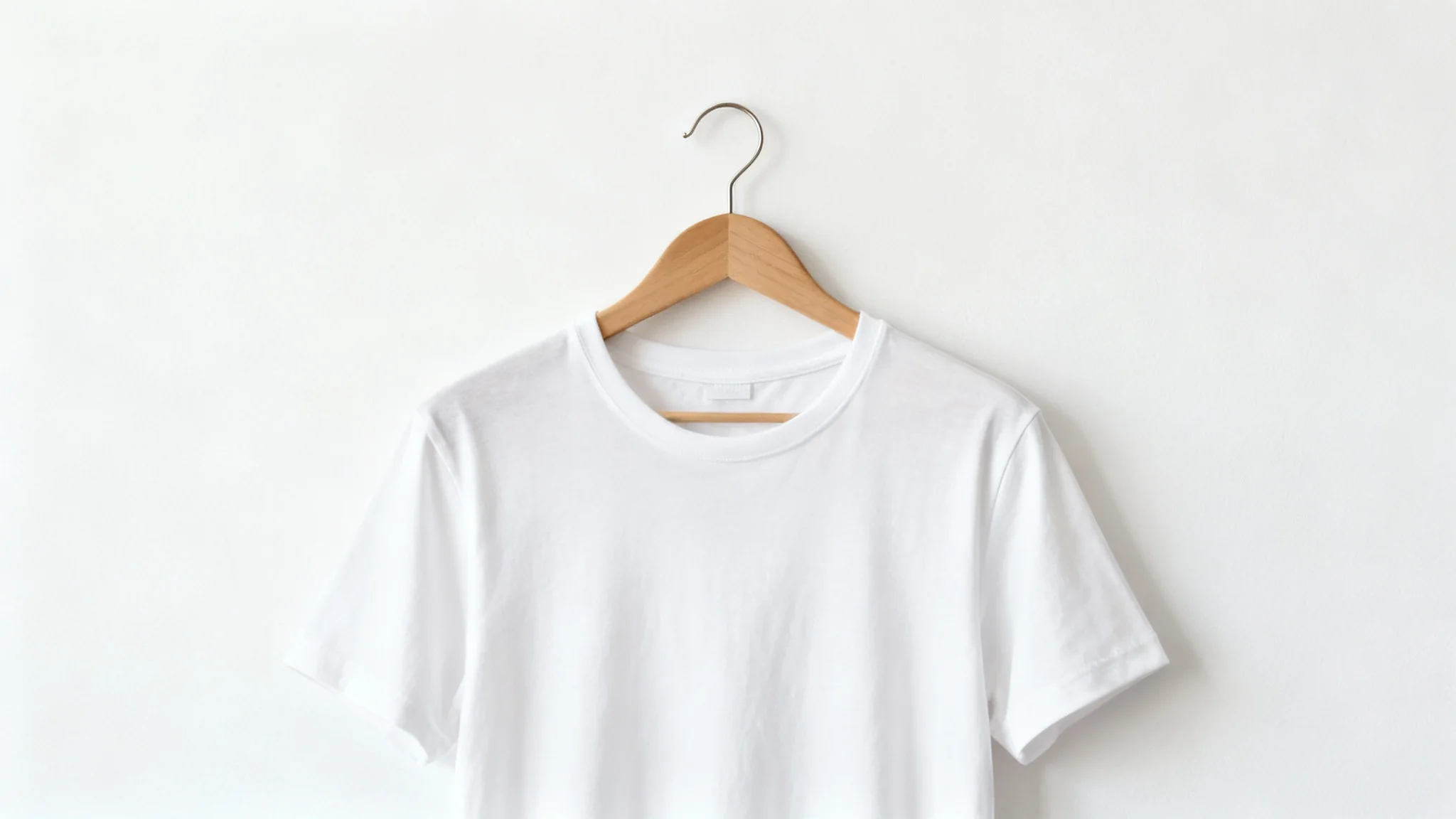
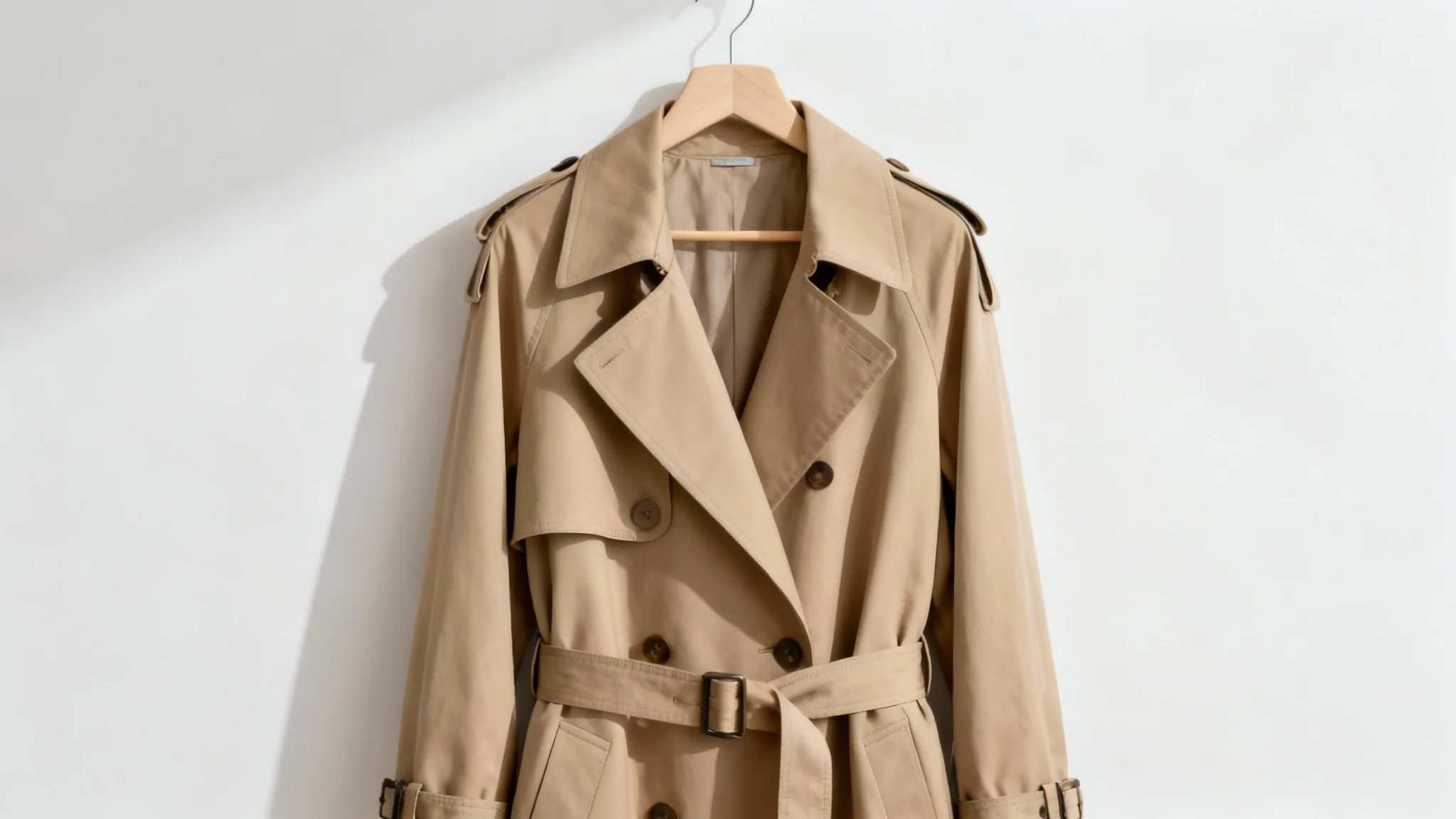
A clothing hanger shot generator is an AI tool that creates realistic images of apparel hanging on a hanger from a text prompt or uploaded photo. Describe your garment and scene, and it generates a polished product photo as if the clothing was photographed on a hanger.
Start by uploading a clear photo of your garment. Then type a detailed prompt describing how you want the final image (for example, include hanger type, background, and lighting). Click generate and the AI will create your hanger shot. Once done, download the PNG image.
Yes, uploading a garment photo is required. Pixa uses your uploaded image as the subject of the hanger shot so it can reconstruct your exact clothing item. Use a clear, well-lit photo for best results.
You can generate images of any garment—shirts, dresses, jackets, pants, etc. Just describe the item in your prompt. The AI will handle fabric and shape, creating a hanger shot for the outfit you describe.
All generated images are high-resolution PNG files. They are watermark-free, so you can use them directly in your projects. Pixa does not provide JPG or other formats for these images.
Yes. The generated hanger shot images are free to download and use without watermarks. You can use them for personal or commercial purposes. Pixa offers some free credits to get started, and you can purchase more credits if needed for additional images.
Great app, easy to use. Helps our small business save time and money to create different marketing materials professionally. Thank you.
I need a good background remover for my work and I've been through them all it feels like. This one is the best by far. It's so easy to use and the results always look amazing. Thank you Pixa!
It's amazingly easy and gives the perfect results for my bags and accessories. It looks like it was done by a professional photographer.