My favorite app
Great app, easy to use. Helps our small business save time and money to create different marketing materials professionally. Thank you.
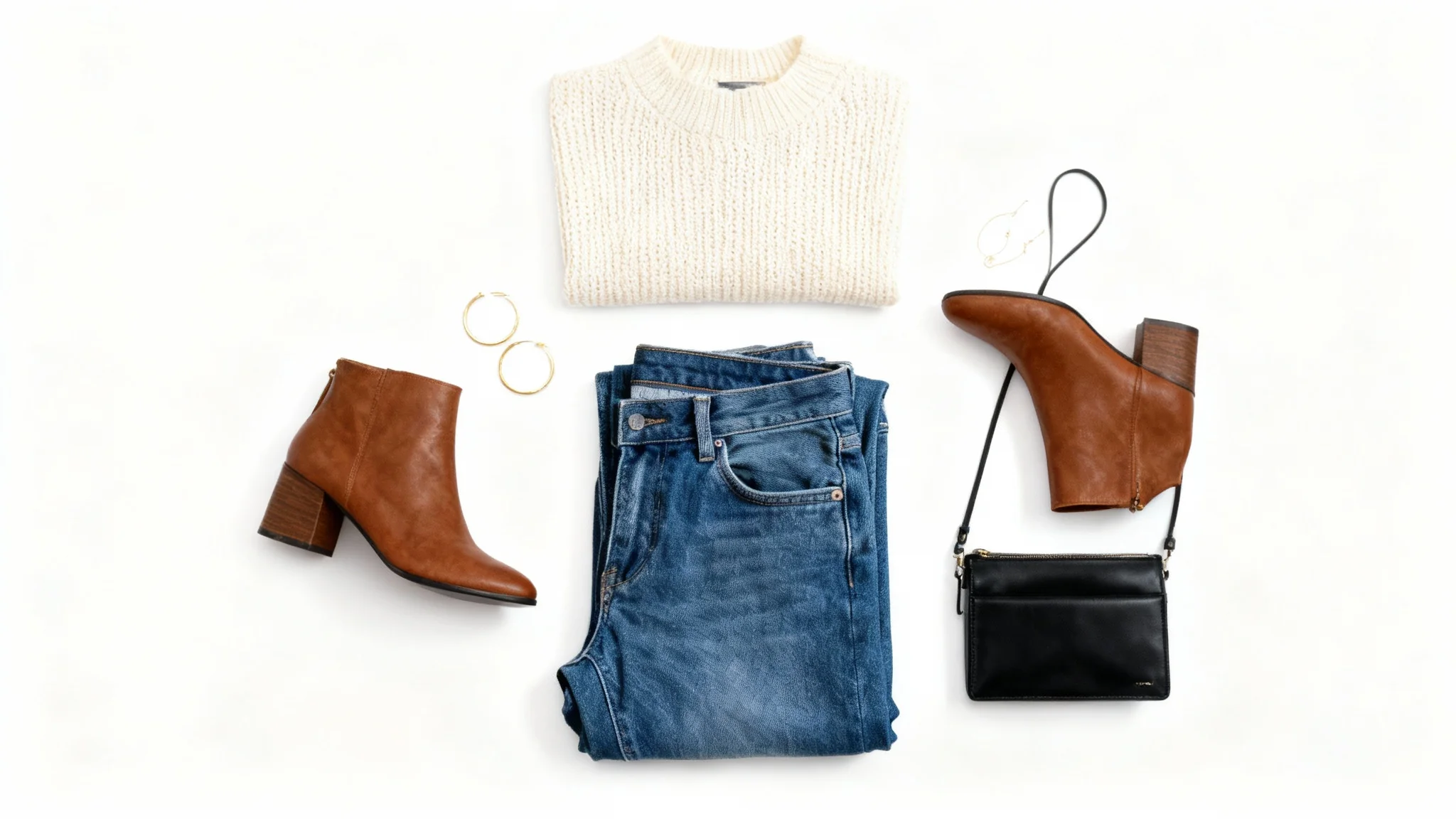
Choose a top-down photo of your clothing or outfit to get started. For example, use a photo of folded jeans or a shirt on a flat surface.
Describe how you want the flat lay to look. Include clothing items, colors, background, and any props. For example, “a denim jacket and sneakers on a white table”.
Click to let Pixa's AI create the flat lay. The tool will combine your photo and description to arrange the outfit into a polished flat lay image.
Your high-res clothing flat lay photo is ready to download. Save the PNG file and use it anywhere—it’s watermark-free and perfect for your shop, website, or social media.
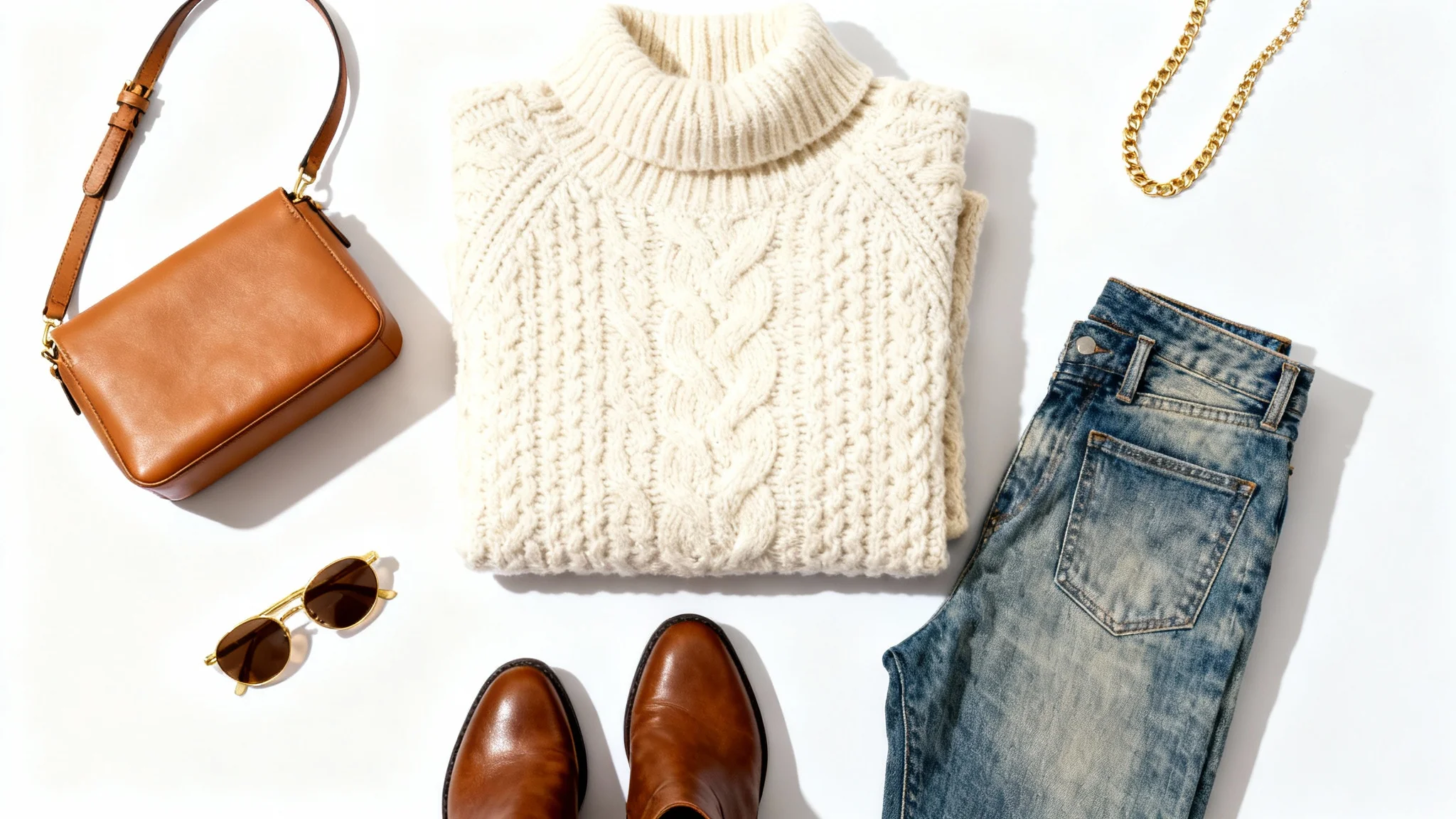
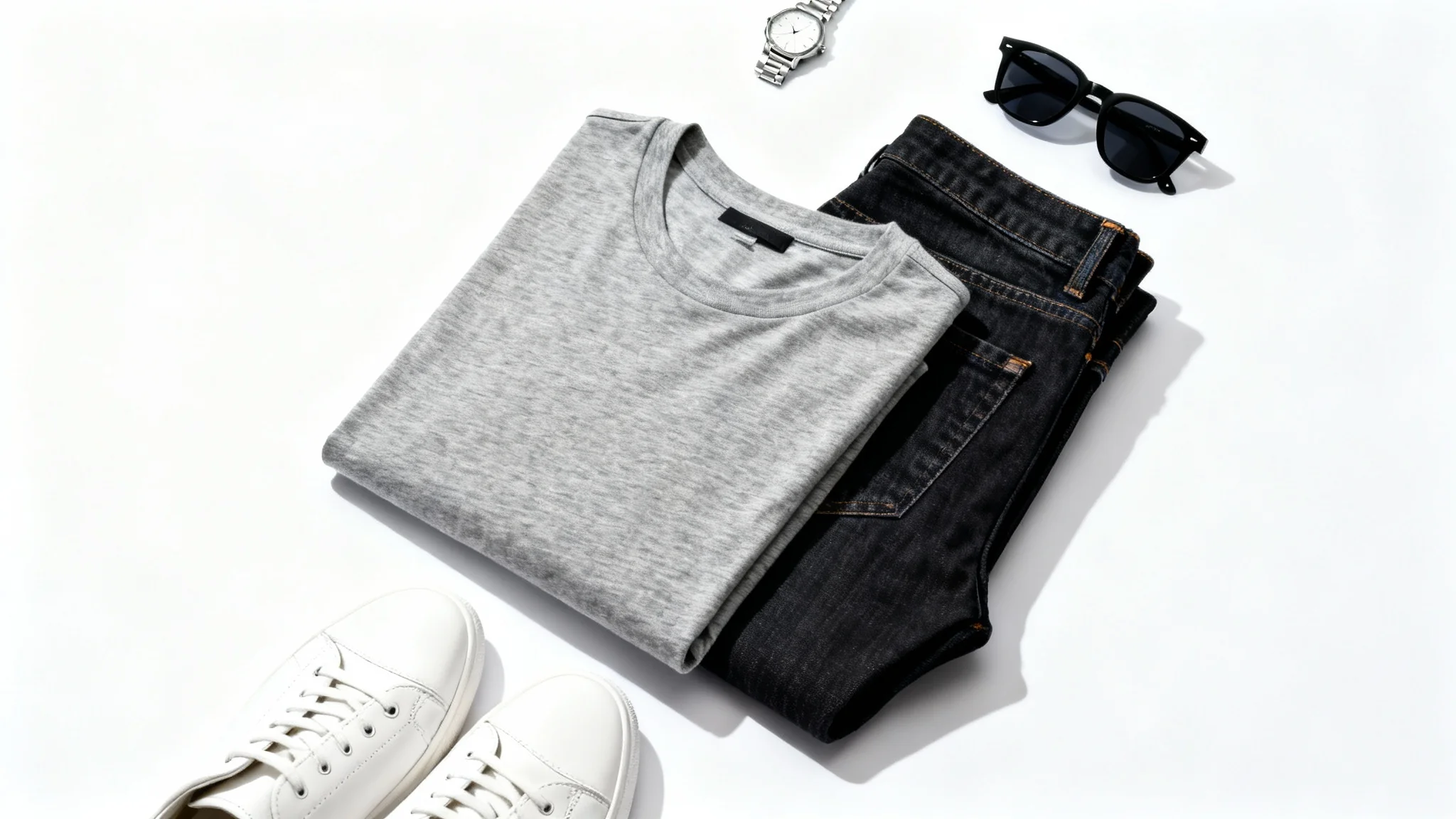
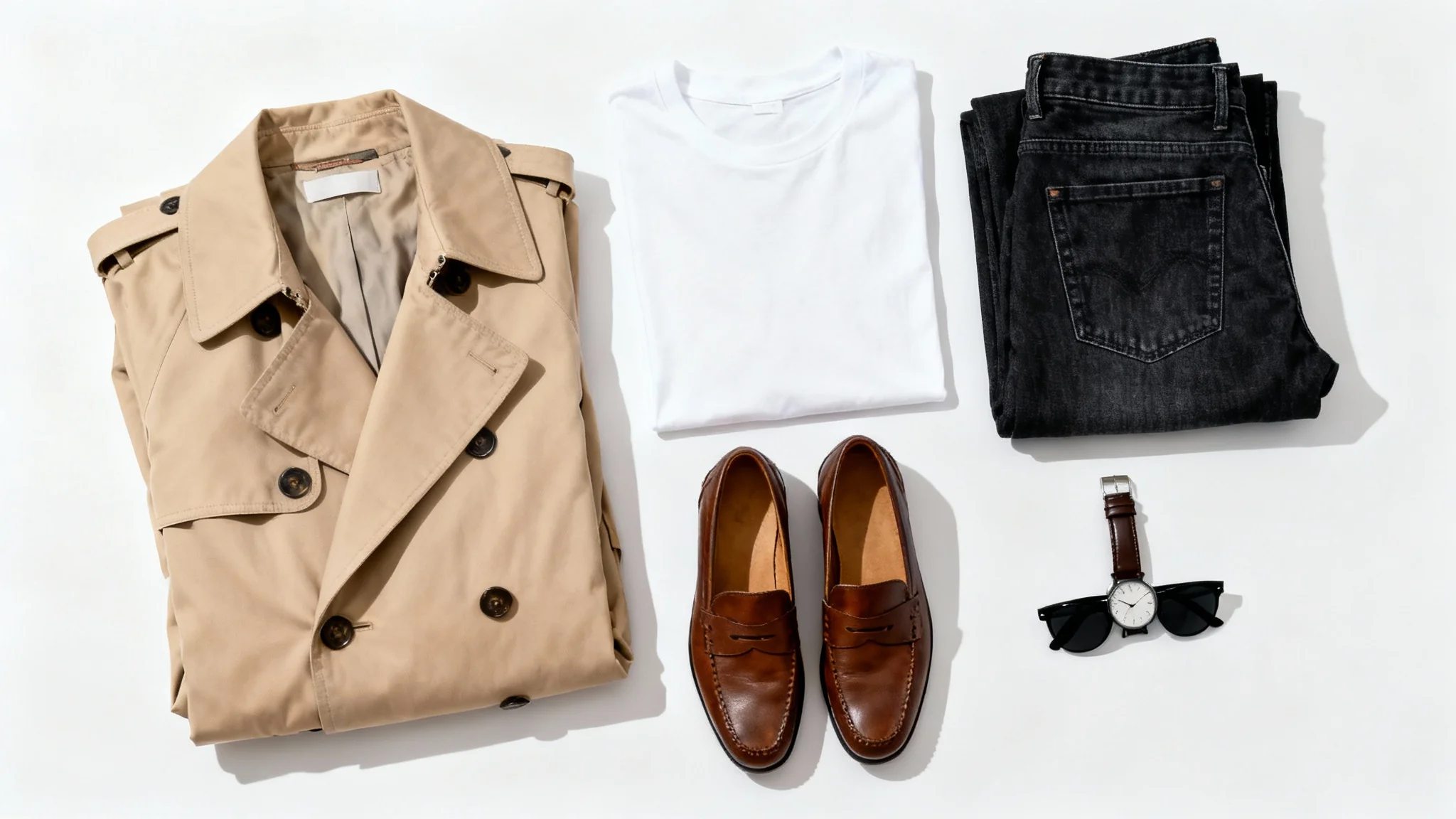
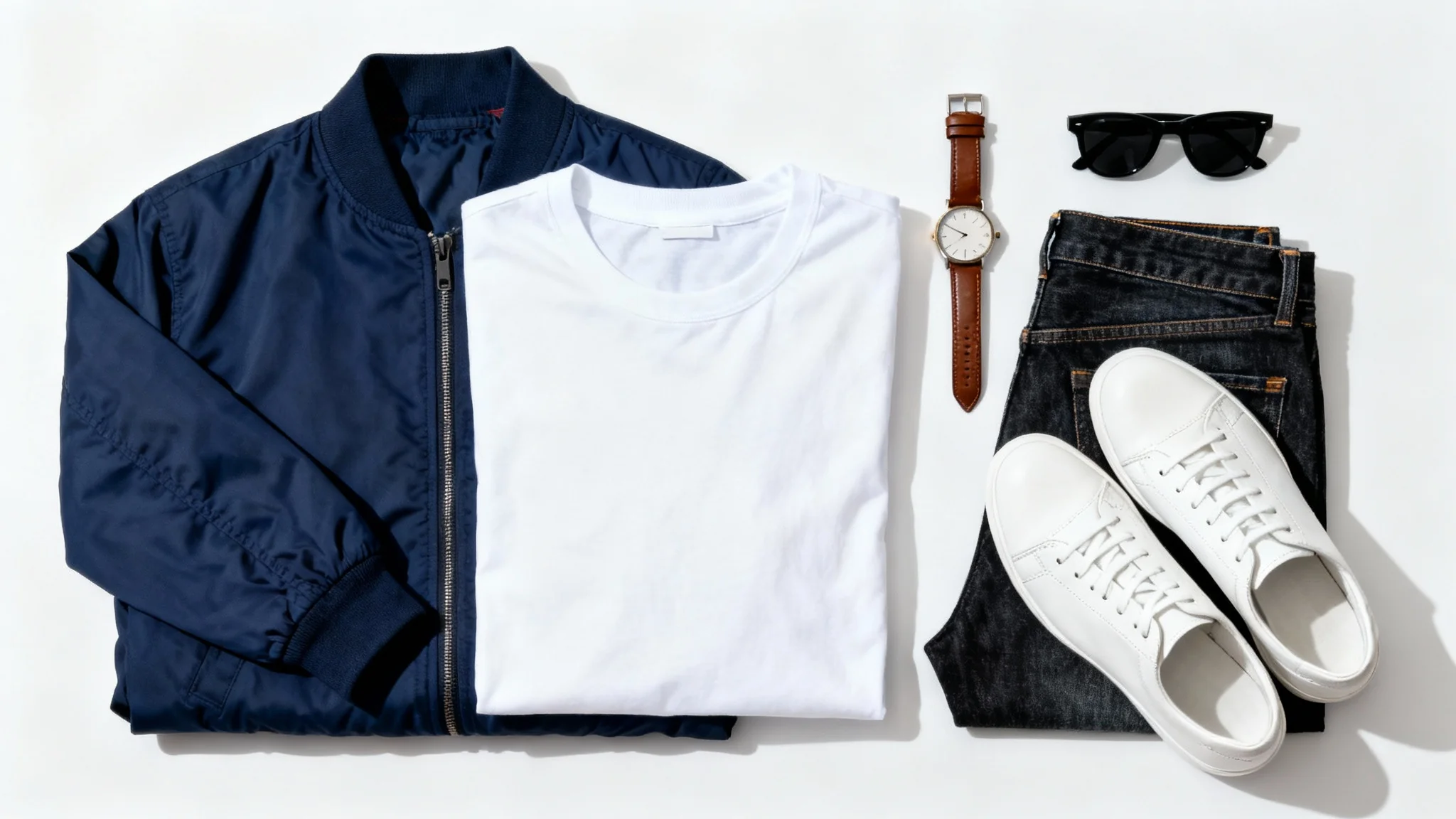
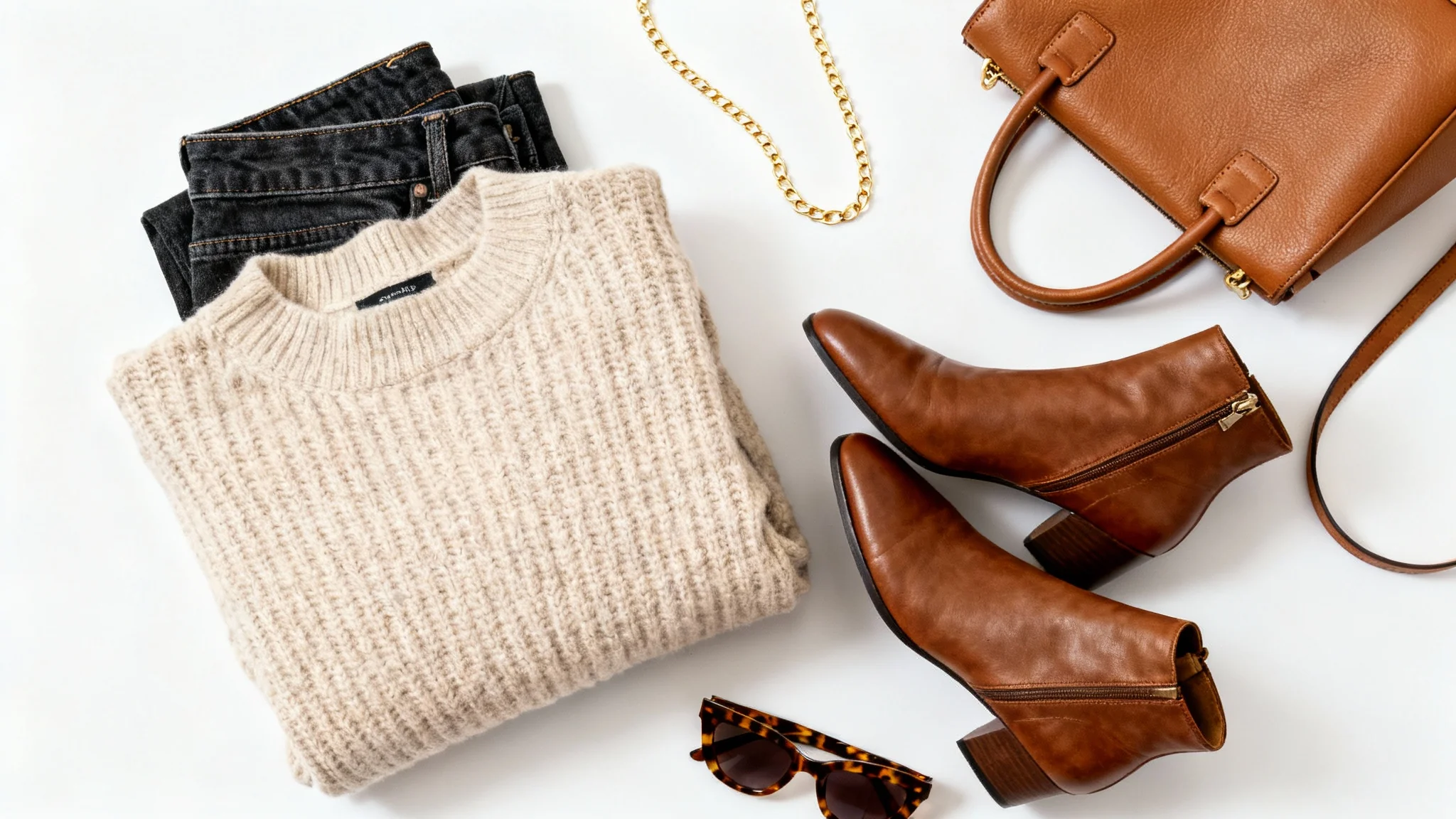
Pixa’s AI clothing flat lay generator is an online tool that uses artificial intelligence to create styled overhead photos of outfits. You provide details about your clothes and desired setup (or upload an outfit photo), and the AI arranges the apparel and props into a polished flat lay image automatically.
First, upload a photo of your clothing (like a flat lay of garments or a single item). Next, enter a prompt describing how you want the flat lay arranged (mention items, colors, background, props, etc.). Click generate, and the AI will produce a styled flat lay based on your input. Finally, download the image to use on your site or social media.
Yes. For best results, upload a top-down photo of your clothing or outfit. The AI will use it as a base to create the flat lay. If you don’t upload a photo, you can still try a text-only prompt, but an image ensures the flat lay accurately features your actual clothing.
Absolutely. In your prompt, you can specify accessories (shoes, jewelry, hats, etc.) and background details (wooden table, white sheet, etc.). The AI will incorporate these elements into your flat lay. Just be clear and descriptive about what items and setting you want to appear.
Yes. Pixa allows you to generate and download high-resolution flat lay images that are watermark-free. You get a certain number of free generations. After using the free credits, you can continue using the tool by purchasing additional credits.
All downloaded images from Pixa are high-resolution PNG files with no watermark. They are ready to use for web or print and can be used in commercial projects without extra editing.
More detail usually leads to better results. Include specific descriptions of clothing items (colors, styles, fabric), layout (per item position), props, and background to guide the AI. For example, “A winter outfit flat lay on a wooden table: knit sweater, blue jeans, brown boots, and a scarf folded to the side.”
Great app, easy to use. Helps our small business save time and money to create different marketing materials professionally. Thank you.
I need a good background remover for my work and I've been through them all it feels like. This one is the best by far. It's so easy to use and the results always look amazing. Thank you Pixa!
It's amazingly easy and gives the perfect results for my bags and accessories. It looks like it was done by a professional photographer.