My favorite app
Great app, easy to use. Helps our small business save time and money to create different marketing materials professionally. Thank you.
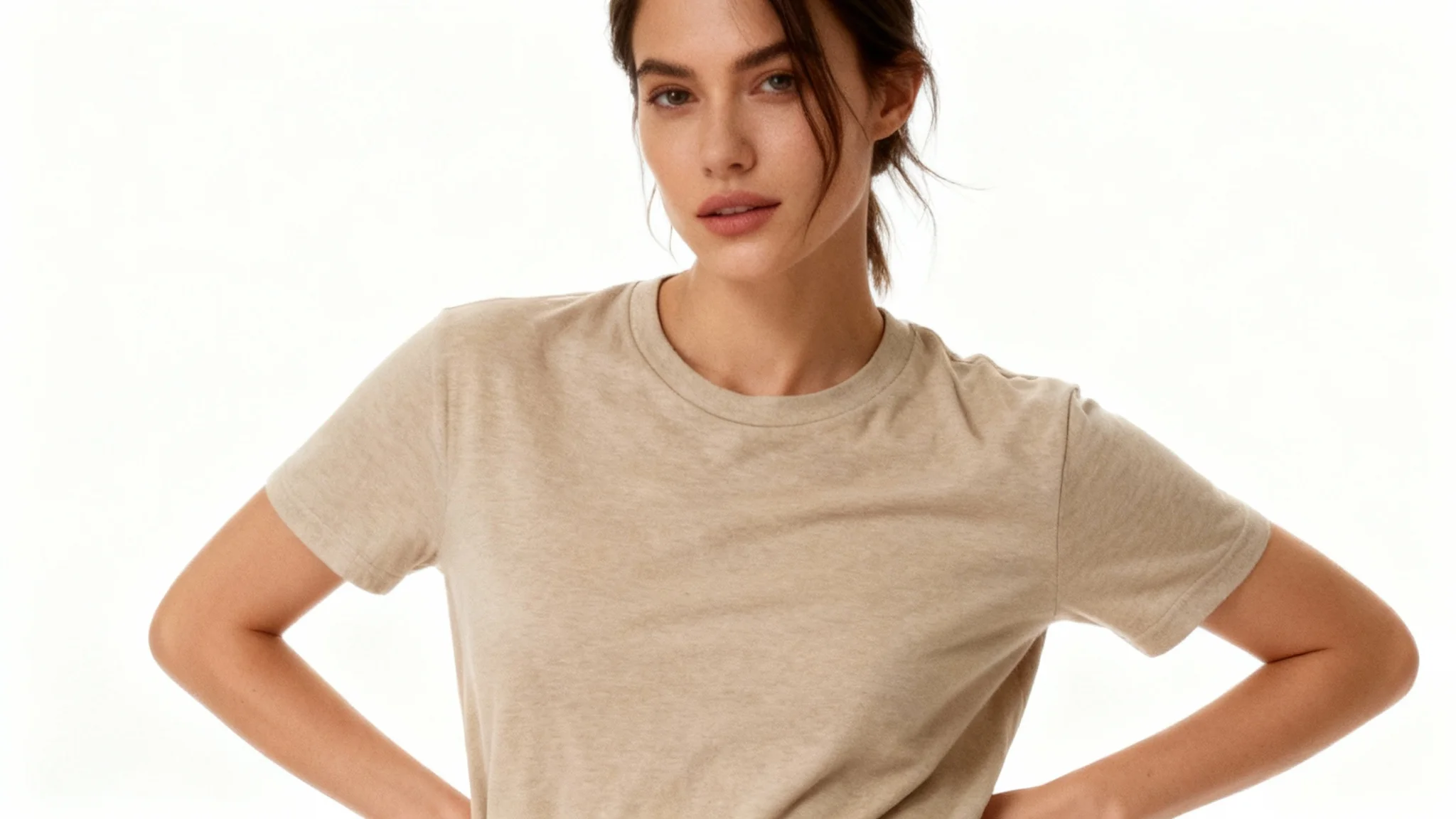
Upload a clear photo of your clothing item (for example, your t-shirt). Make sure the garment is visible and centered if possible.
Describe the scene and model. For example, "a woman wearing this shirt at the beach at sunset". The more detail you give about pose, setting, and style, the better the result.
Click the Generate button. Pixa’s AI will process your image and prompt, creating a lifelike photo of a model wearing your clothing in the described scene.
Once the image is ready, download the high-resolution PNG. It's ready to use in your store, on social media, or in any marketing material.
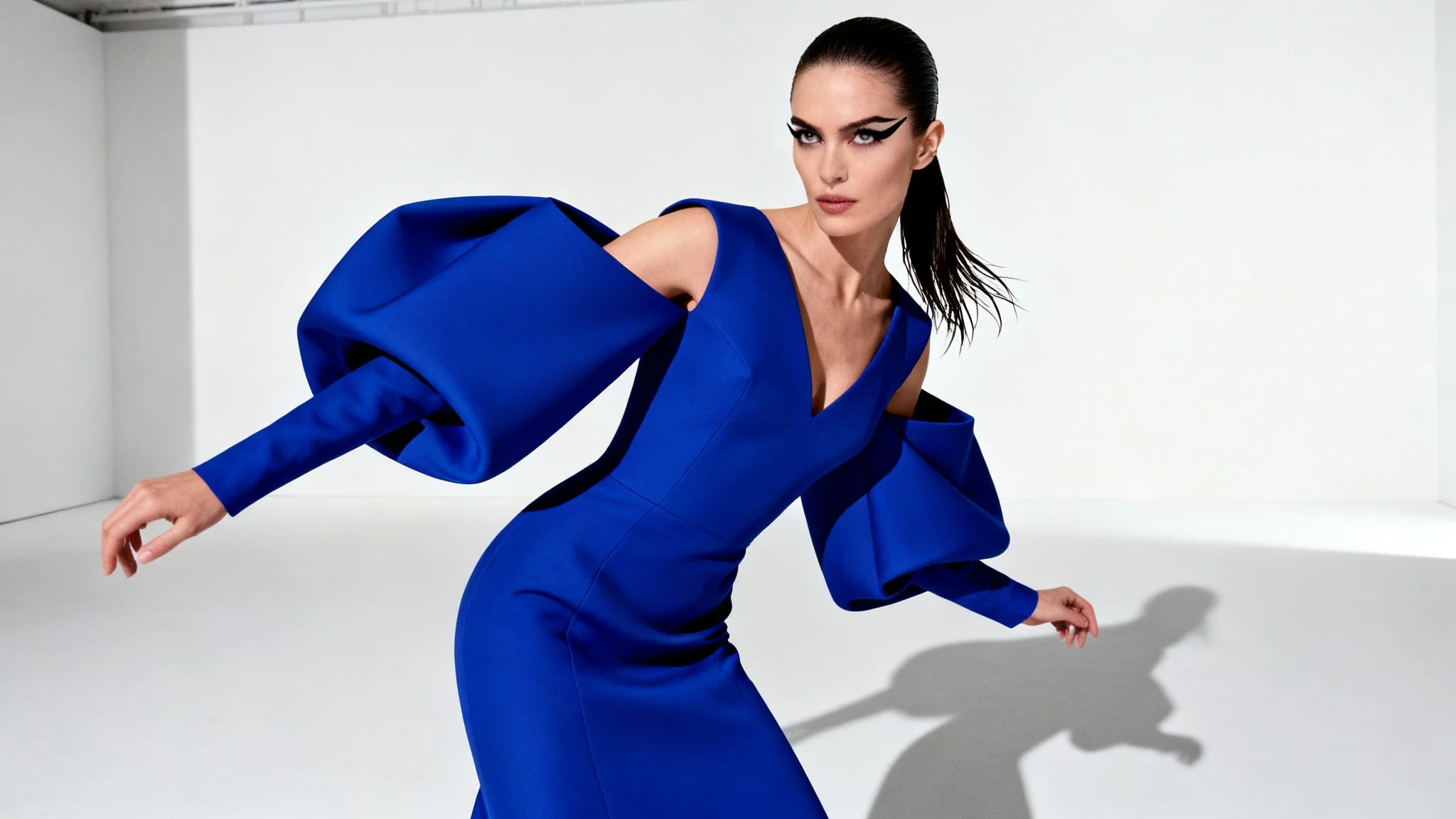
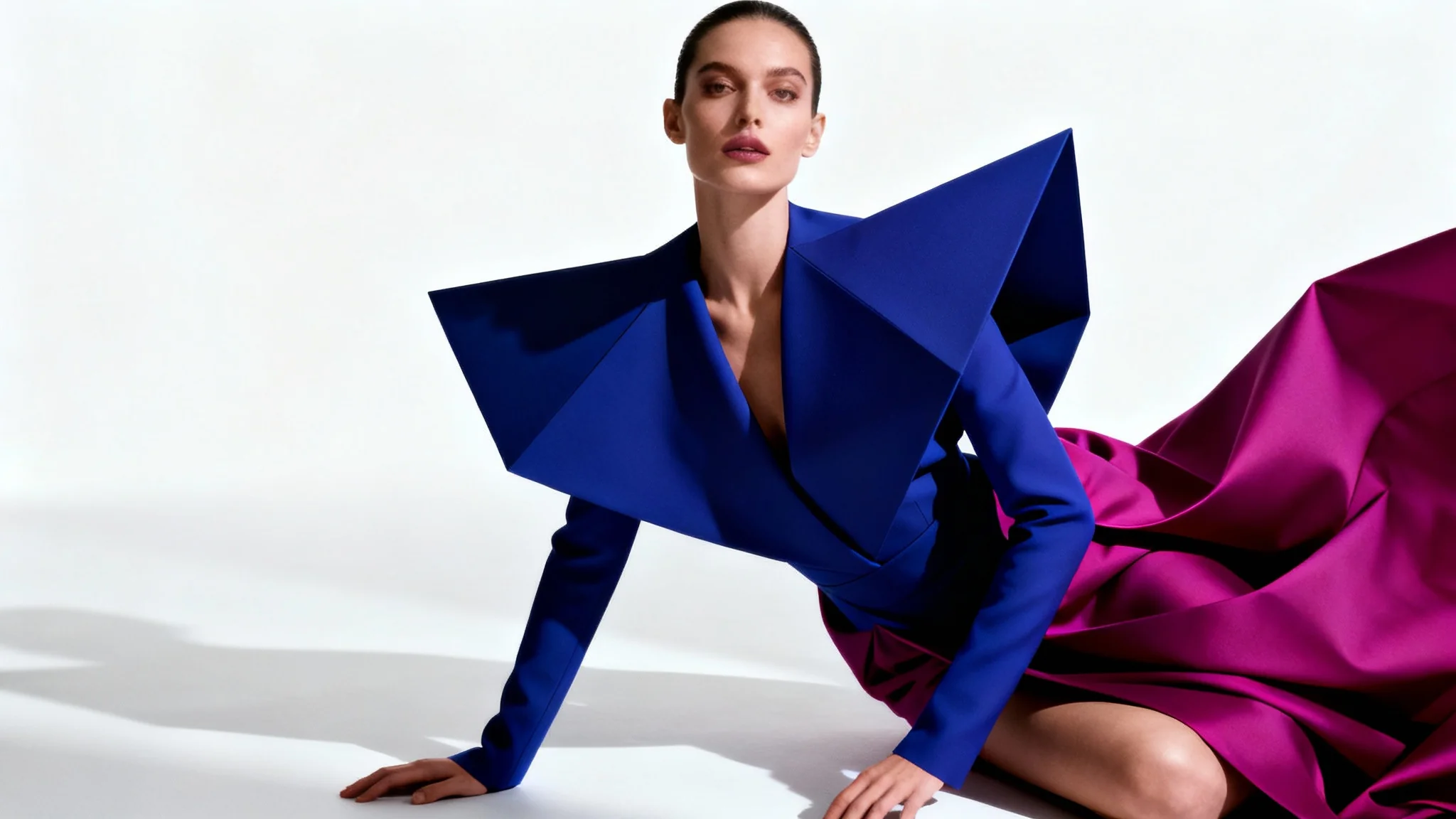
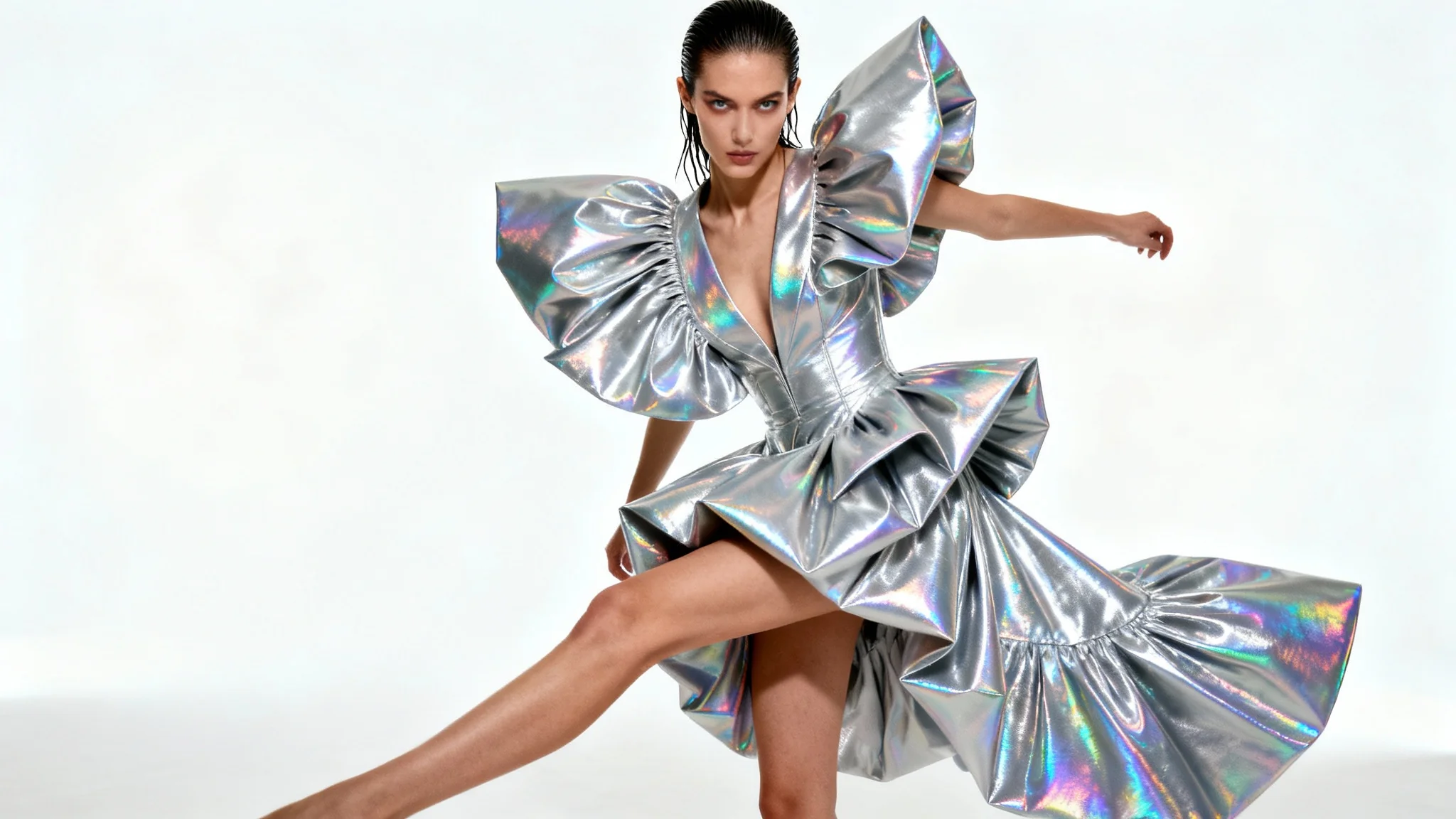
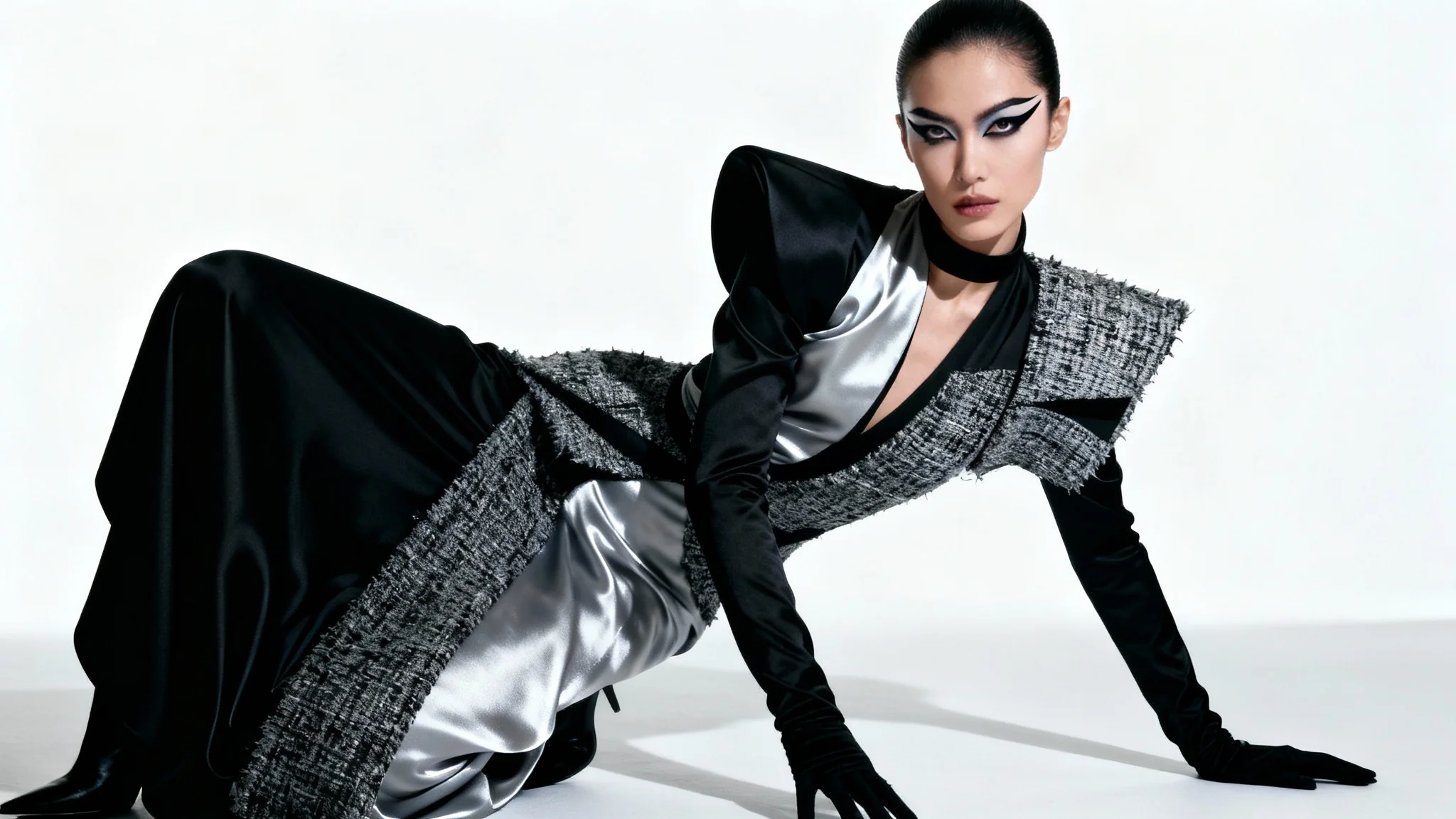
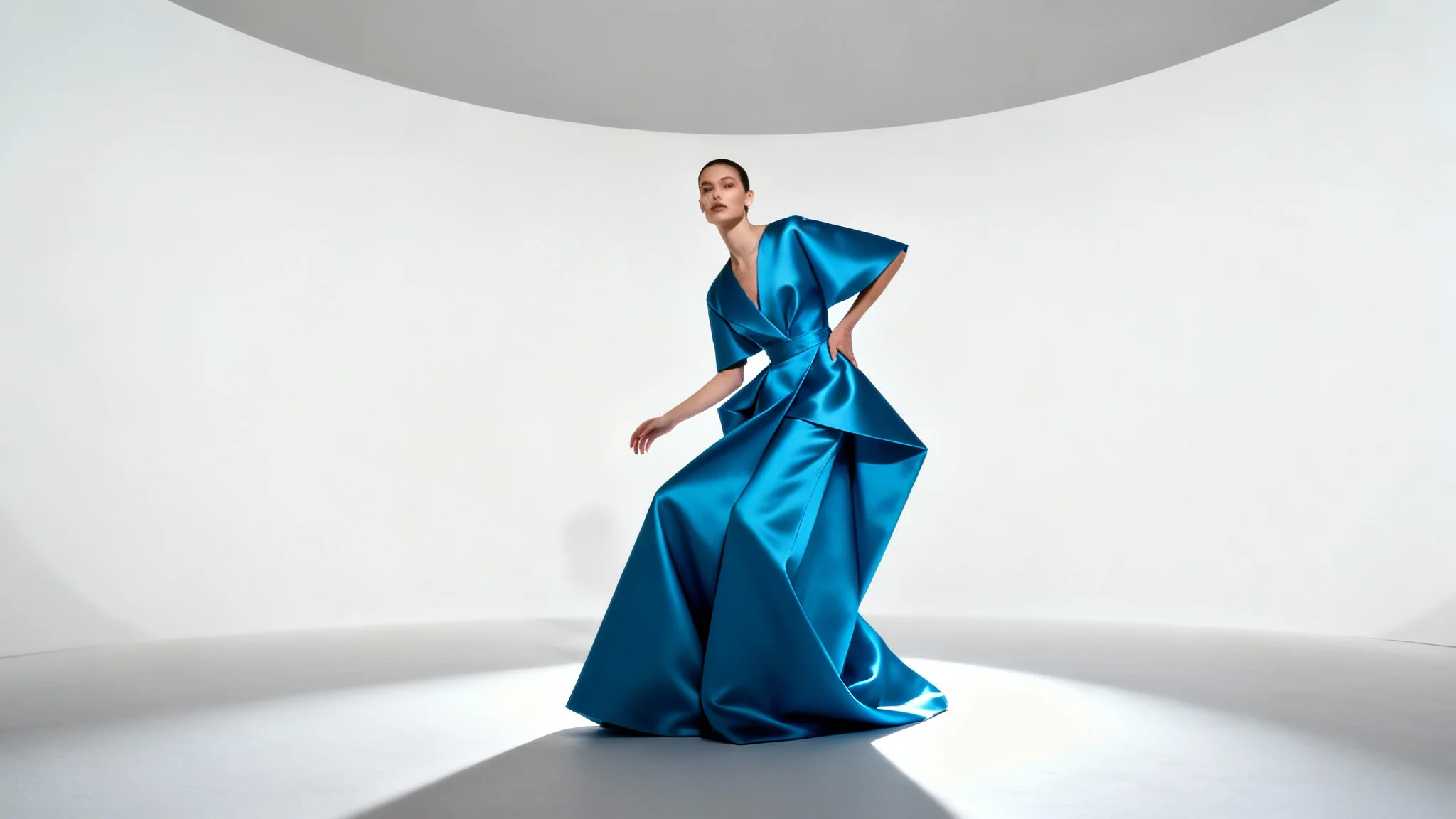
An AI clothing model generator is a tool that creates realistic images of models wearing your apparel. You upload a photo of your clothing item and describe the scene or style you want. The AI then generates a new image of a model wearing that garment in the setting you described, similar to a professional photoshoot.
Upload a clear photo of your clothing item. Then type a prompt describing the desired scene or style (for example, "a young woman wearing this jacket at a beach"). Click generate, and the AI will produce an image of a model wearing your item in that environment within seconds.
You can use almost any apparel: t-shirts, dresses, jeans, jackets, hats, shoes, and more. As long as your photo clearly shows the item, the AI can place it on a virtual model. It works with all styles, from casual streetwear to formal outfits and accessories.
Yes. Mention details in your prompt. For example, say "a young man in a black jacket in a downtown street" or "a woman in a summer dress in a garden." The AI will try to match those details. You guide the output with your description of the model’s appearance, pose, and setting.
Yes. Pixa provides initial free credits so you can try it at no charge. Any images you download will be high-resolution PNGs with no watermark. The outputs are ready to use for personal or commercial projects. (If you need more generations after the free credits, you can purchase additional credits.)
The AI works very quickly. Once you submit your prompt and upload, your image will be ready in just a few seconds. This fast processing lets you experiment with different prompts and create multiple variations almost instantly.
Great app, easy to use. Helps our small business save time and money to create different marketing materials professionally. Thank you.
I need a good background remover for my work and I've been through them all it feels like. This one is the best by far. It's so easy to use and the results always look amazing. Thank you Pixa!
It's amazingly easy and gives the perfect results for my bags and accessories. It looks like it was done by a professional photographer.