My favorite app
Great app, easy to use. Helps our small business save time and money to create different marketing materials professionally. Thank you.
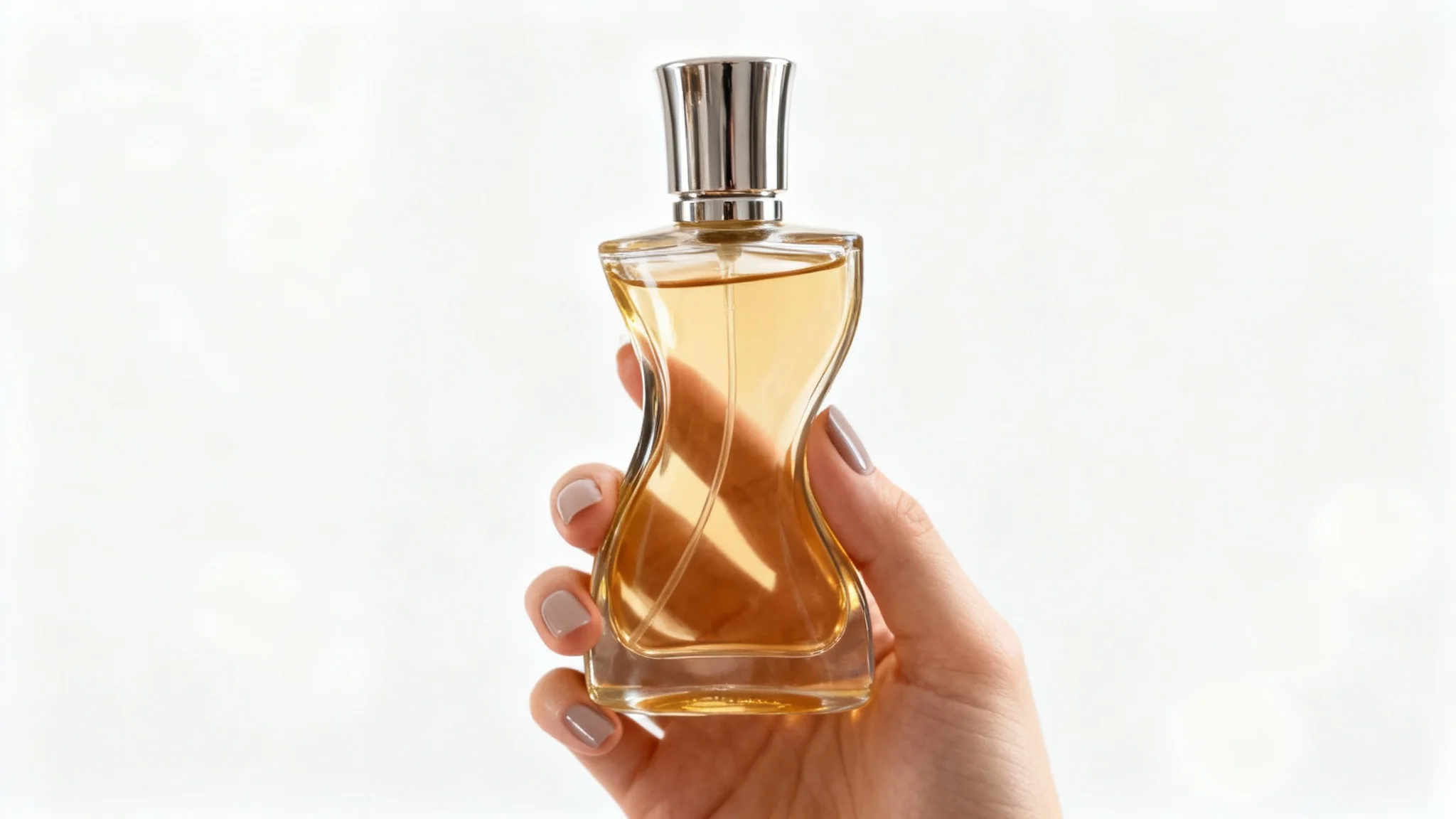
Select a clear photo of your product (for example, a perfume bottle). Pixa’s AI will use this as the basis for the in-hand photo.
Write a detailed description of how you want the product held. Include background, lighting, and hand details (e.g., "A woman’s hand holding a gold perfume bottle on a white desk").
Click the generate button. Pixa will process your image and prompt to create realistic in-hand product photos in seconds.
Review the results and download the image you like. Your photo will be a high-resolution PNG, watermark-free and ready to use.
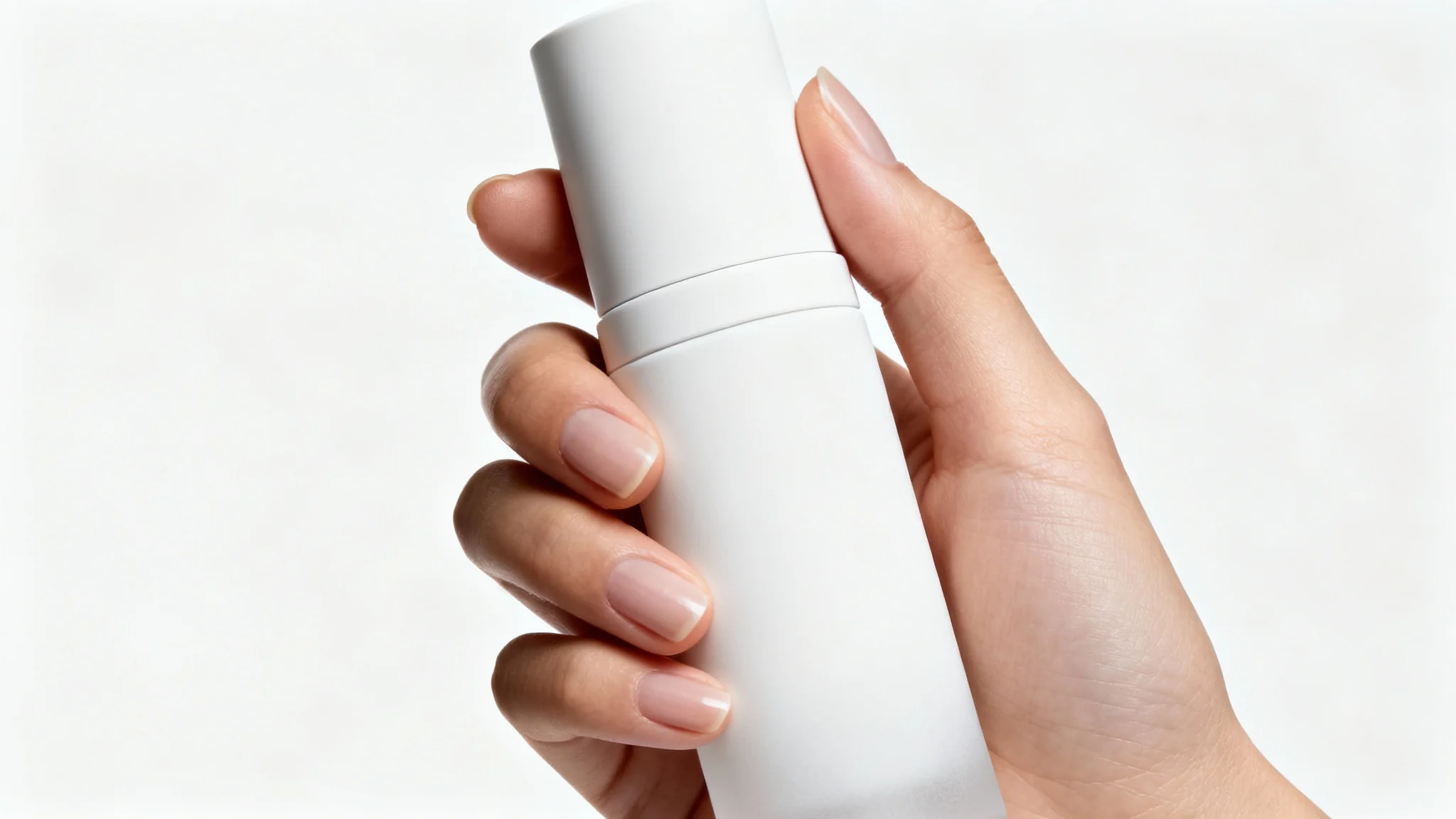
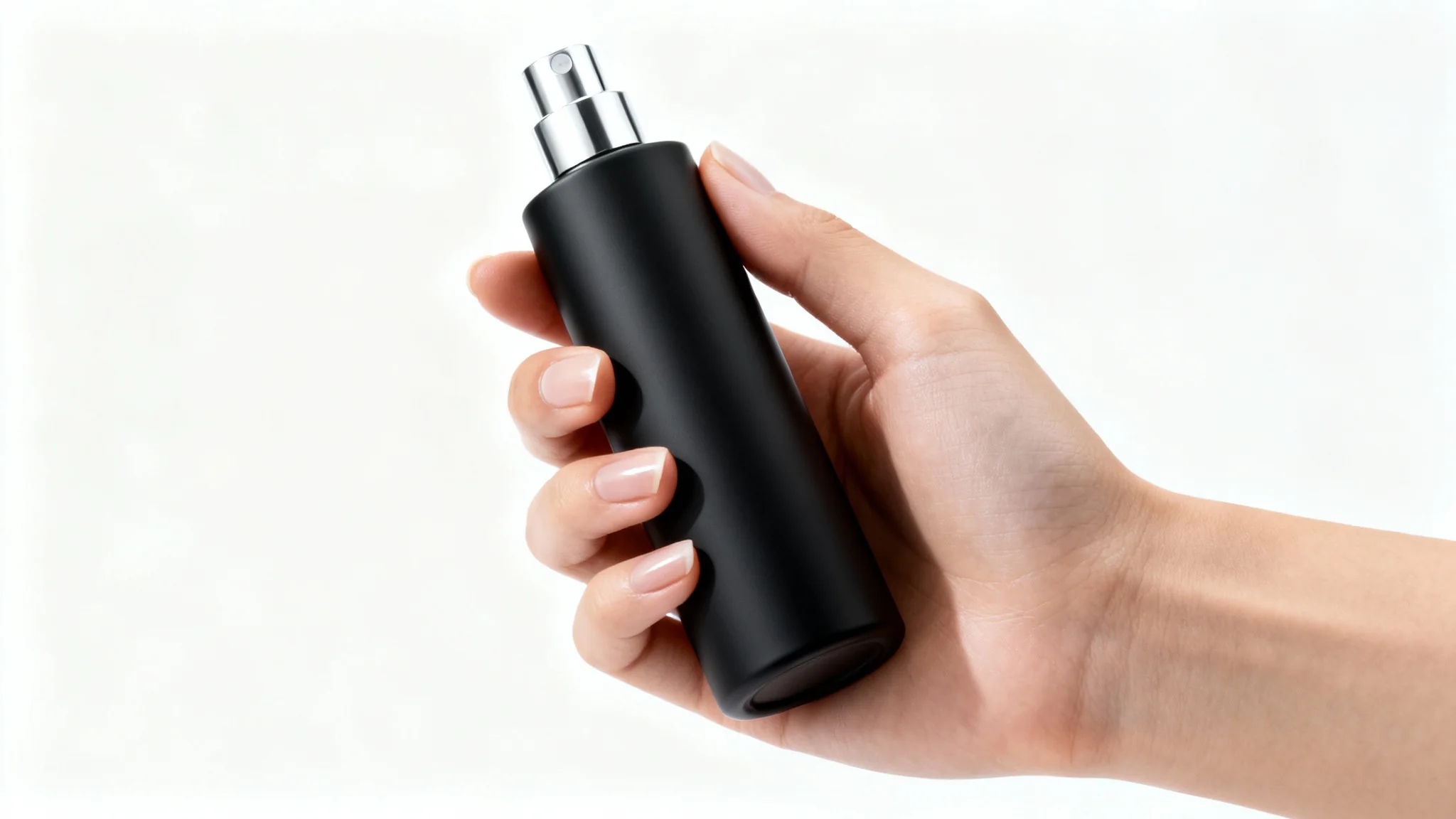
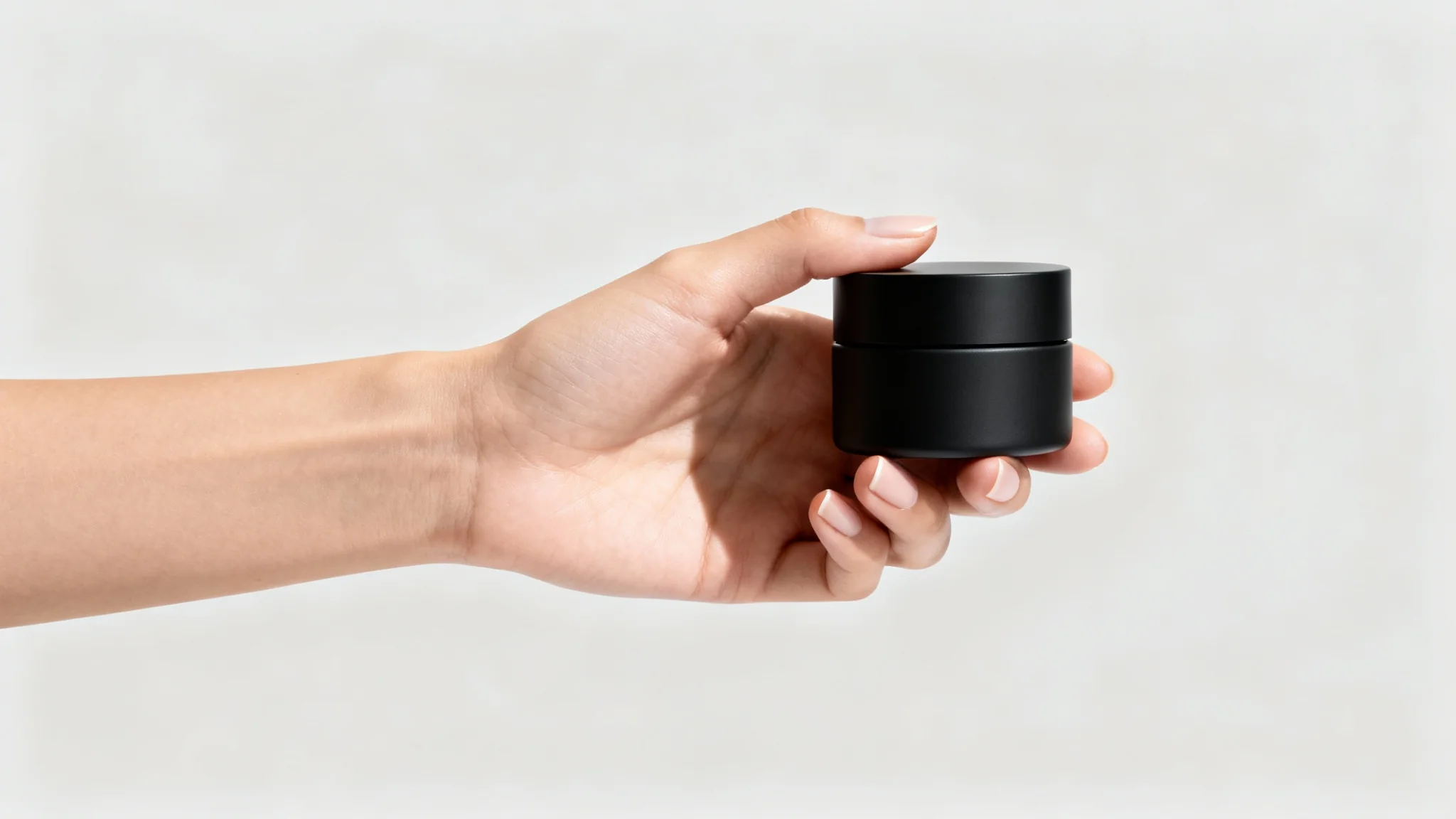
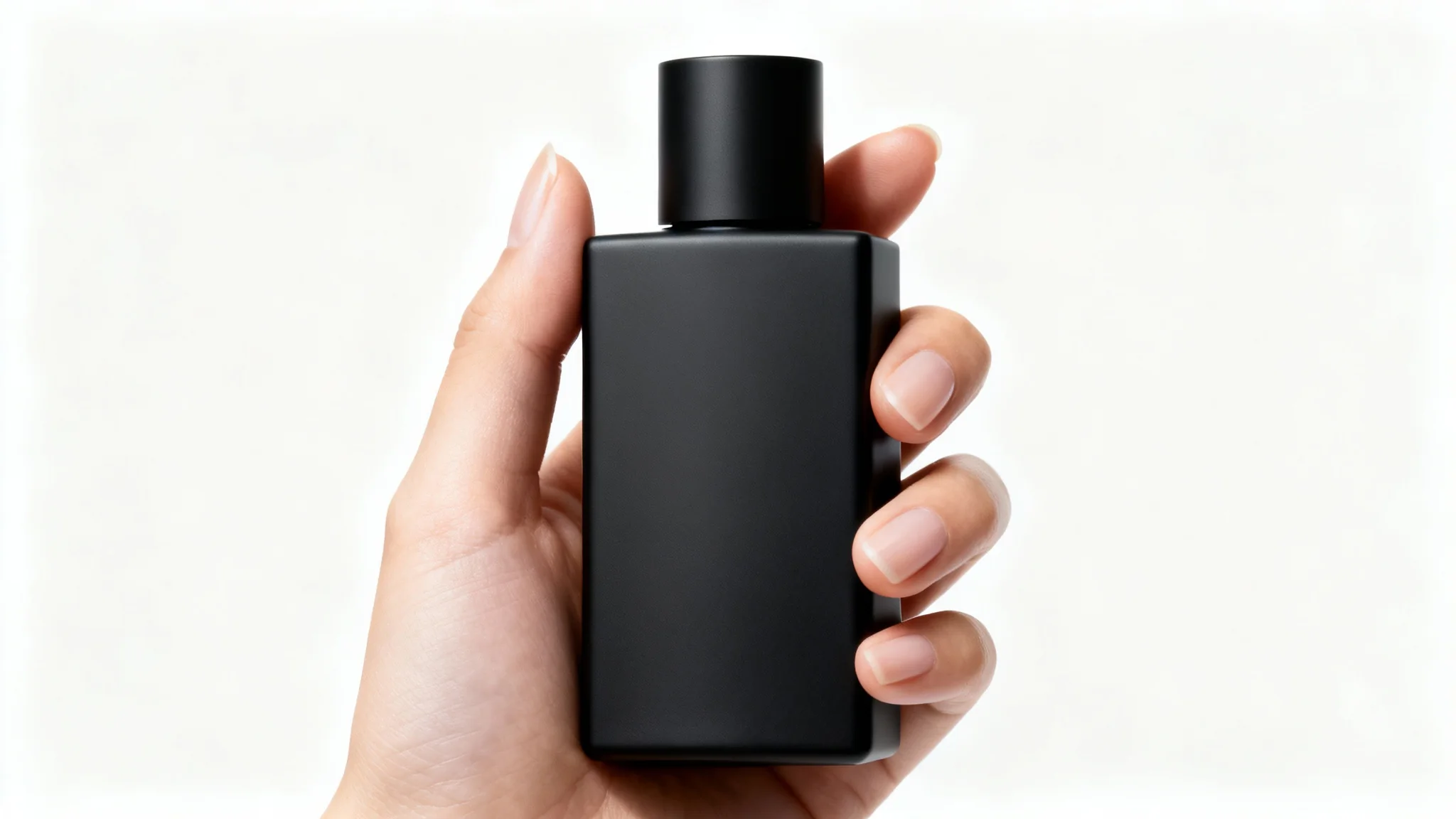
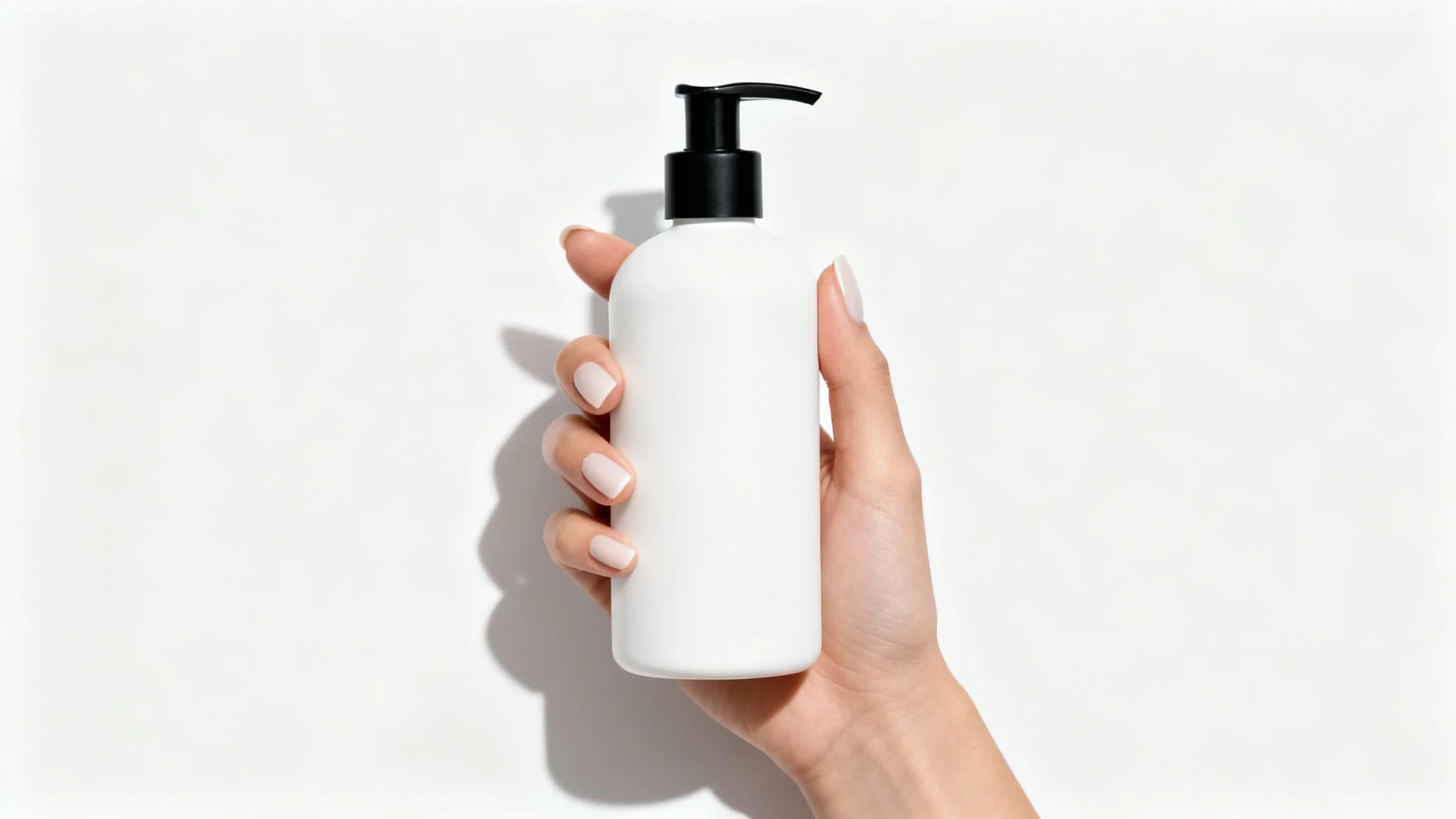
Pixa’s product-in-hand photo generator is an AI tool that creates realistic images of products being held by a hand. You upload a photo of your product and enter a description (for example: "a hand holding a smartphone with a white background"). The AI then generates high-quality photos showing your product in someone’s hand with natural lighting and perspective. This lets you create professional product shots quickly, without a real photoshoot.
First, upload a clear photo of your product. Next, type a detailed prompt describing how it should appear (for example: "A left hand holding a red perfume bottle in soft daylight"). Click generate, and Pixa’s AI will create images based on your input. When done, review and download the image you like. All outputs are high-resolution PNGs ready for use.
No. You only need to provide a photo of the product itself. Pixa’s AI can generate a hand automatically. Just upload your product image and describe the hand or background in your prompt. The AI will then produce a photo of the product held by a realistic-looking hand, even though you didn’t upload any person.
Yes. Pixa’s generator is driven by text prompts, so include any details you want. Mention the background colors, scene type (studio, outdoor, etc.), hand attributes (like skin tone or accessories), or lighting conditions. The AI uses these hints to customize the final image, allowing you to match the look to your brand or campaign perfectly.
Yes. Every image you download is high-resolution in PNG format, and Pixa adds no watermark. The outputs are ready for professional use on websites, print catalogs, ads, or any other media you need.
Pixa offers a free trial with starter credits for image generation. You can create a limited number of images at no cost. After the free credits are used, additional credits can be purchased to continue generating more images. All downloads, even from the free tier, remain high quality and watermark-free.
Use a clear product photo and write a detailed prompt. Include specifics like product name, colors, hand position, and environment (for example: "a woman’s hand holding a perfume bottle on a marble table with soft morning light"). The more precise and descriptive you are, the closer the AI’s result will match your vision. Experiment with phrasing until you achieve the desired look.
Absolutely. Images generated by Pixa are yours to use for personal or commercial purposes. They are high-resolution and watermark-free, so you can confidently use them on your website, social media, product listings, advertisements, or any other marketing materials without extra licensing concerns.
Great app, easy to use. Helps our small business save time and money to create different marketing materials professionally. Thank you.
I need a good background remover for my work and I've been through them all it feels like. This one is the best by far. It's so easy to use and the results always look amazing. Thank you Pixa!
It's amazingly easy and gives the perfect results for my bags and accessories. It looks like it was done by a professional photographer.