My favorite app
Great app, easy to use. Helps our small business save time and money to create different marketing materials professionally. Thank you.
Select and upload a clear photo of the product or surface you want to apply your logo to (e.g., a blank mug).
Describe your logo and design in detail. Include colors and any text. For example: "A green coffee bean logo with the text 'Morning Brew Cafe' on this mug."
Click the generate button. Pixa’s AI will place your logo on the image based on your description.
After the AI finishes, download your high-resolution mockup image as a PNG. Use it on your website, social media, or marketing materials.
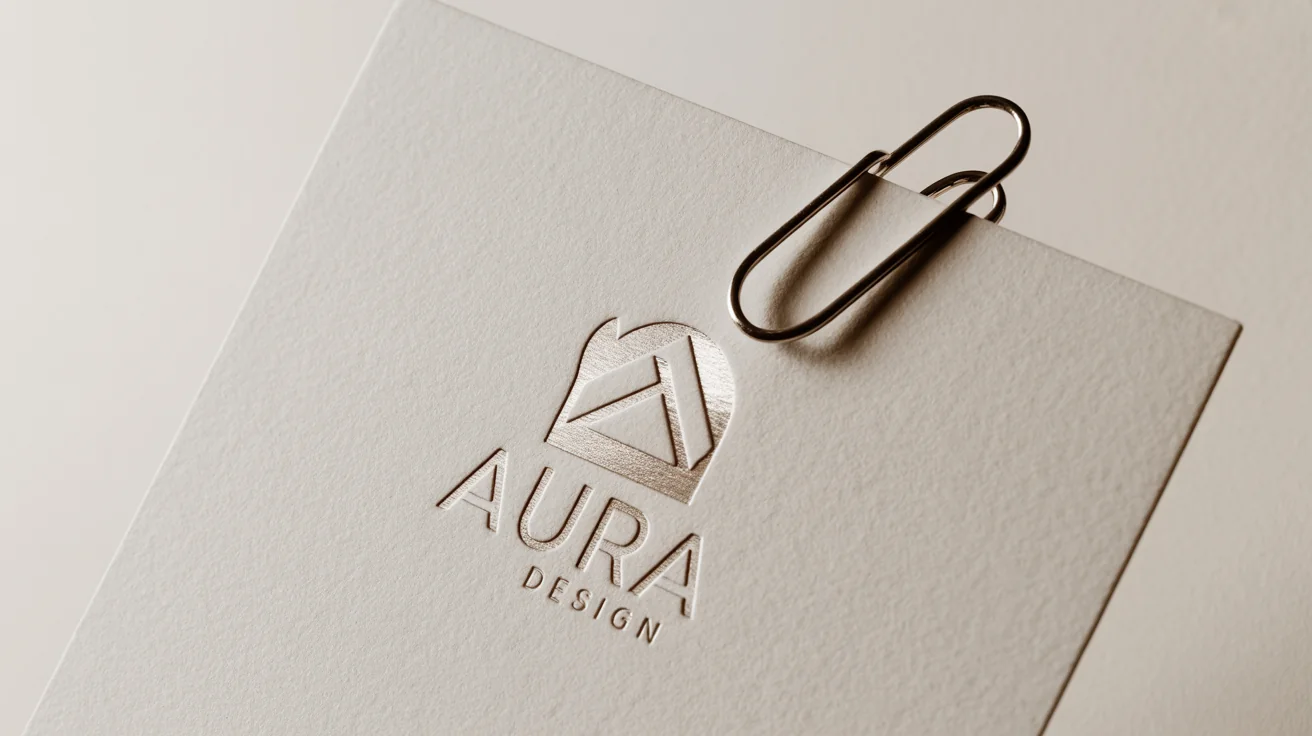
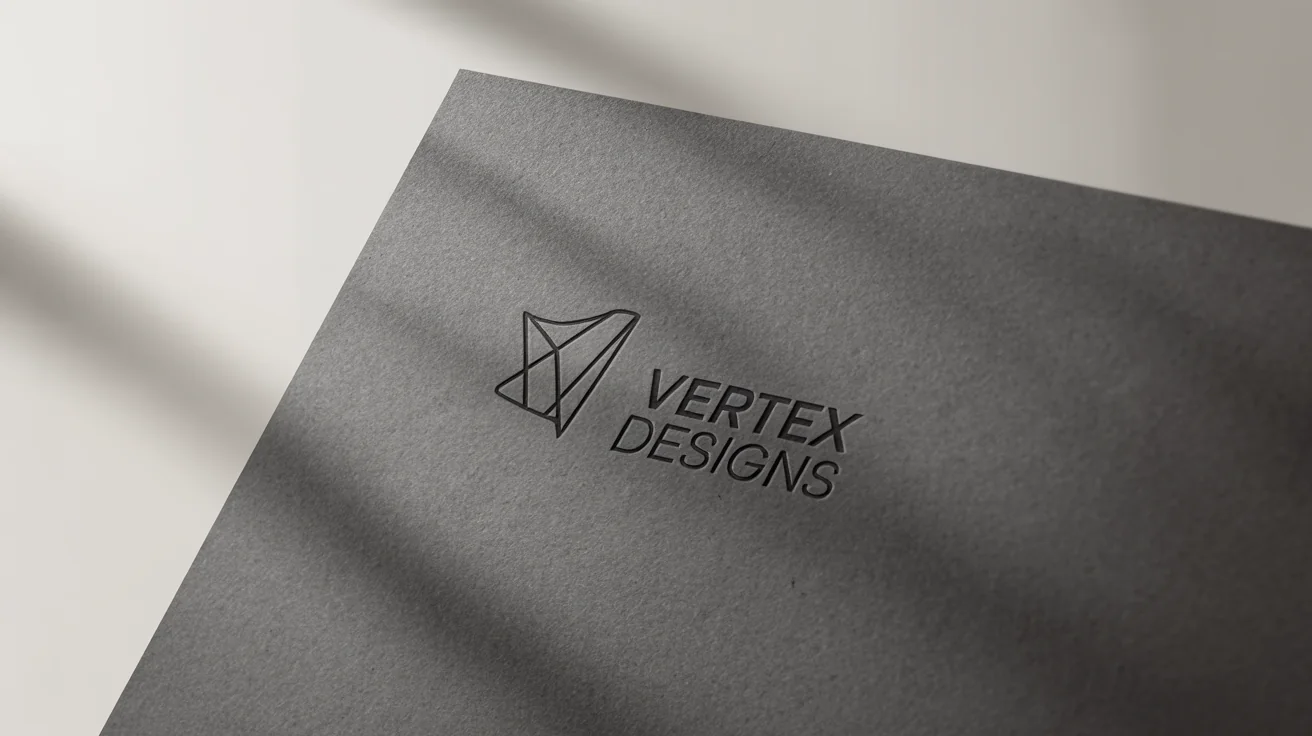
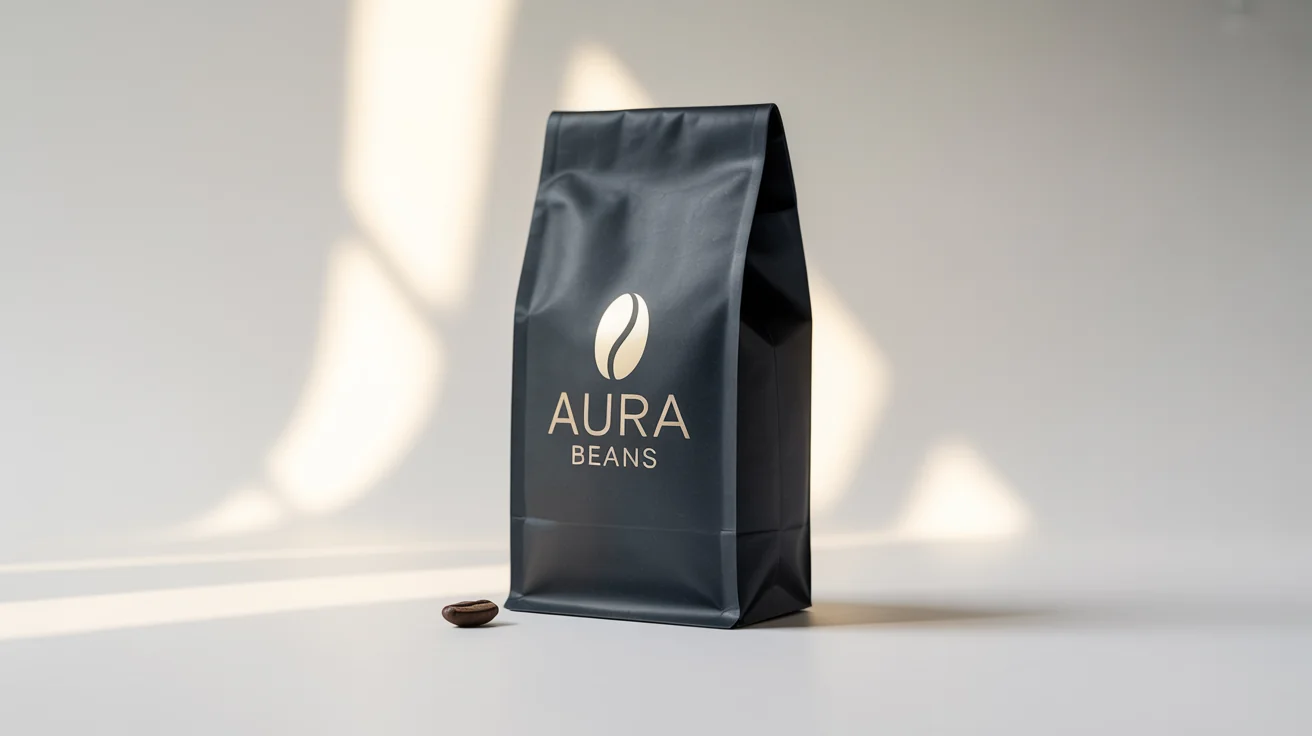
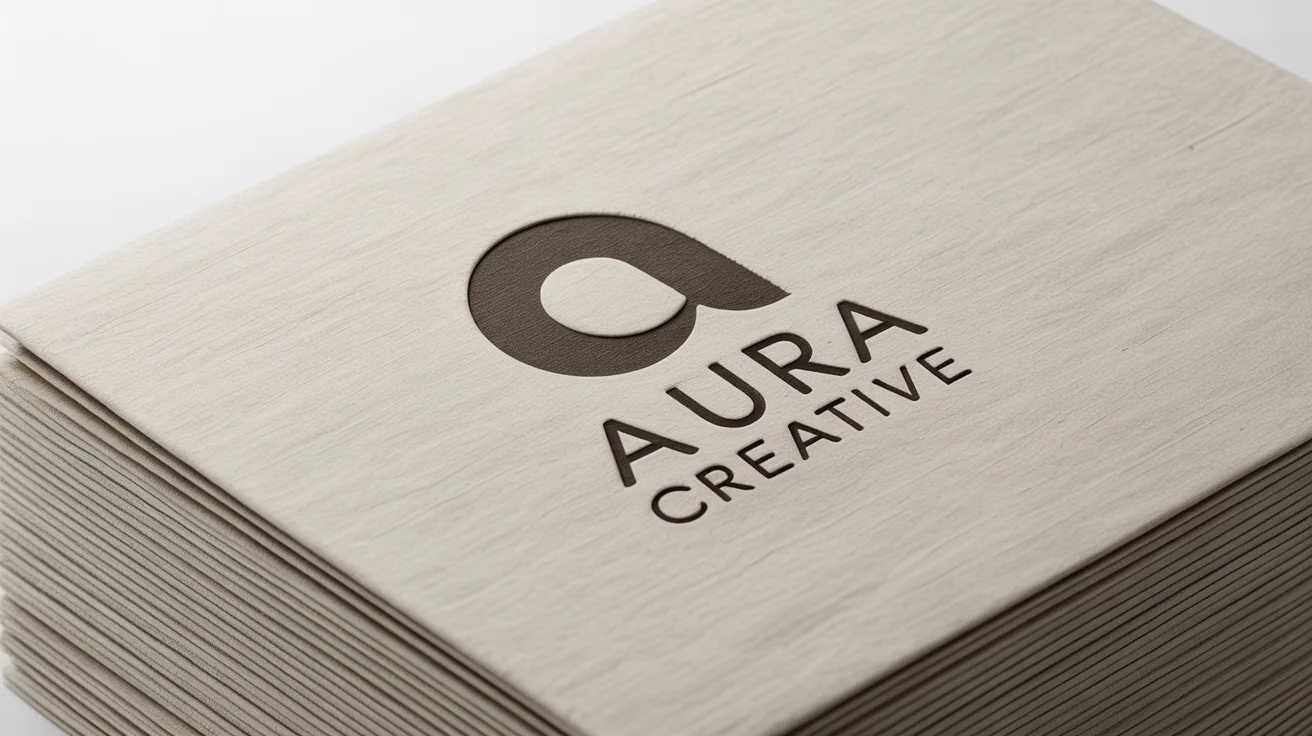
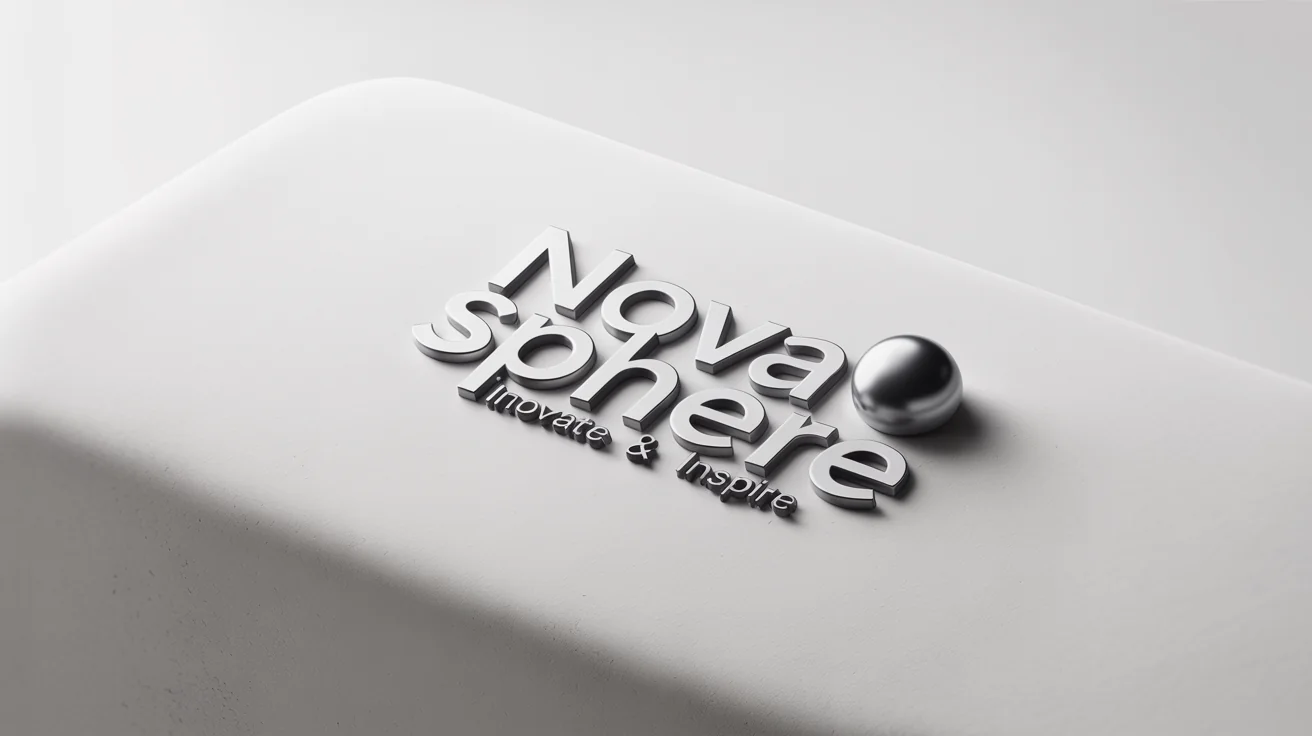
An AI logo mockup generator is a tool that uses artificial intelligence to create realistic images of your logo on products or backgrounds from a simple description. You tell it what your logo looks like and upload a product image (for example, a blank mug), and the AI will generate a mockup showing your logo on that item.
First, upload a photo of the product or surface you want to use (like a blank coffee mug). Then enter a detailed prompt describing your logo and style (including any text). Click "Generate" and the AI will produce an image of your logo on the product. You can then download the final mockup instantly.
For the logo mockup generator, you should upload the product image (for example, a blank mug or earring stand). The AI will use your prompt to generate and apply the logo onto that image. You do not need to manually add the logo yourself.
Be as specific as possible. Mention the product (mug, shirt, sign), logo colors, style, and any text exactly as you want it to appear. For example: "A modern green leaf logo with the text 'Morning Brew Cafe' on a white mug." Including details about your logo’s design and text yields more accurate results.
You can upload any clear JPG or PNG image of your product or background. High-resolution photos with good lighting produce the best mockups. The generator outputs a high-res PNG file. All downloads are high-resolution PNG images suitable for web or print use and come without watermarks.
Yes. You can generate and download logo mockups for free. Each output is a high-resolution, watermark-free image. The tool lets you try out designs at no cost, so you can experiment and create mockups freely.
Absolutely. All downloaded mockups are watermark-free PNG images that you own. You can use them on websites, in ads, marketing materials, or any commercial project. They are ready for business use without restrictions.
You can use pictures of virtually any product or object: mugs, t-shirts, hats, notebooks, signs, packaging, and more. The AI adapts to different items as long as you upload a clear photo. This lets you preview your logo on real merchandise or products you plan to sell.
Great app, easy to use. Helps our small business save time and money to create different marketing materials professionally. Thank you.
I need a good background remover for my work and I've been through them all it feels like. This one is the best by far. It's so easy to use and the results always look amazing. Thank you Pixa!
It's amazingly easy and gives the perfect results for my bags and accessories. It looks like it was done by a professional photographer.