My favorite app
Great app, easy to use. Helps our small business save time and money to create different marketing materials professionally. Thank you.
Click the upload button and select a clear photo of your jewelry box. This will be the base image for your custom mockup.
Describe how you want your box to look. Include colors, patterns, logos or any items (e.g. 'white box with gold script and a ribbon').
Click generate. Pixa’s AI will combine your photo and description to create a realistic mockup of your jewelry gift box.
Your high-res PNG mockup is ready. Click download to save the watermark-free image and use it for your project or marketing.
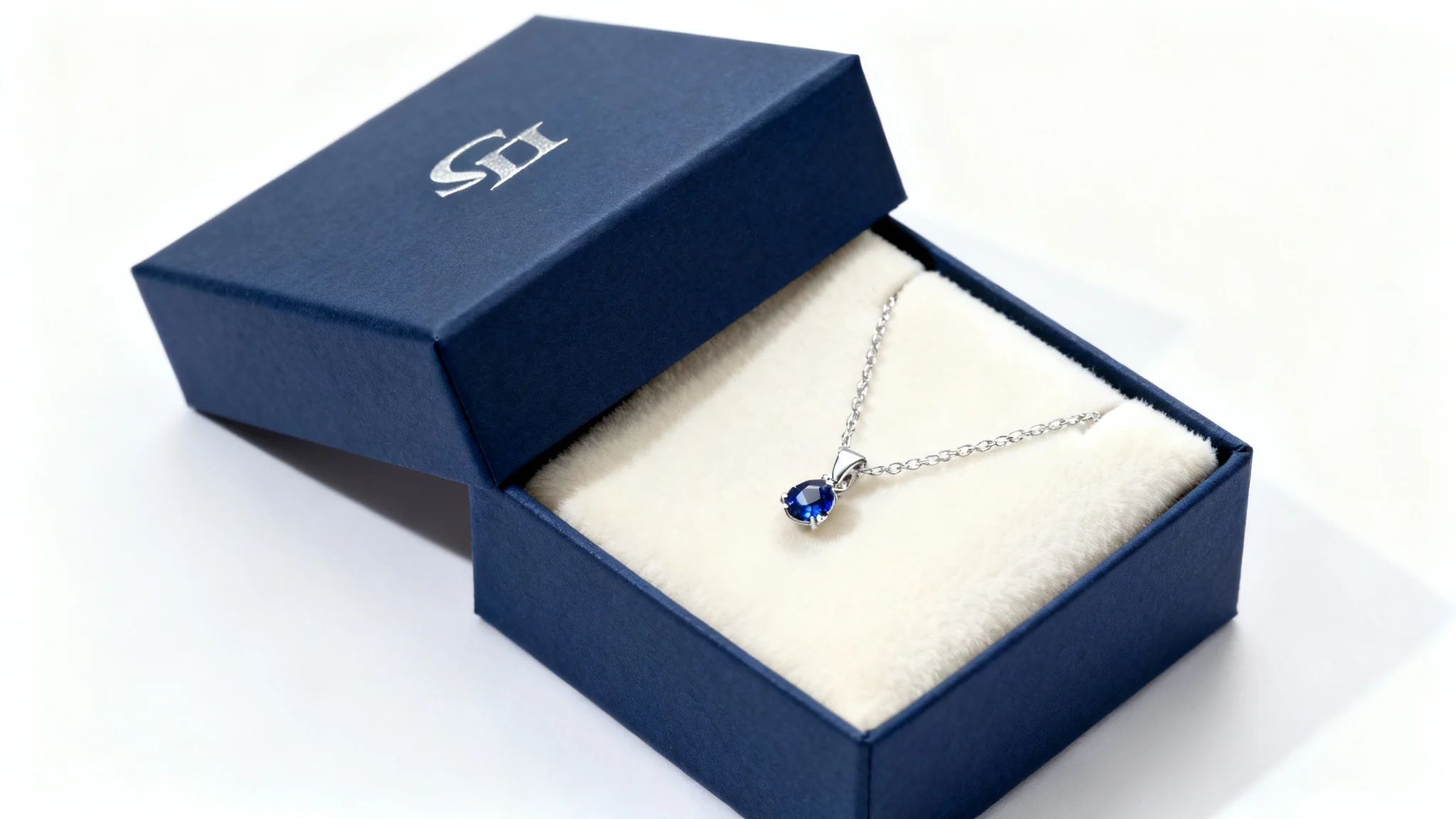
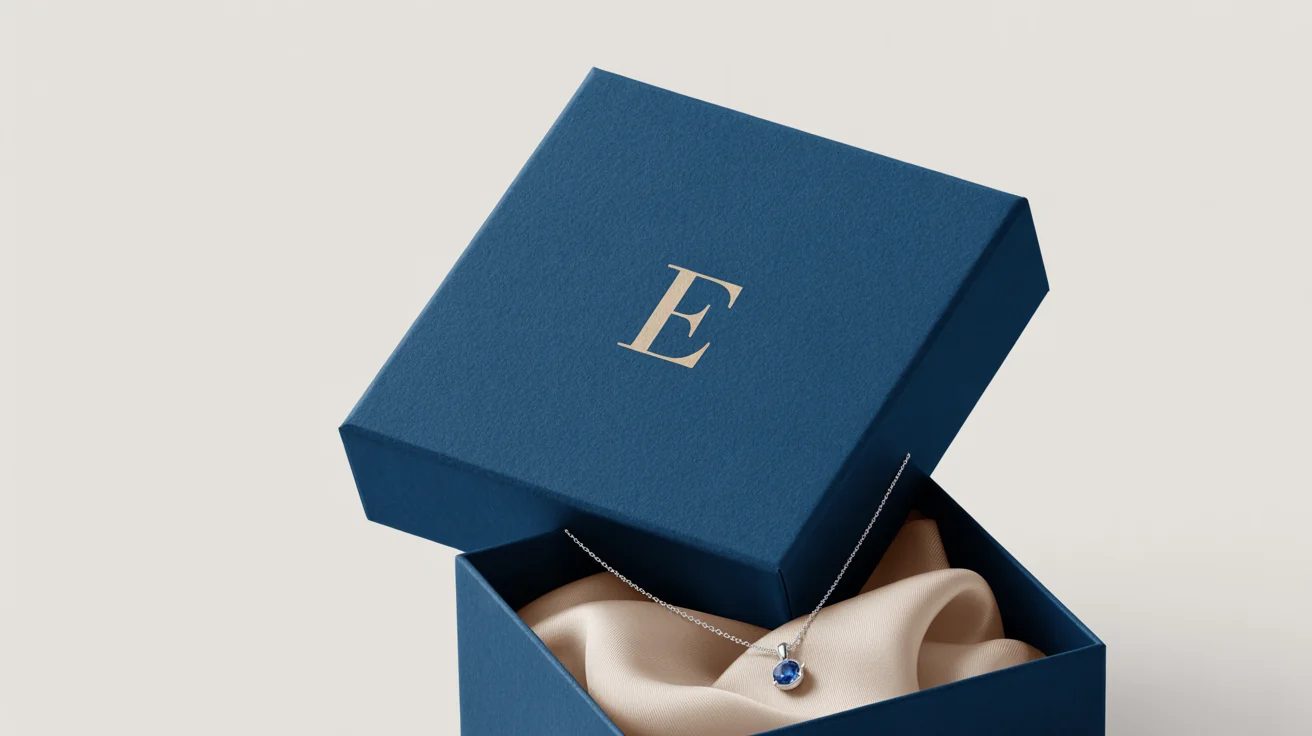
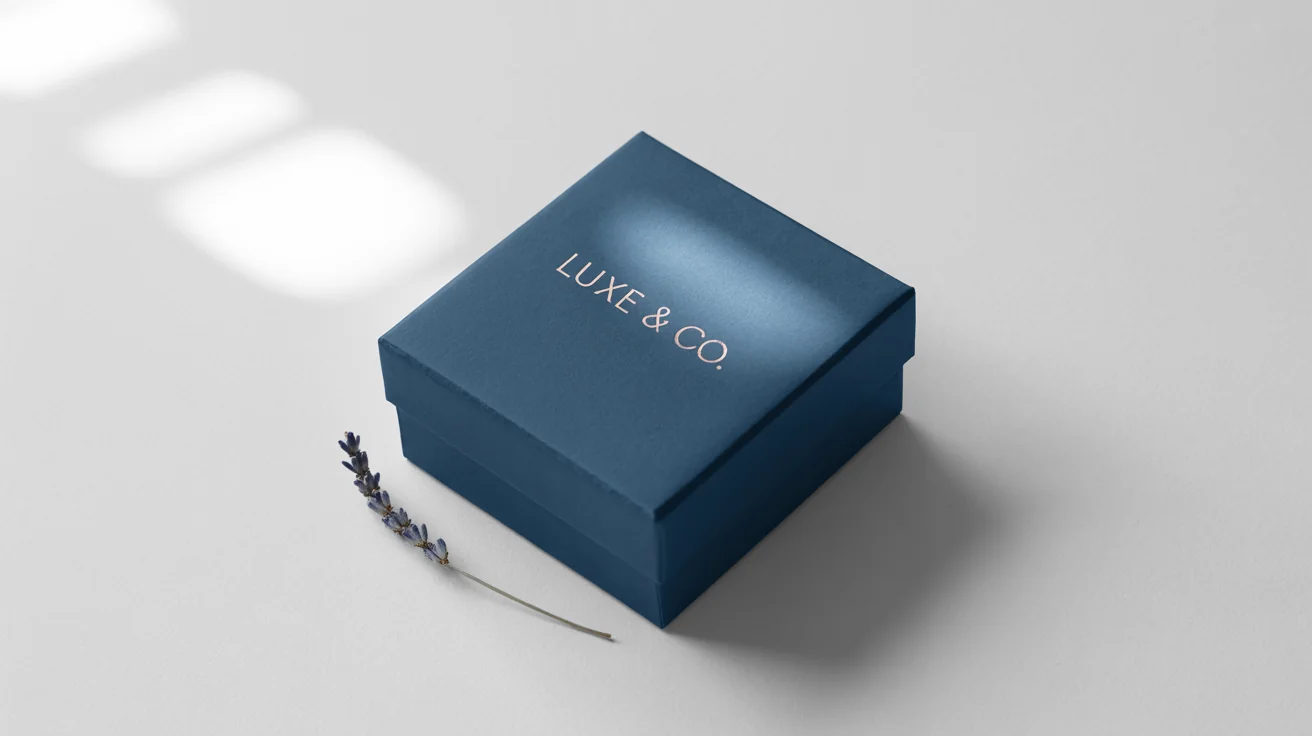
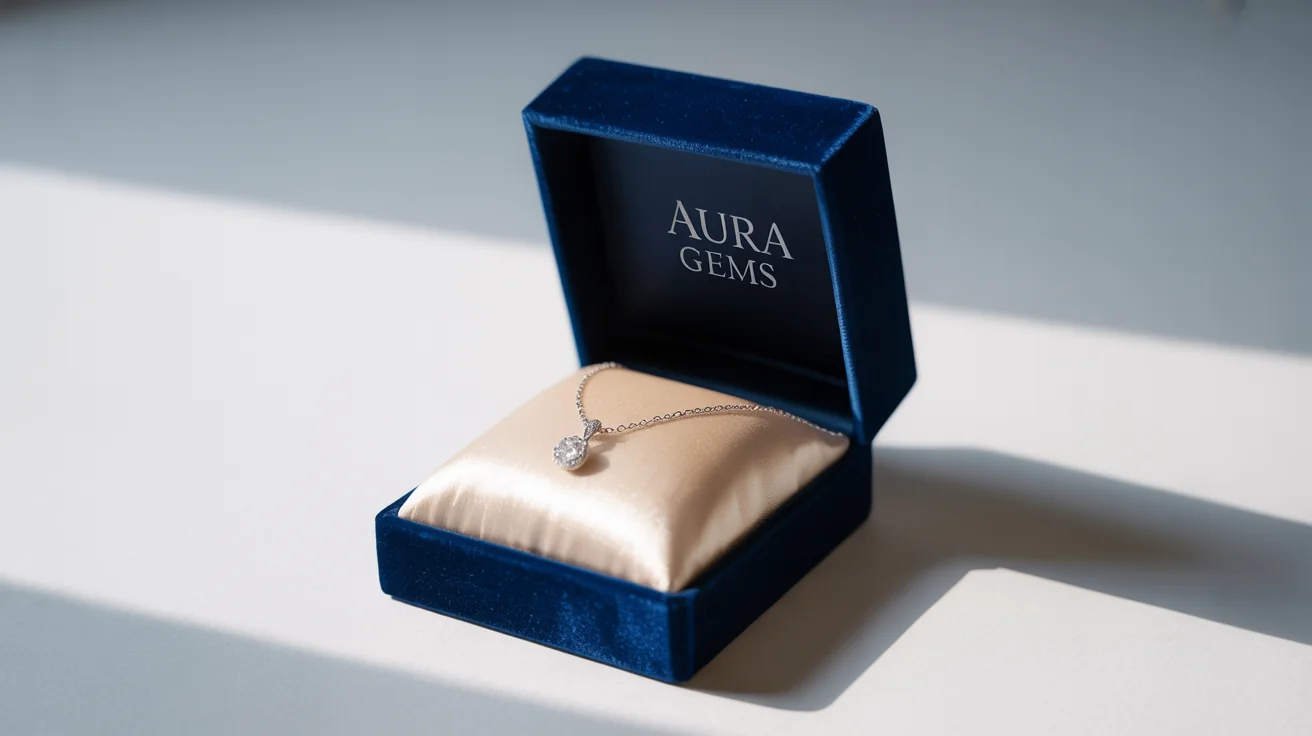
An AI jewelry gift box mockup generator is a tool that uses artificial intelligence to create custom packaging images from your descriptions. You tell it how you want the box to look — for example colors, decorations or items inside — and the AI generates a realistic image of the jewelry gift box for that design.
Upload a photo of your jewelry box, then type a detailed prompt describing the design you want (colors, ribbon, logo, contents, etc.). Pixa’s AI will apply your description to the image and generate a mockup. In moments you’ll have a high-resolution mockup image ready to download.
Yes, uploading a photo of your jewelry box is required for the mockup. Use a clear, well-lit photo (front-facing) of the empty or plain box. The AI uses that photo as the base to apply the design you describe, so a quality image helps it place your artwork accurately.
You can add nearly any custom element by describing it. For example, change the box color or material, add a logo, text or tagline on the lid, include ribbons or bows, or even show jewelry inside the box. The AI will interpret those details and include them in your mockup.
All downloads are high-resolution PNG images without watermarks. Pixa generates crisp, detailed PNG files, so you get professional-quality visuals that are ready for web or print use right away.
No design skills are needed. Pixa’s AI handles all the creative work based on your text prompt. Simply describe what you want in plain language, and the tool will produce a polished mockup image for you.
Yes. Images generated by Pixa are original and watermark-free, so you can use them in commercial projects. Feel free to use your mockups in online stores, marketing materials, advertisements, or any other way you need.
Yes, Pixa offers a free tier with a set of credits to generate and download images. All mockups created under the free plan are high-res and watermark-free. If you exhaust the free credits, additional credits are available for purchase to continue creating more designs.
Great app, easy to use. Helps our small business save time and money to create different marketing materials professionally. Thank you.
I need a good background remover for my work and I've been through them all it feels like. This one is the best by far. It's so easy to use and the results always look amazing. Thank you Pixa!
It's amazingly easy and gives the perfect results for my bags and accessories. It looks like it was done by a professional photographer.