My favorite app
Great app, easy to use. Helps our small business save time and money to create different marketing materials professionally. Thank you.
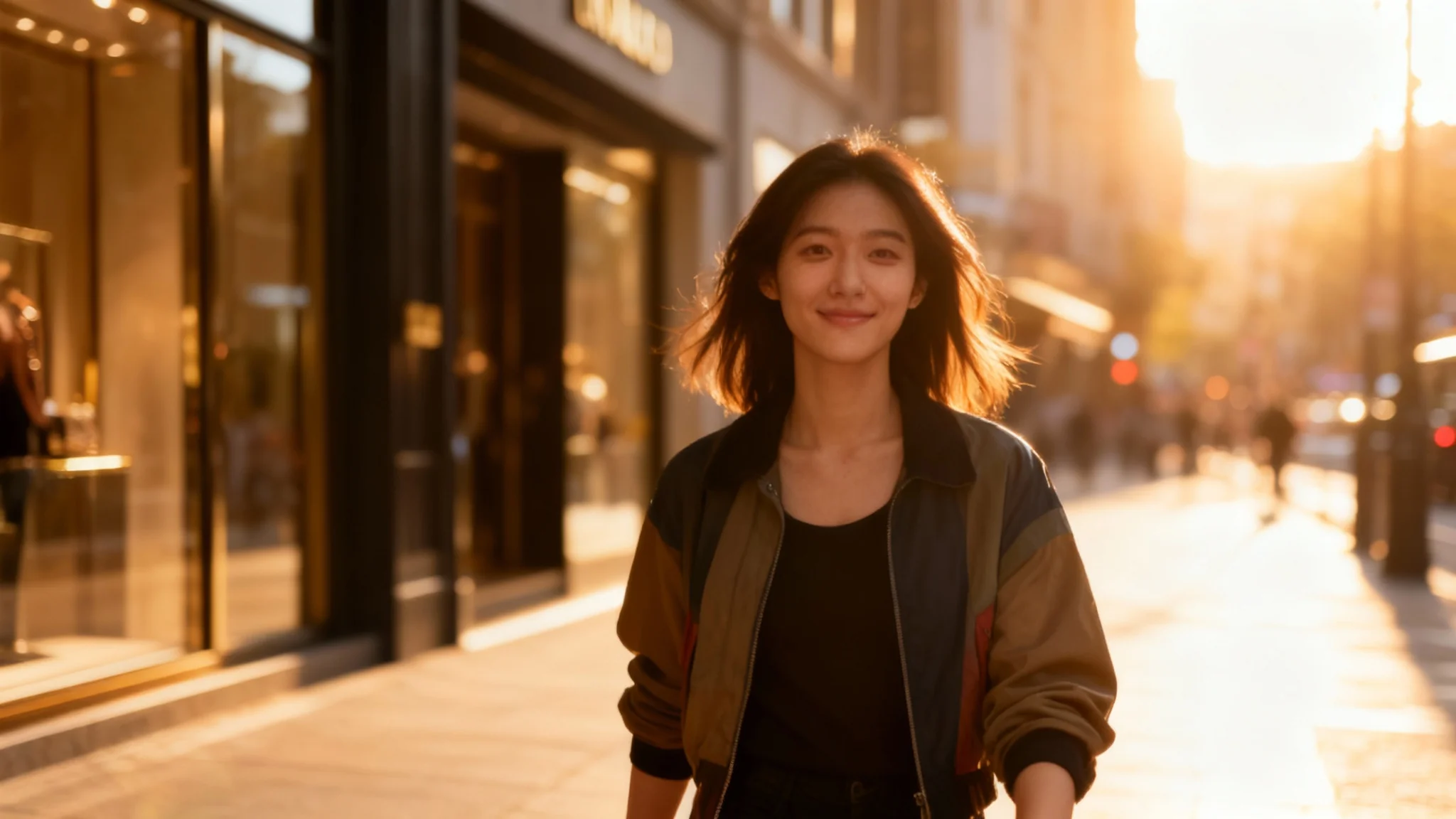
Choose a clear photo of your outfit or clothing. For example, upload a phone photo of a friend modeling the garment or a flat lay of the item.
Type a brief description of the scene you want. Include details like outfit color, model style, and background (e.g., “A woman in a studio wearing a brown jacket”).
Click generate to create your virtual model photo. Pixa’s AI will process your input and produce a studio-quality image of a model wearing your outfit.
Once the image is ready, download it in high resolution. Your fashion photo will be a watermark-free PNG, ready for use in marketing or social media.
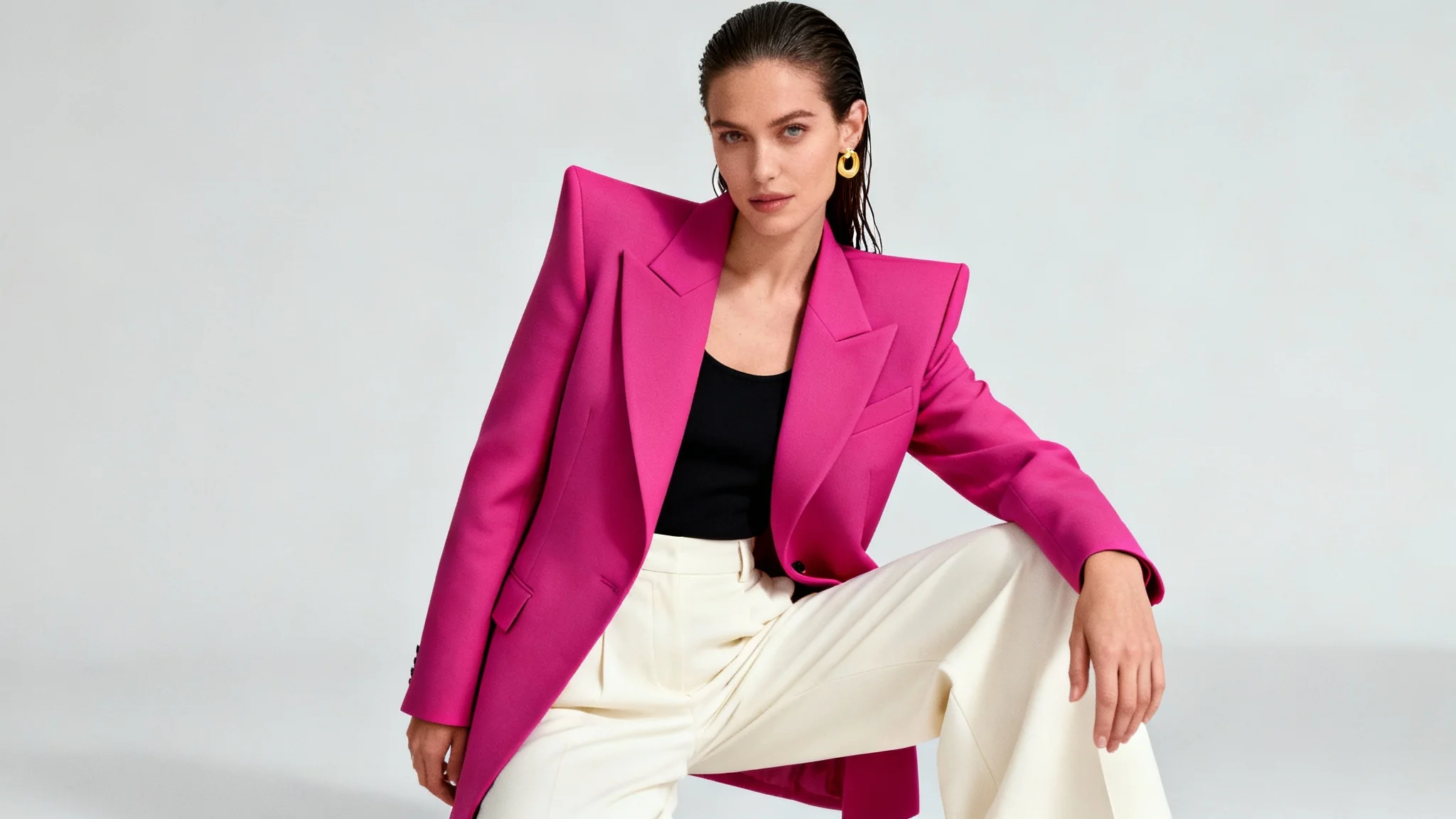
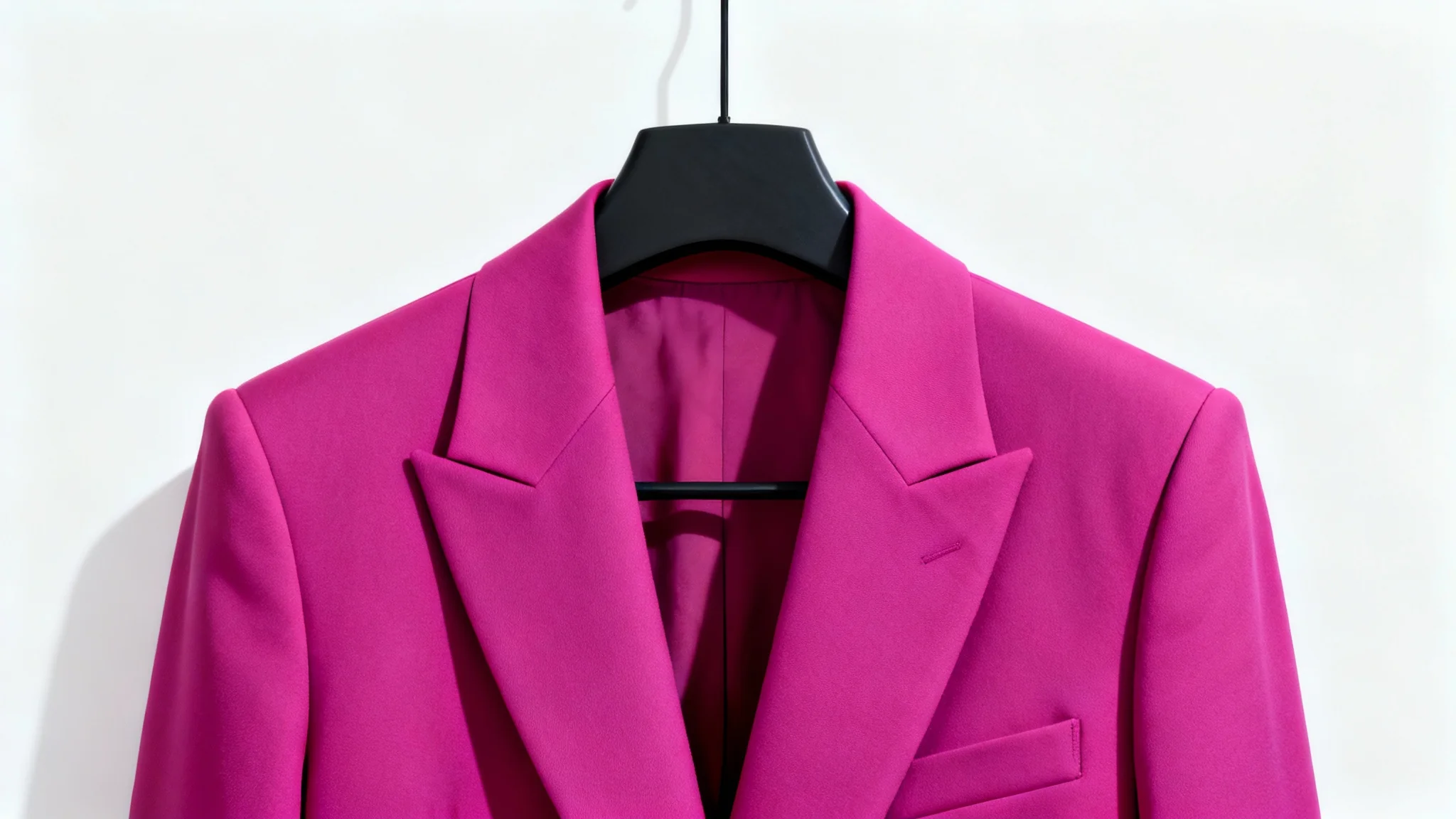
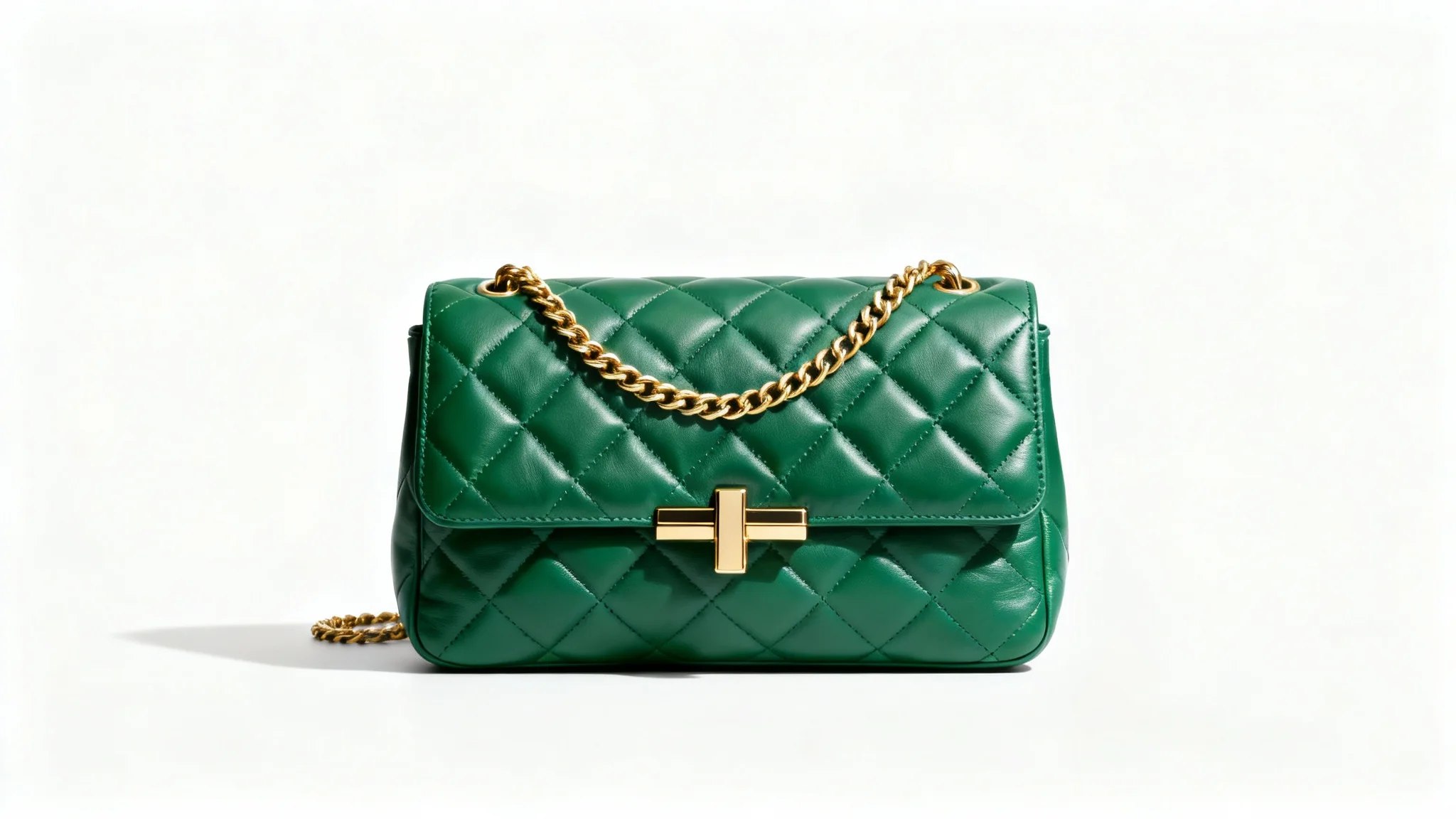
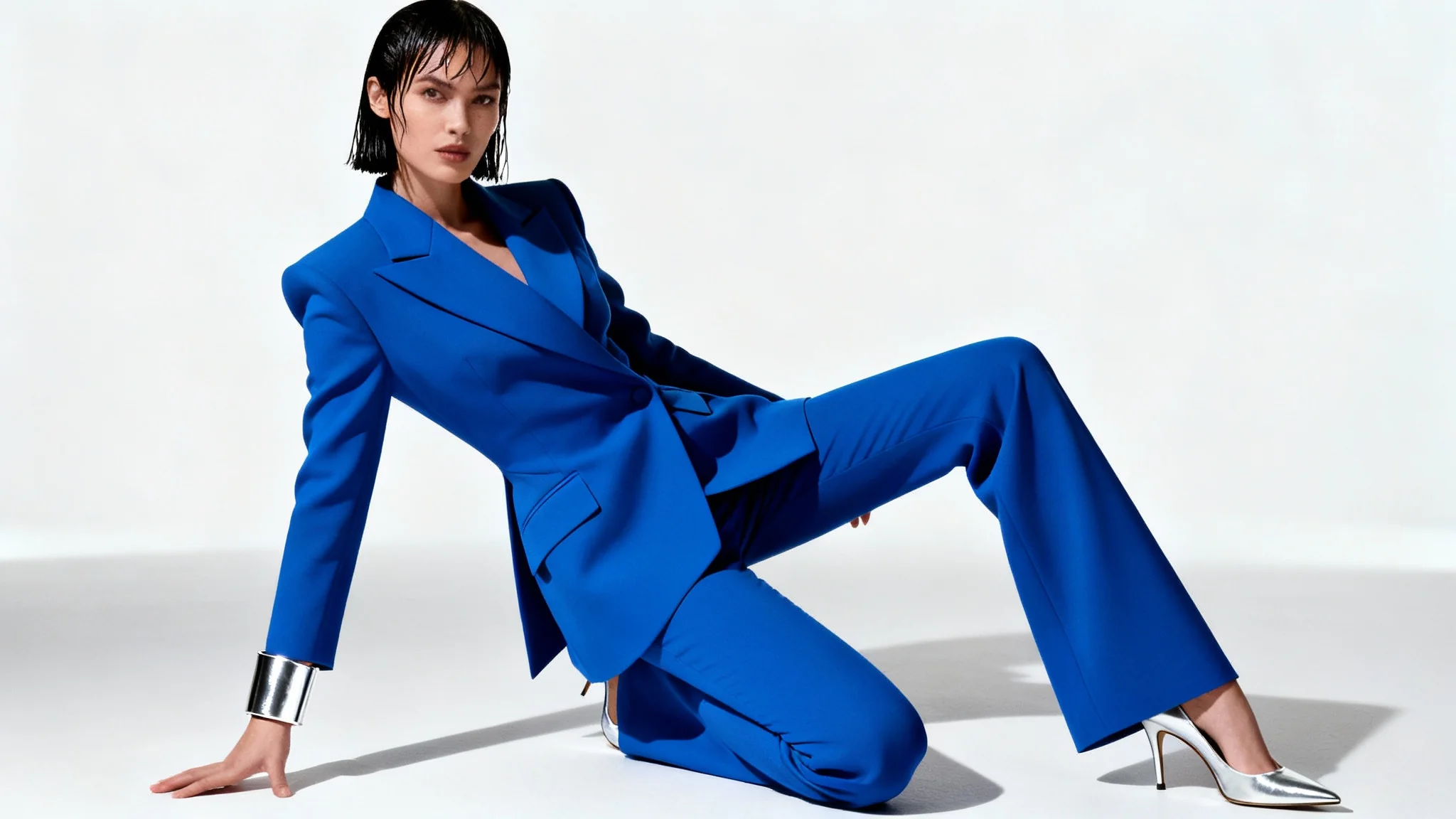
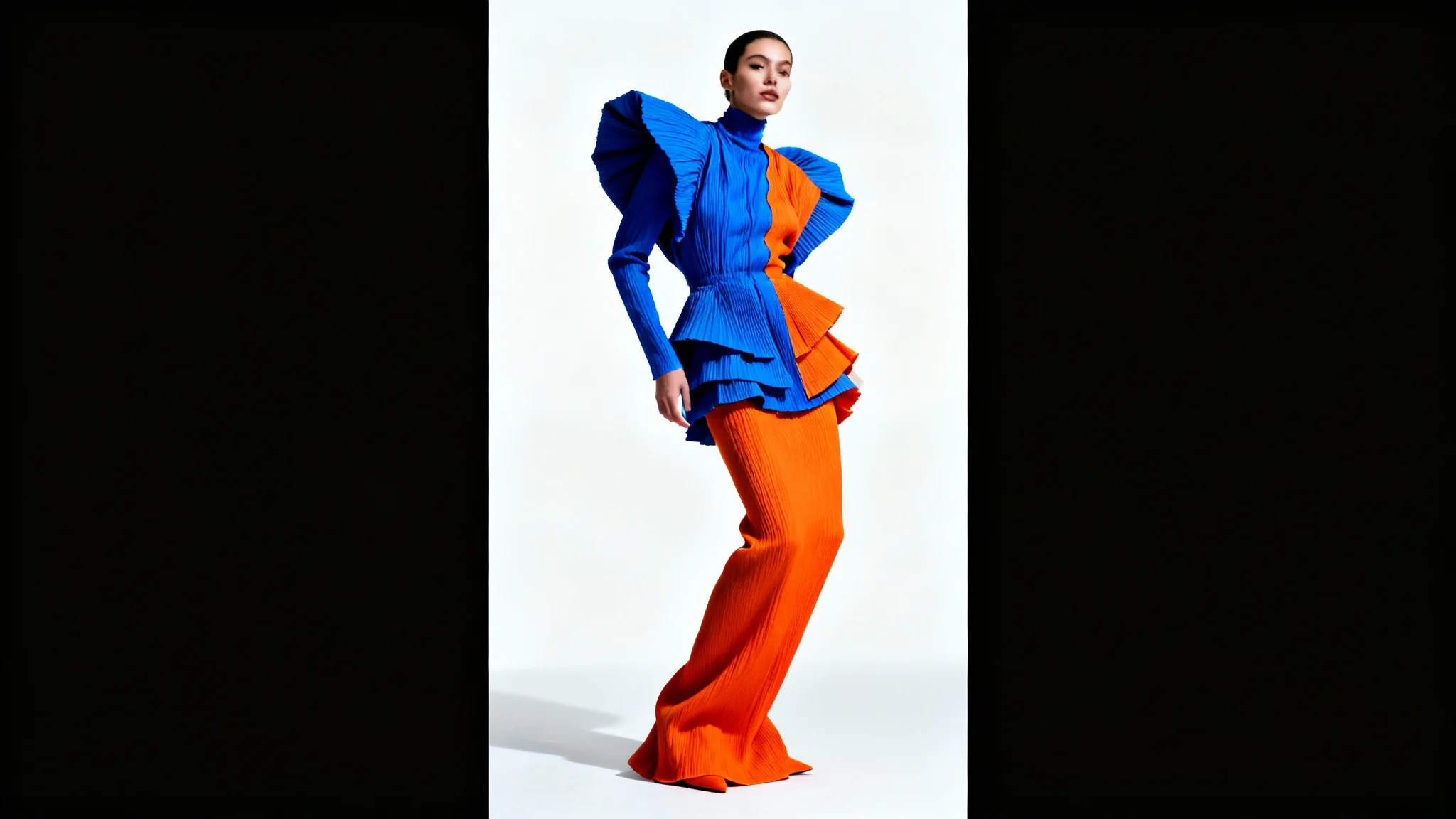
A clothing virtual model studio style generator is an AI-powered tool that creates realistic fashion model photos from your outfits. You upload a photo of your clothing or entering a description, and the generator composes a high-quality studio-style image of a model wearing that outfit. It’s like having a professional photoshoot in one click, producing polished fashion images without needing a real camera or model.
Start by uploading a clear image of the outfit or clothing item you want to feature. Then enter a text prompt describing the scene you want (for example, “a young woman in a bright studio wearing a brown jacket”). After you click generate, Pixa’s AI will create the image. When it’s finished, you can review and download the high-resolution model photo. It’s as simple as upload, describe, and generate.
Uploading a photo is highly recommended for the best results. The AI uses your uploaded clothing image as a reference to guide the virtual model’s outfit. If you only enter text without an image, the result will be more generic and not based on your actual item. For example, uploading that phone photo of your friend wearing a jacket will ensure the virtual model looks like it’s wearing the same jacket.
Yes. You can include details about the model and setting in your prompt. Specify attributes like gender, body type, hairstyle, and pose, as well as the environment (studio lighting, background style, etc.). The AI will follow your description, so a prompt like “tall male model in a sleek studio with dramatic lighting” will yield an image matching those details.
Yes, all downloads are high-resolution PNG images with no watermarks. Pixa’s AI produces crisp, high-quality photos that look professional. The images you get are ready to use on websites or in print without further editing or watermark removal.
Pixa gives new users free credits to get started. You can generate and download several images at no cost up to your credit limit. Once the free credits are used, you can simply purchase more credits to continue generating images. Either way, each download is full-resolution and watermark-free.
All downloads come in high-resolution PNG format. PNG provides crisp, clear image quality, making it ideal for online or print use. (No other formats like JPG or SVG are provided, but PNG ensures you get top-notch clarity.)
For best results, include specific details in your prompt. Mention key features like clothing color, style, model’s pose, and background setting. For example, saying “a casual female model wearing a blue denim jacket in a bright studio” gives the AI clear guidance. The more detail you provide, the closer the generated image will match your vision.
Great app, easy to use. Helps our small business save time and money to create different marketing materials professionally. Thank you.
I need a good background remover for my work and I've been through them all it feels like. This one is the best by far. It's so easy to use and the results always look amazing. Thank you Pixa!
It's amazingly easy and gives the perfect results for my bags and accessories. It looks like it was done by a professional photographer.