My favorite app
Great app, easy to use. Helps our small business save time and money to create different marketing materials professionally. Thank you.
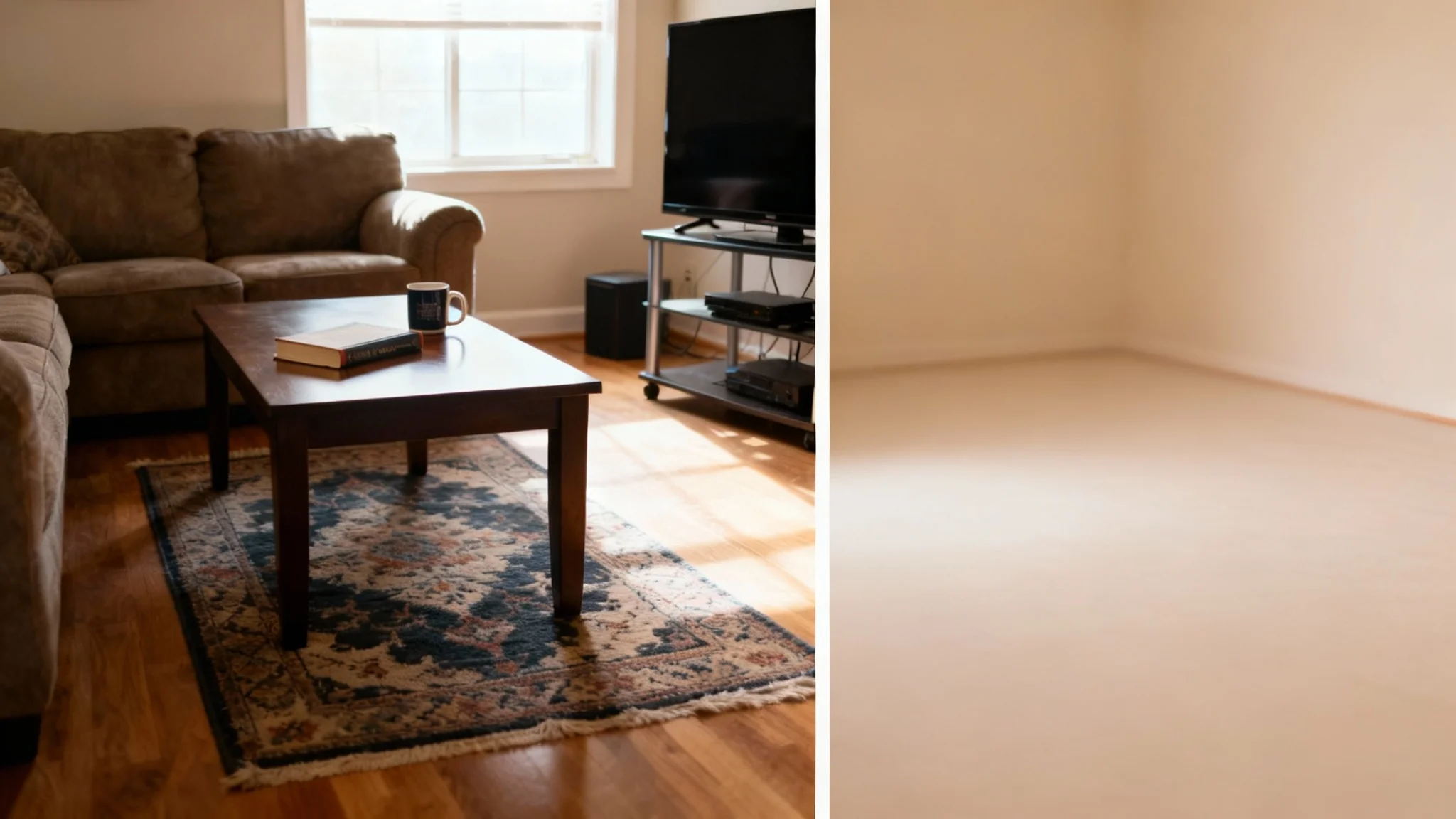
Start by uploading a photo of the room you want to edit. Choose a clear photo of your furnished space. This image is the base for the AI to remove furniture.
Type a text prompt telling Pixa which furniture to remove. For example, “remove sofa and chairs” or “empty living room.” Being specific gives the best results.
Click the generate button and watch the magic happen. Pixa’s AI will automatically clear out the specified furniture, creating an empty-room photo.
Your furniture-free image is ready. Download the high-resolution PNG (no watermark) and use it in your design projects, listings, or anywhere you need a clean room picture.
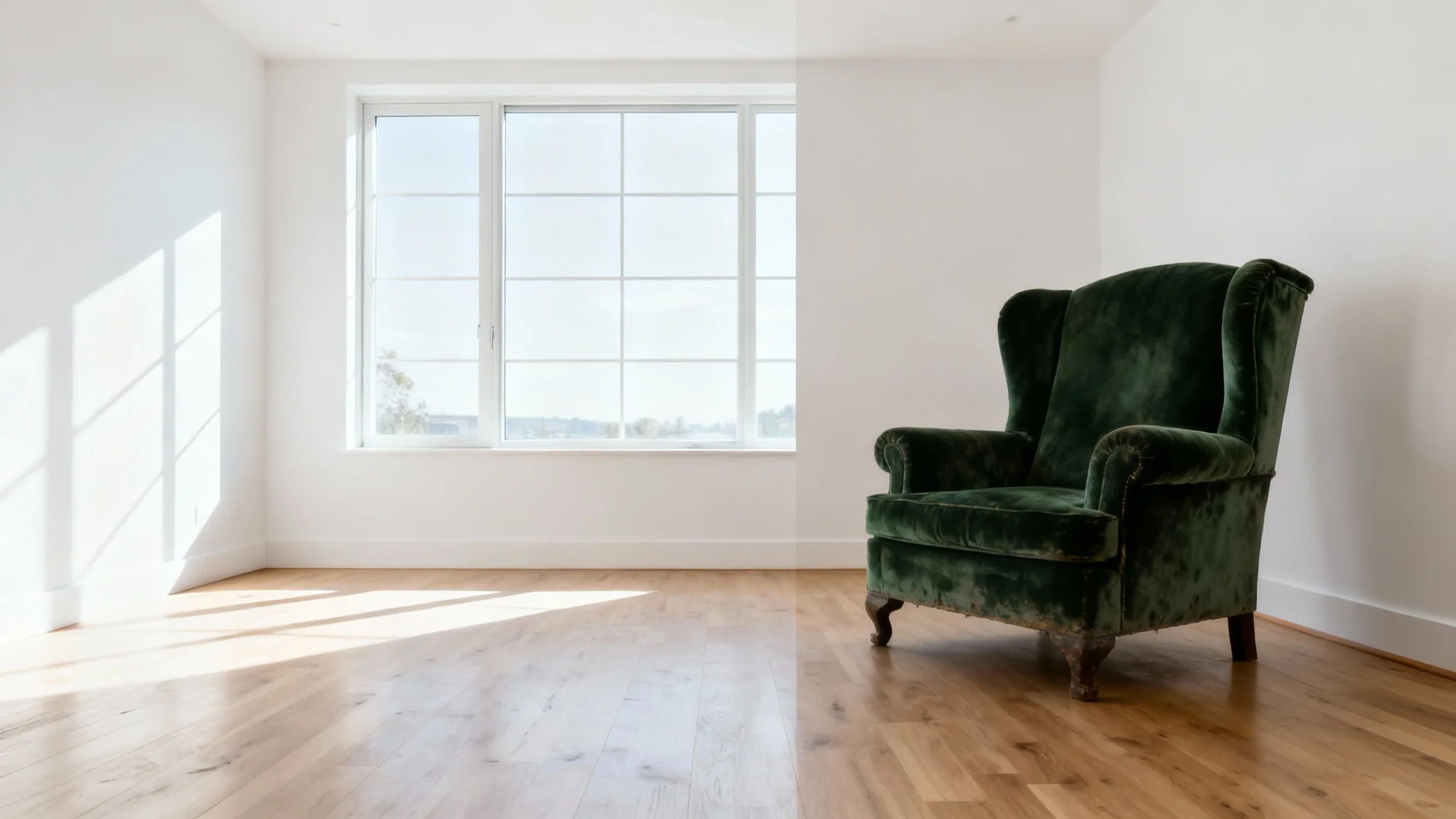
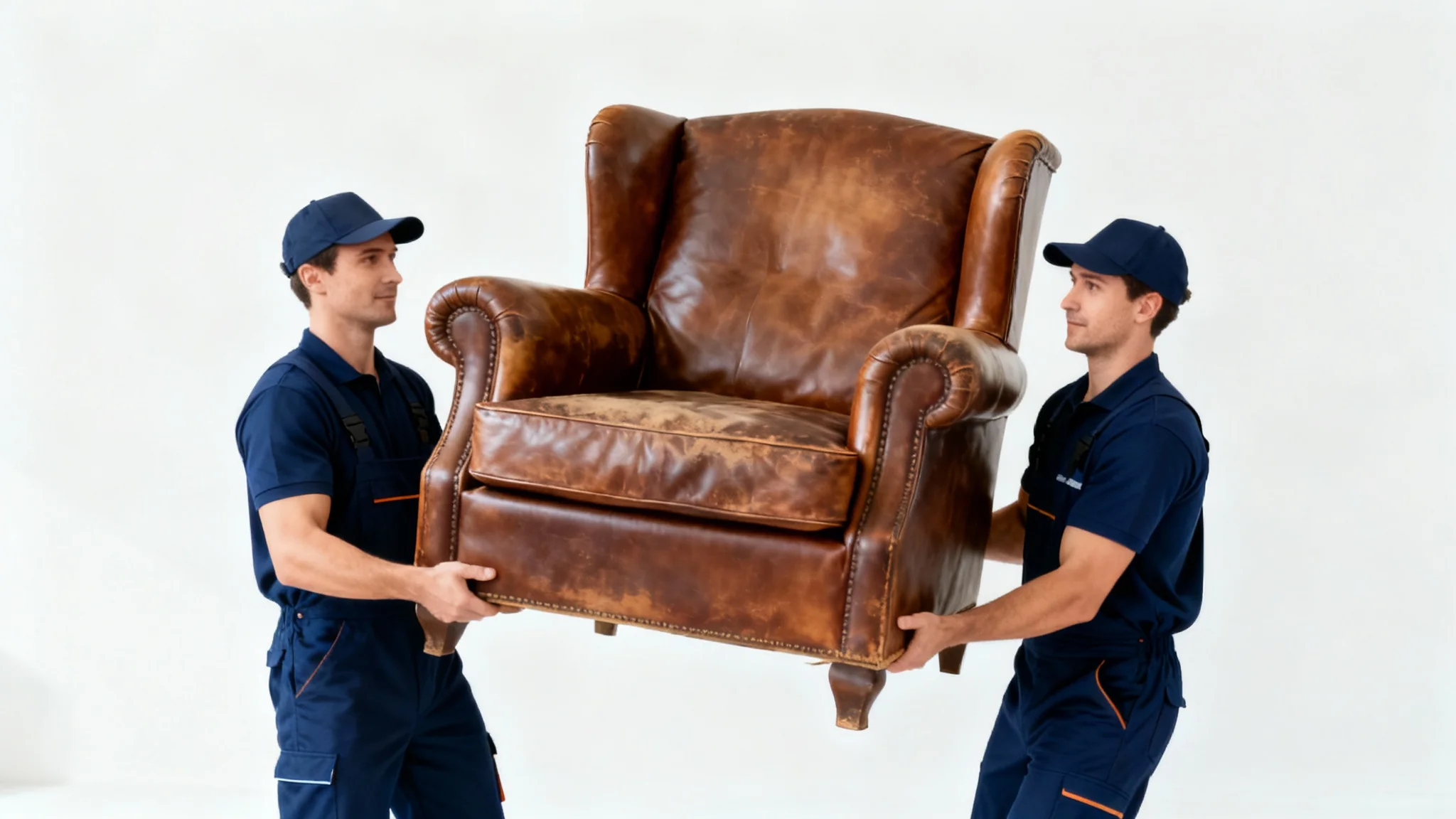
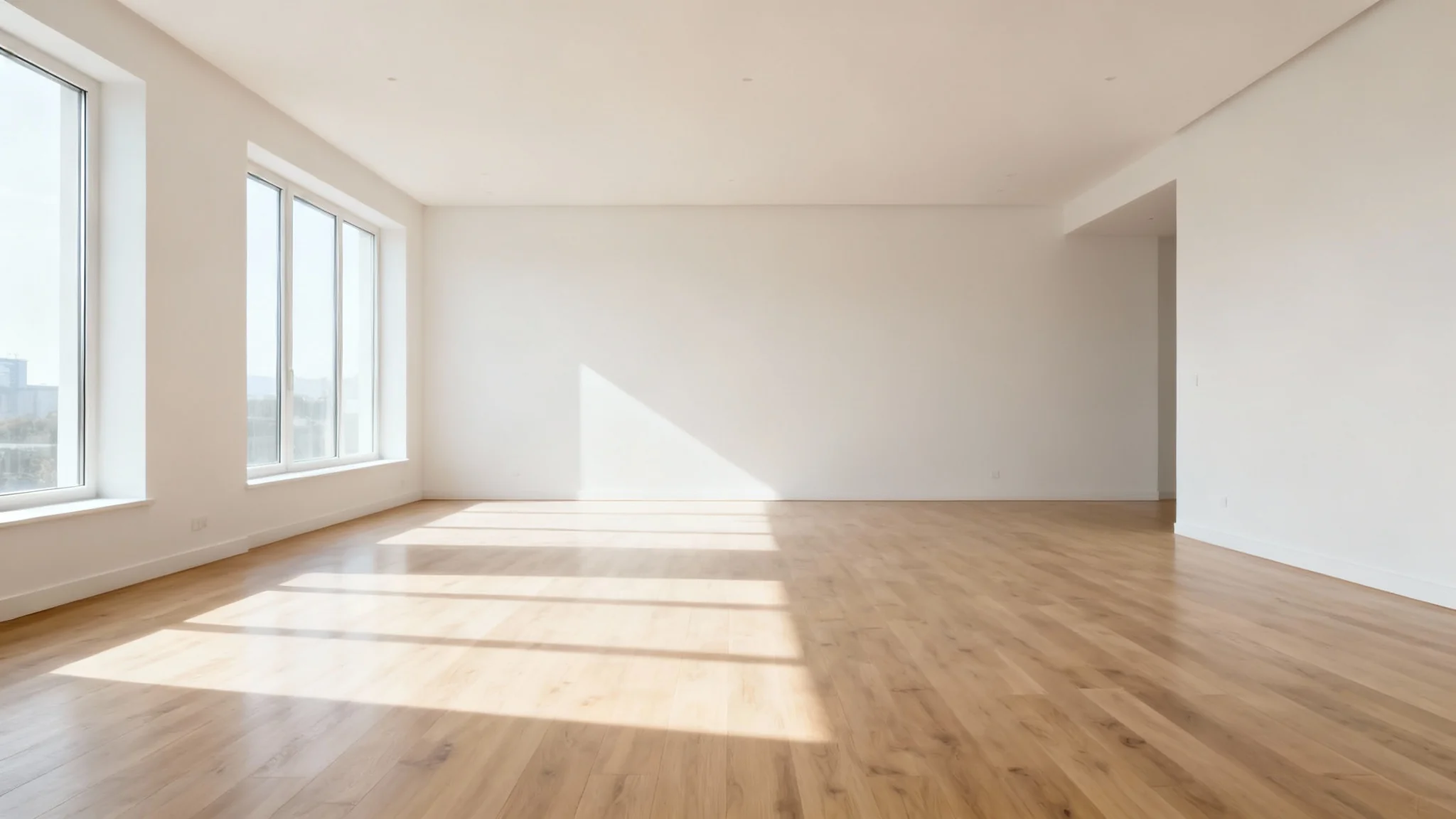
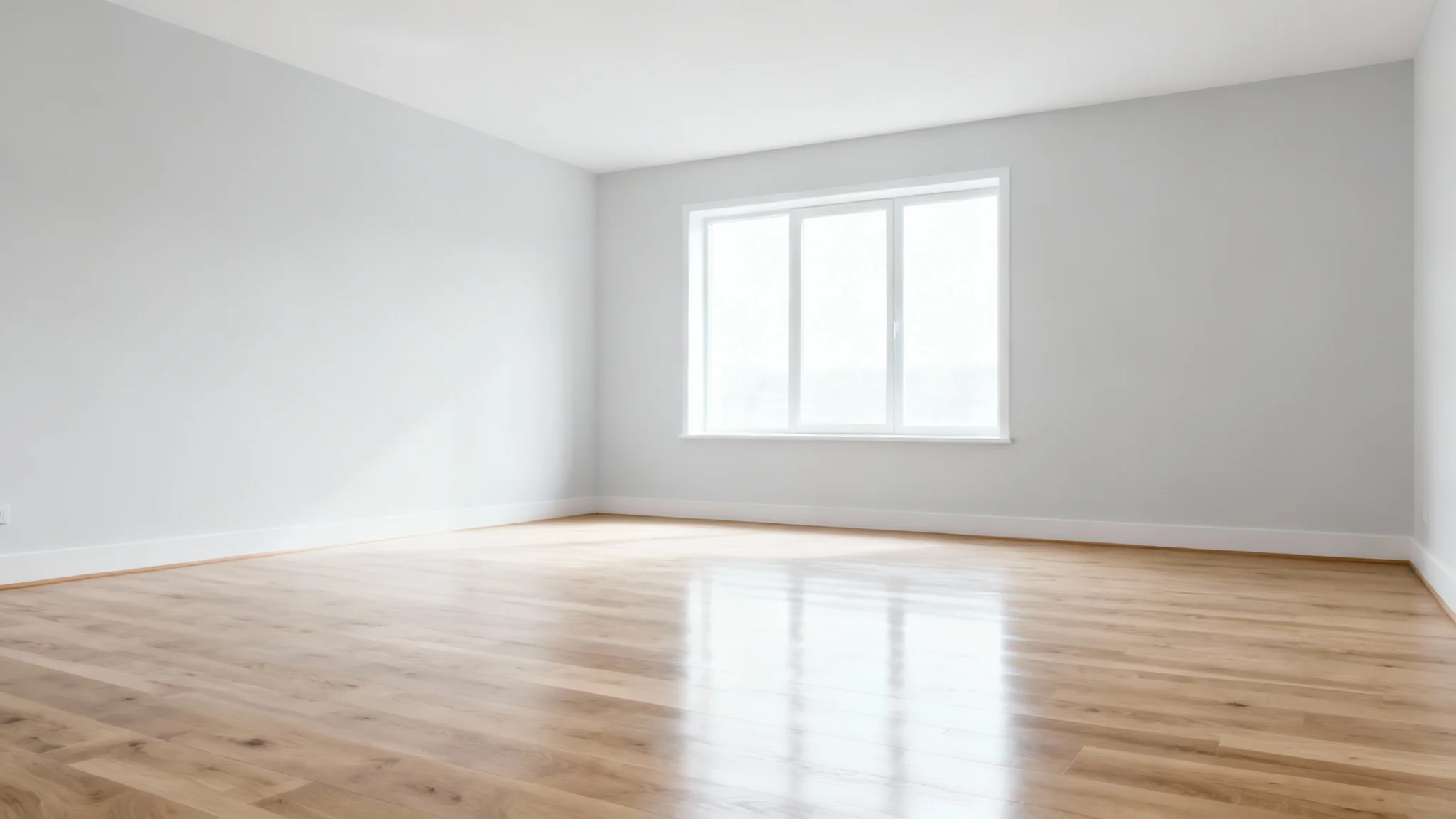
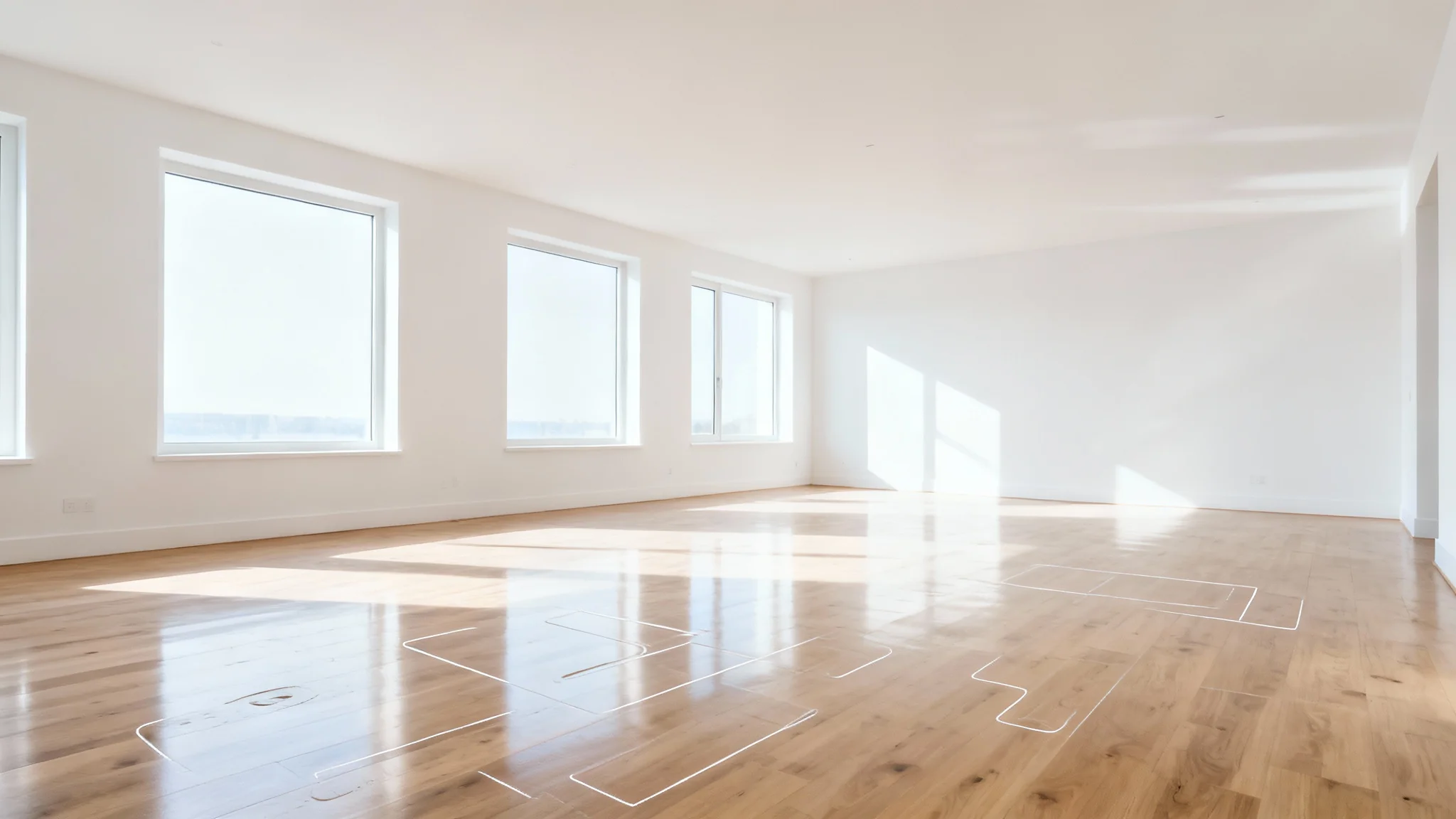
Pixa’s Remove Furniture tool is an AI-powered feature that automatically removes furniture and objects from interior photos. You upload a room image and tell Pixa what to remove, and it produces a realistic empty-room image. The AI fills in the space where furniture was to keep walls, floors and lighting looking natural.
First, upload your photo of a furnished room. Then type in exactly what you want to remove (for example, “remove sofa and table”). Click the generate button and wait a few seconds. Pixa’s AI will process the image and return a new photo with the specified furniture removed.
Yes. In your prompt, simply specify the furniture or objects you want gone (for example, “remove all chairs and coffee table”). Pixa’s AI will identify and erase those items, leaving the rest of the room intact.
No. Pixa does all the work for you. There’s no need for programs like Photoshop or any design skills. Just use our web tool: upload an image, enter a text prompt, and let the AI handle the rest.
Absolutely. Pixa delivers high-resolution results in PNG format with no watermark. The AI’s inpainting preserves texture and lighting so the empty interior looks realistic and crisp, suitable for print or online use.
Yes, Pixa’s furniture removal feature has a free version. You can remove furniture and download the results in high resolution without a watermark. Usage may be limited by free credits, but basic access is free.
Great app, easy to use. Helps our small business save time and money to create different marketing materials professionally. Thank you.
I need a good background remover for my work and I've been through them all it feels like. This one is the best by far. It's so easy to use and the results always look amazing. Thank you Pixa!
It's amazingly easy and gives the perfect results for my bags and accessories. It looks like it was done by a professional photographer.