Pixa
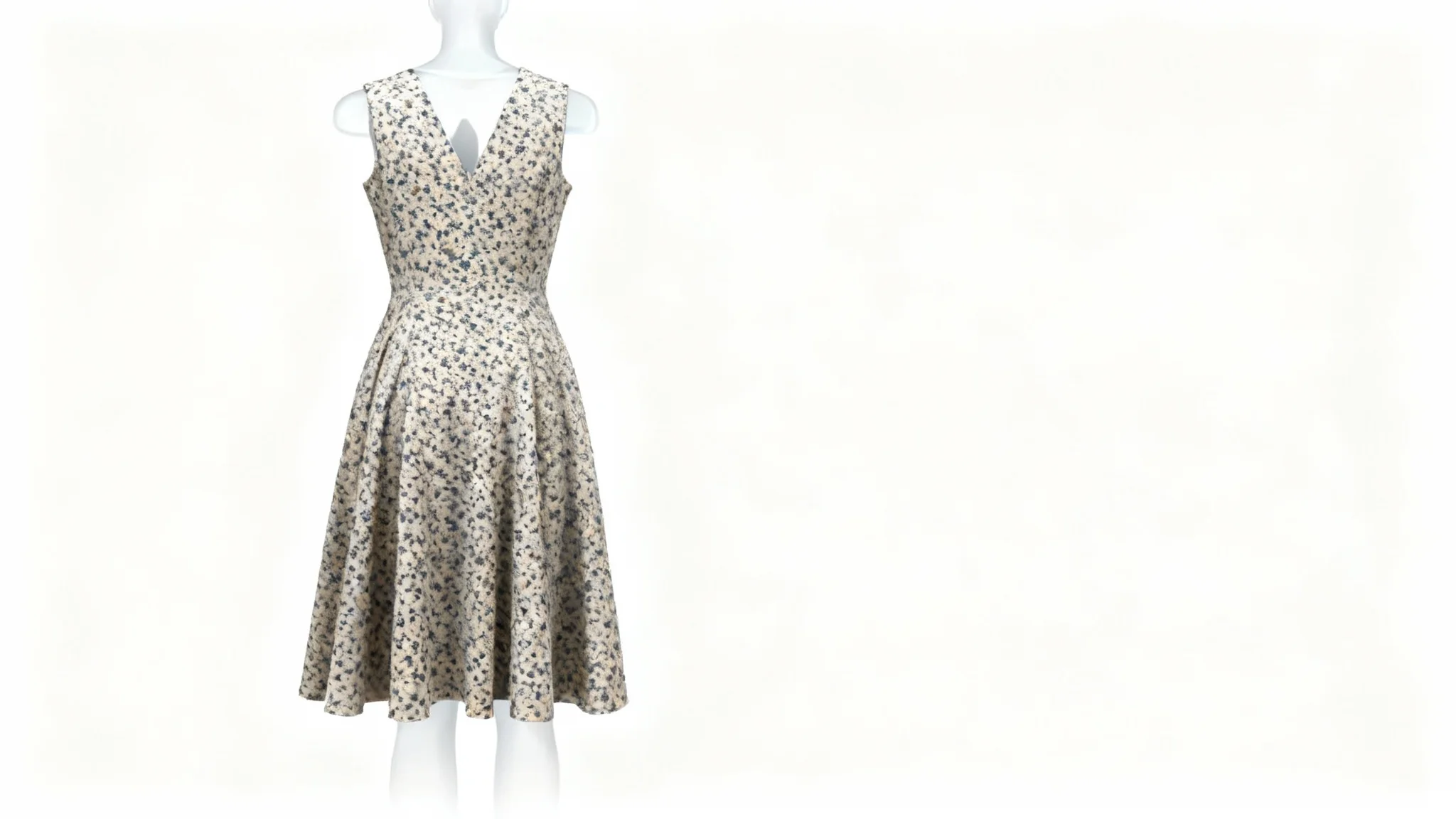
A floral summer dress professionally photographed on a white background using the ghost mannequin effect, making it appear as if worn by an invisible model.

Free AI Clothing Ghost Mannequin Generator

Create professional ghost mannequin images of your clothing in seconds. Upload a photo of your garment and our AI removes any mannequin or hanger to produce a ready-to-use apparel shot.
Easy to use - just write a prompt
Trusted by 70 million people
Powered by Pixa AI Agent
171,800 Reviews

How to create a clothing ghost mannequin image

  1. 1

    Upload your photo

    Select or drag the clothing image you want to edit. For example, upload a clear photo of a dress, shirt, or jacket (even on a hanger).

  2. 2

    Enter your prompt

    Describe the final look you want. For example, "blue dress on an invisible mannequin with a white background." Be specific about colors, style, or background.

  3. 3

    Generate image

    Click the generate button. Pixa’s AI will process your photo and prompt to create the ghost mannequin effect garment image.

  4. 4

    Download image

    Your high-resolution ghost mannequin photo is ready. Download the PNG file (watermark-free) and use it for your product listings or marketing.

In seconds, transform a simple garment photo into a polished product image with our AI clothing ghost mannequin generator. Simply take or upload a quick snap of your dress (even on a hanger) and our tool will create an invisible mannequin effect, adding realistic depth and dimension. No studio or model needed—the result is a clean, professional image ready for online shops, catalogs, or socials. Perfect for sellers who want high-quality clothing images without any hassle. For example, even a quick snap of a T-shirt becomes a 3D-style product shot showing every fold.

Professional Photos Without a Studio

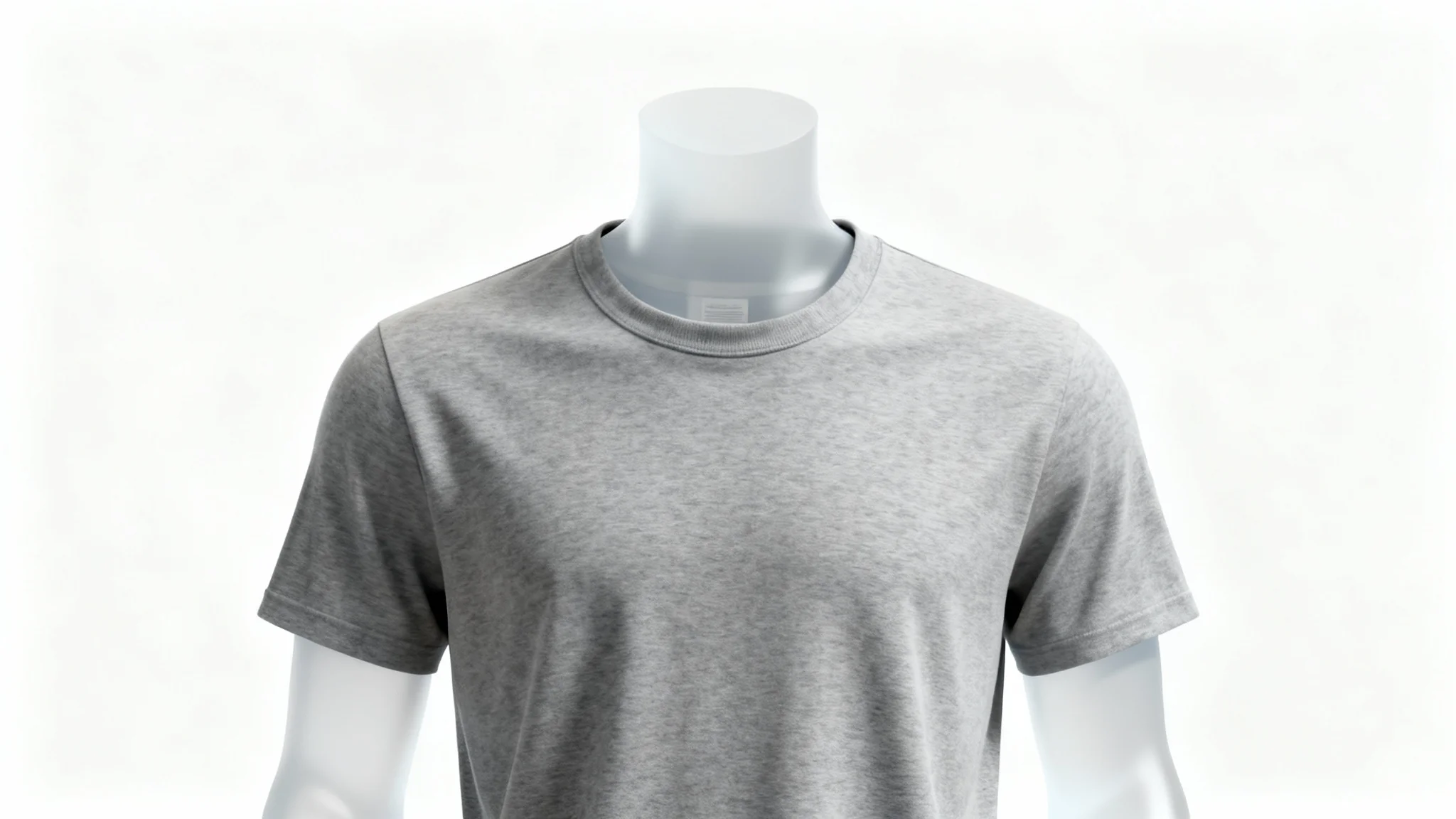
A heather gray t-shirt professionally photographed on a ghost mannequin, creating a 3D effect against a clean white background.
Keep the spotlight on your fashion with Pixa’s ghost mannequin tool. It digitally removes mannequins or hangers, showcasing just the garment. Specify the background and how the fabric should settle, and our AI will craft an image that highlights every stitch and fold. The transparent mannequin effect reveals true fit and silhouette, helping shoppers imagine the clothing on a person without distraction. The result is a polished, clean image where your design stands out. It’s perfect for catalogs, online stores, or lookbooks.

Showcase Clothing, Not the Mannequin

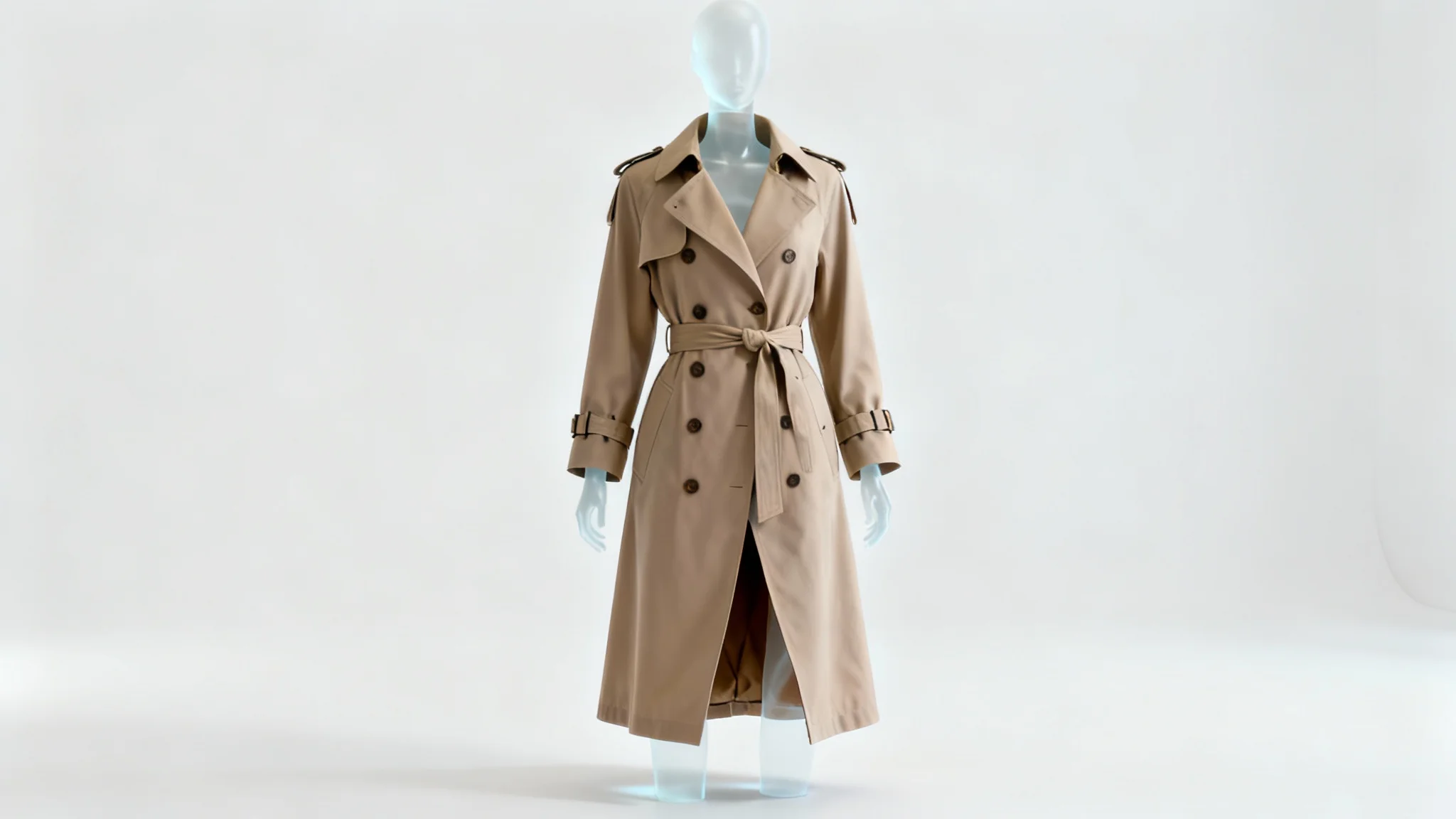
A beige trench coat professionally photographed on a ghost mannequin against a stark white background, showcasing the garment's fit and shape without a visible model.
Pixa’s AI doesn’t just remove the mannequin. It enhances your garment’s appearance with lifelike clarity. Every generated image keeps rich colors and authentic shadows, making textures and fabric details stand out. The results come out in high resolution (suitable for online catalogs or prints). Thanks to precise depth and shading, even folds and drapes look completely natural. In practice, a quick photo can turn into a retailer-ready shot, so your clothing images match professional product photography quality without the usual cost or effort.

Studio-Quality Clothing Photos

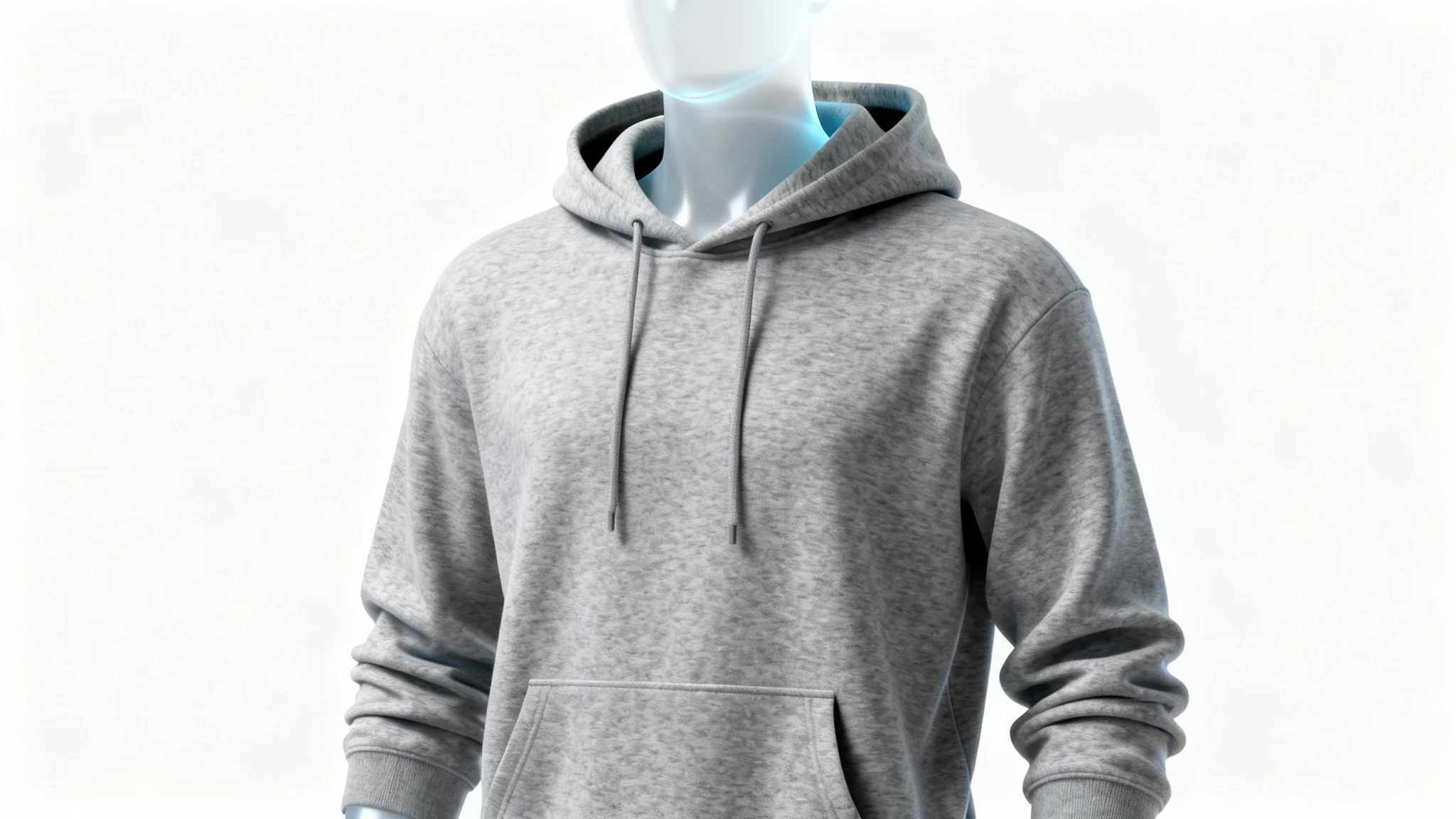
A professional product photo of a heather grey hoodie on a ghost mannequin, making it look like it's being worn by an invisible person against a clean white background.
It’s Fast: Turn a quick garment shot or phone photo into a ghost-mannequin image in seconds. It’s Easy: No editing or tech skills needed — just upload your photo, describe your vision, and let Pixa do the rest. It’s AI-driven: Pixa’s advanced model automatically removes any mannequins, then synthesizes realistic fabric folds and shadows behind the scenes. High Quality Output: Download a high-resolution PNG that highlights your apparel’s look, fit, and details, ready for catalogs or e-commerce. Versatile: Works with any clothing item. Dresses, jackets, shirts, or accessories are handled seamlessly, speeding up your product photography.

Why use Pixa's AI Clothing Ghost Mannequin Generator?

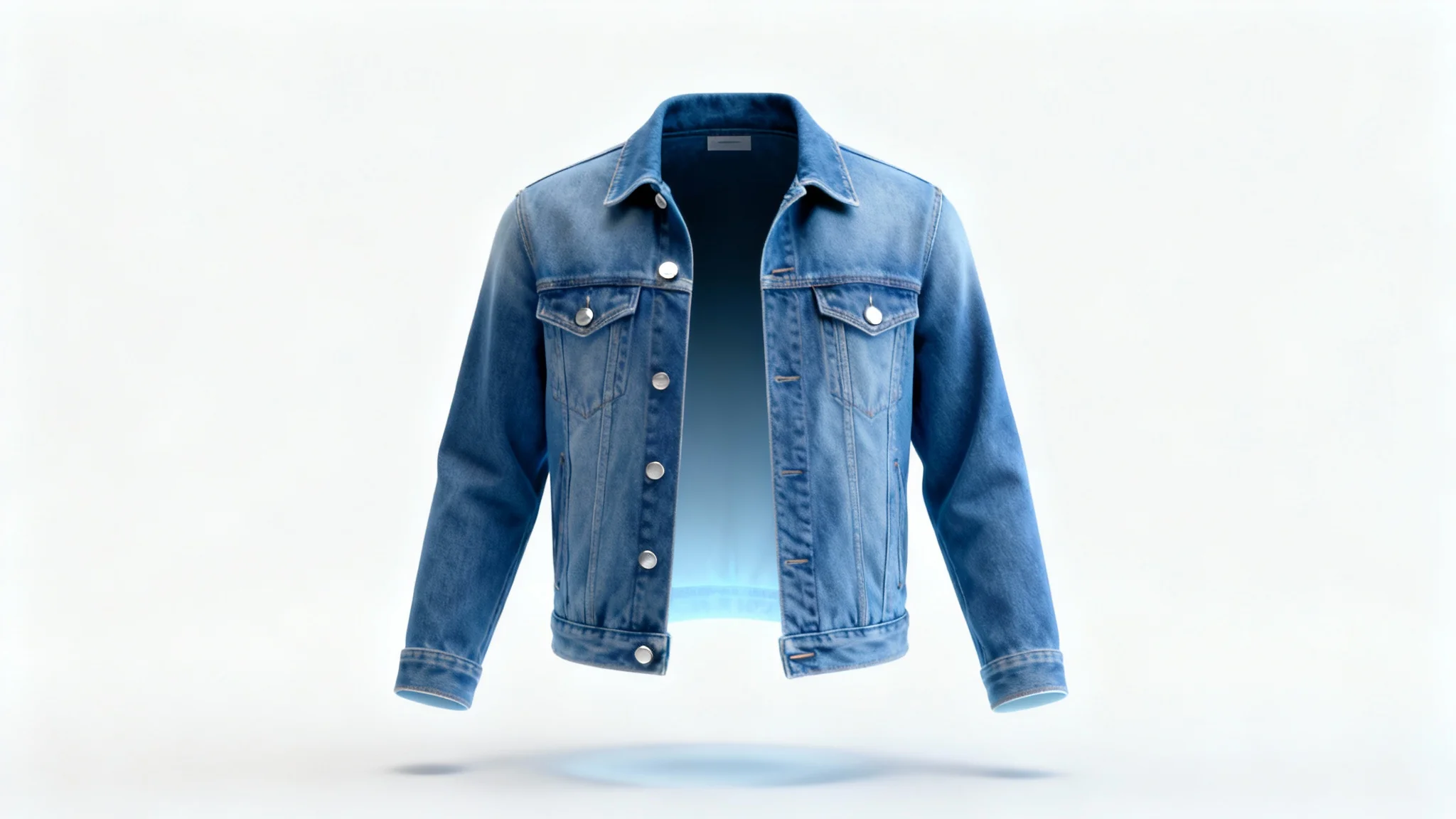
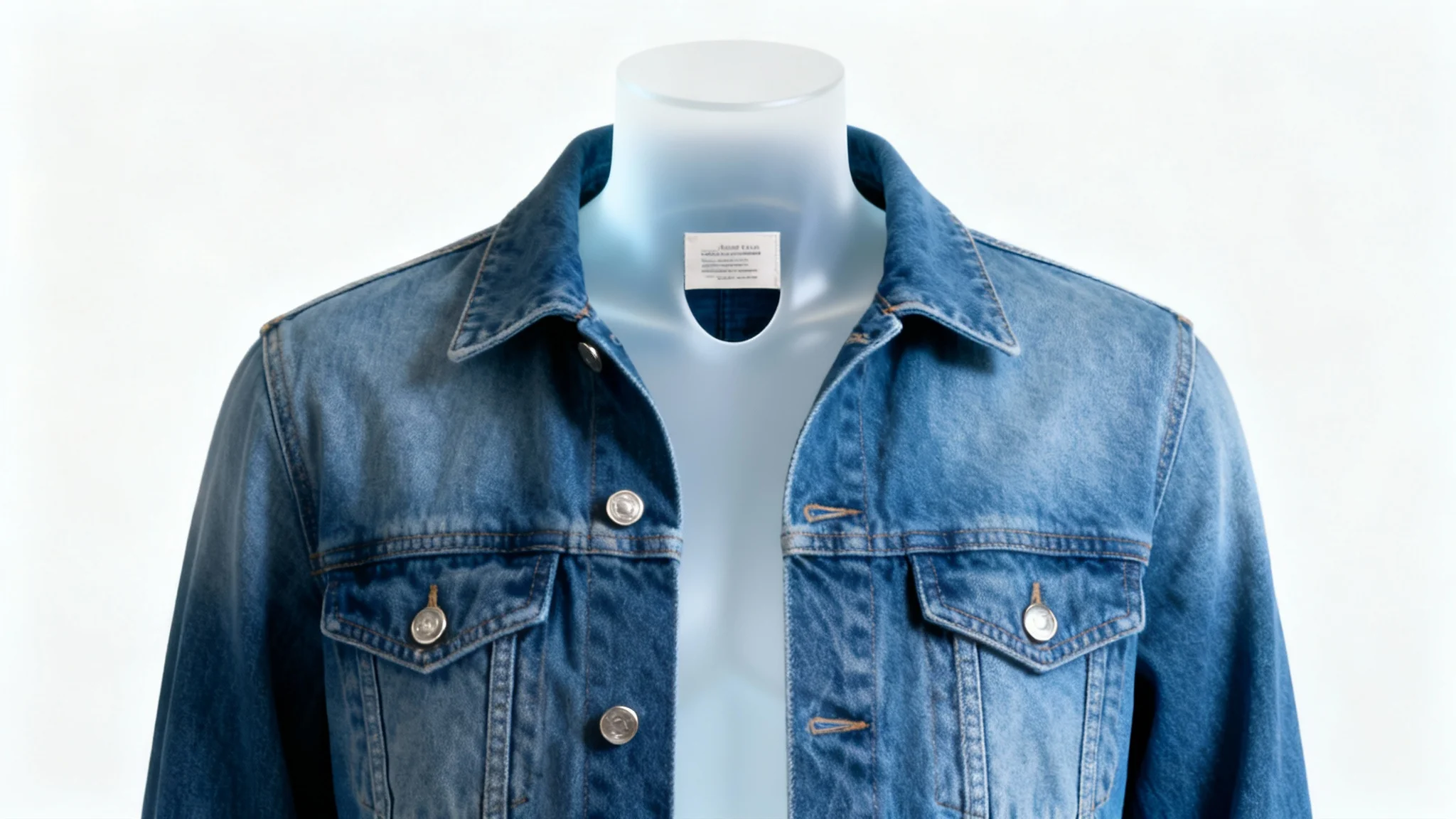
A blue denim jacket on a ghost mannequin, creating the illusion of it being worn by an invisible person against a stark white background. The photo is a professional product shot for e-commerce.
E-commerce Product Photos: Create uniform, professional images for Shopify or online marketplaces without a studio. Fashion Catalogs & Lookbooks: Generate stylish model-free images to showcase a clothing line in digital or print catalogs. Social Media & Ads: Easily produce trendy outfit photos for Instagram or Facebook ads, highlighting garments without expensive shoots. Clothing Design Mockups: Visualize new designs on an invisible model to quickly iterate and perfect styles. Reseller & Boutique Stores: Stand out on Etsy or eBay with clean, high-quality product photos that focus on the apparel itself.

Clothing Ghost Mannequin Generator Use Cases

A blue denim jacket professionally photographed using the ghost mannequin technique, showing the garment's 3D shape as if worn by an invisible person, set against a stark white background.

Frequently Asked Questions

Pixa is loved by over 2 million people

  • My favorite app

    Great app, easy to use. Helps our small business save time and money to create different marketing materials professionally. Thank you.
    Shaelyn D.
  • Best background remover

    I need a good background remover for my work and I've been through them all it feels like. This one is the best by far. It's so easy to use and the results always look amazing. Thank you Pixa!
    Kira H.
  • Love it

    It's amazingly easy and gives the perfect results for my bags and accessories. It looks like it was done by a professional photographer.
    Mary J.